Product management template
Release notes draft template
Collect what changed in a release and write it for customers: new, improved, fixed, and what’s coming next.
Free · Editable · Works with Claude and ChatGPT · Also in Sales & marketing
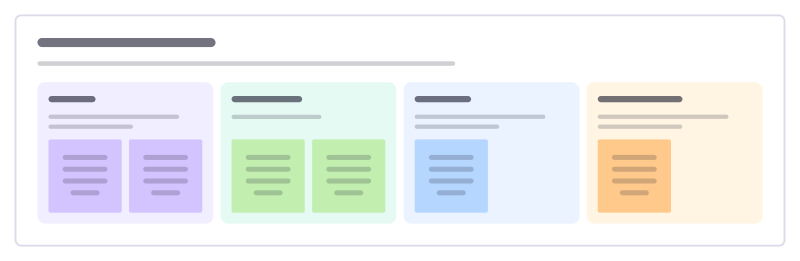
How to use the Release notes draft template
Start a board from it
Use this template opens a new Freero board with the Release notes draft template on it (sign up free first). On a board you already have, open Templates in the toolbar and search for “Release notes draft”.
Follow the instruction on the board
“Write each note as what the customer can now do, not what the team built. Lead with the change most customers will notice.”
Fill in each part
- New Things people can do that they couldn’t before.
- Improved Things that work better now.
- Fixed Bugs people may have hit. Thank whoever reported them.
- Coming soon One or two teasers, without dates you can’t keep.
Bring your team and your agents
Invite people to the board or share a link, and work on it together live. The timer is in the top bar, private mode and voting in the board menu, and Claude or ChatGPT can join through Freero’s MCP server.
Work on it with an AI agent
Connect an assistant once and it works on the board with you, with your permissions: by default it reads and proposes, and people decide.
You ask: “Fill in the Release notes draft board from these notes.”
What happens It reads the board, then proposes sticky notes for it. Nothing changes until someone on the board accepts them.
You ask: “Group what we wrote into themes and list the actions.”
What happens It proposes clusters with a title each and task cards for the actions, labelled with its name and yours.
Set it up for Claude, ChatGPT or any MCP client.
Related product management templates
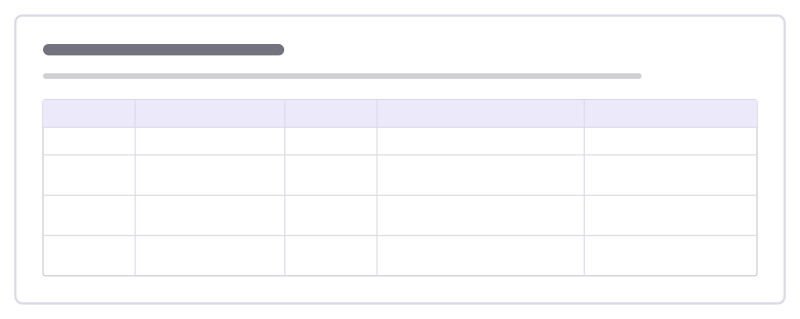
Pricing and packaging
Lay out your plans side by side: who each one is for, the price, what it includes, its limits and the reason to upgrade.
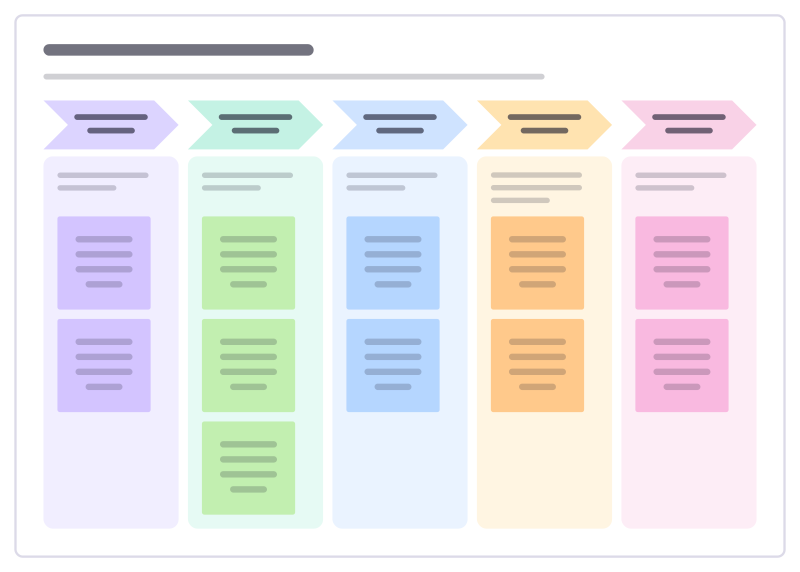
Launch announcement plan
Plan how a launch reaches people: the tease, the announcement day, the follow-up demos and the long tail.
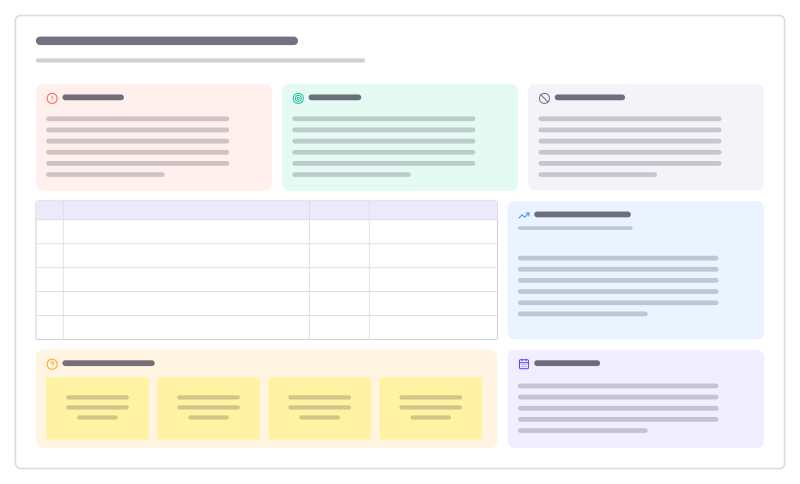
Product requirements (PRD)
A one-page spec: problem, goals and non-goals, prioritised requirements, metrics and open questions.
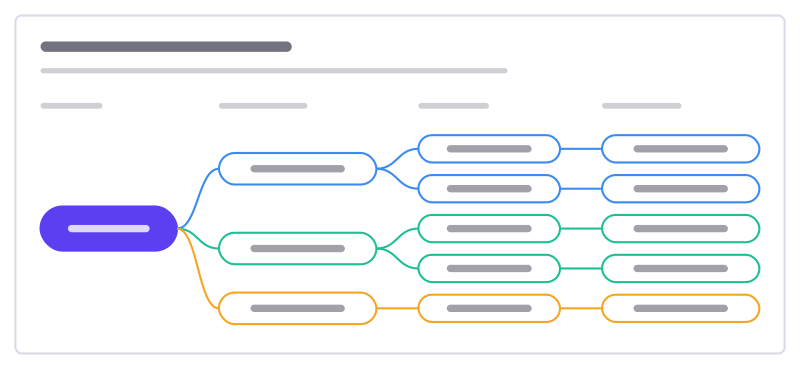
Opportunity solution tree
One outcome, the customer opportunities behind it, solutions for each and the experiments to test them.
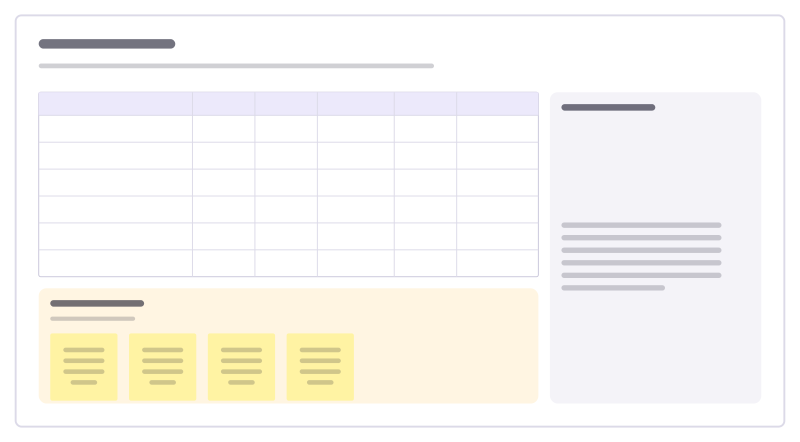
RICE scoring
Score ideas by reach, impact, confidence and effort, so the backlog order has reasons.
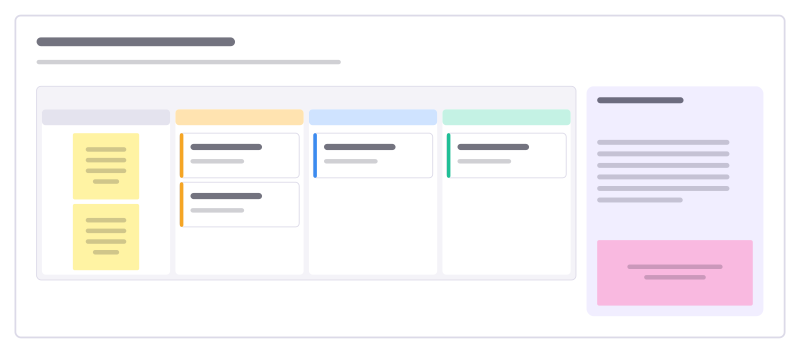
Customer feedback board
A kanban for feature requests and feedback: inbox, under review, planned and shipped.
All 83 product management templates · All 584 templates by category
Bring your team and your agents to one board
Free to use, open source, and yours to host. No credit card, no seat count.