Sales and marketing template
Product range review template
Review a product range line by line on sales, margin and space, and decide what to keep, grow, change or delist.
Free · Editable · Works with Claude and ChatGPT · Also in Strategy
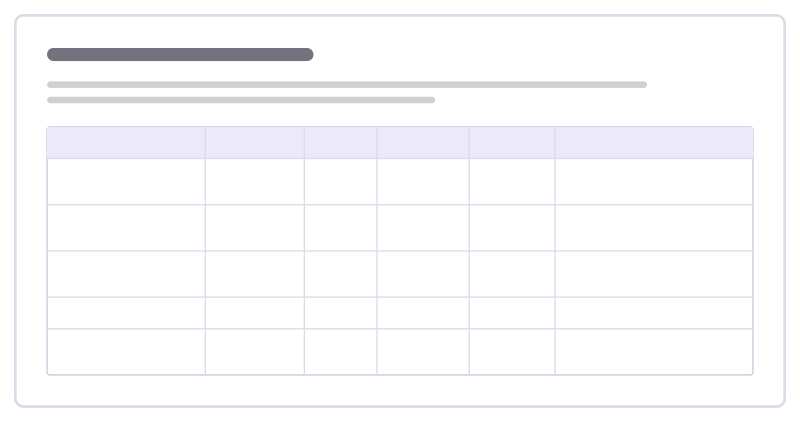
How to use the Product range review template
Start a board from it
Use this template opens a new Freero board with the Product range review template on it (sign up free first). On a board you already have, open Templates in the toolbar and search for “Product range review”.
Follow the instruction on the board
“Bring a year of sales and margin per line. Decide each row as keep, grow, change or delist, and note what replaces anything you cut.”
Fill in each part
- Table Columns: Product · Sales trend · Margin · Shelf space · Decision · Why
Bring your team and your agents
Invite people to the board or share a link, and work on it together live. The timer is in the top bar, private mode and voting in the board menu, and Claude or ChatGPT can join through Freero’s MCP server.
Work on it with an AI agent
Connect an assistant once and it works on the board with you, with your permissions: by default it reads and proposes, and people decide.
You ask: “Fill in the Product range review board from these notes.”
What happens It reads the board, then proposes sticky notes for it. Nothing changes until someone on the board accepts them.
You ask: “Group what we wrote into themes and list the actions.”
What happens It proposes clusters with a title each and task cards for the actions, labelled with its name and yours.
Set it up for Claude, ChatGPT or any MCP client.
Related sales and marketing templates

Expansion opportunity map
Map where a happy customer could get more value from you: new teams, new sites, more of what they use or something new.

Customer coverage model
Decide how much attention each group of customers gets, from a named manager to self-service, and what each group can expect.
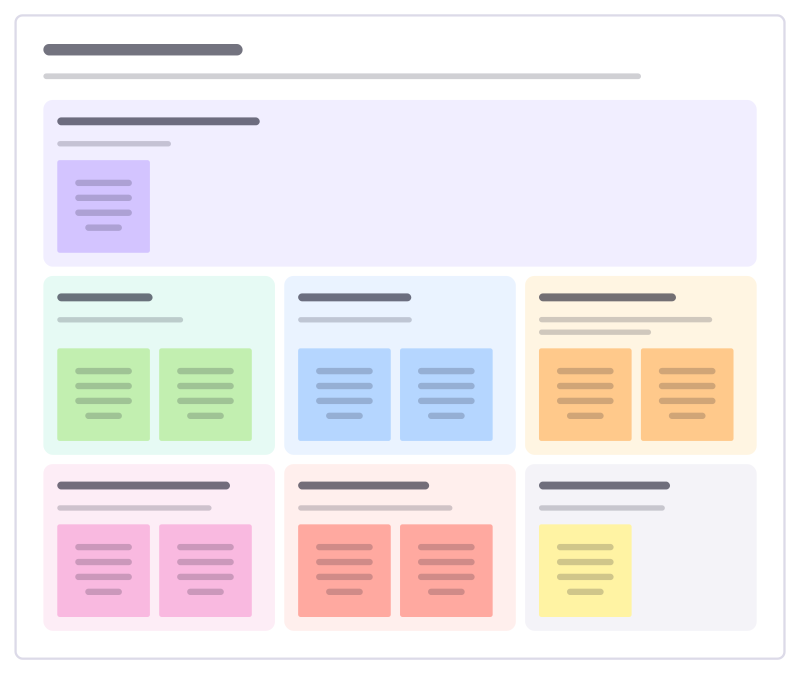
Negotiation plan
Prepare for a contract negotiation: what you must get, what you can give, what they will ask for and your walk-away point.
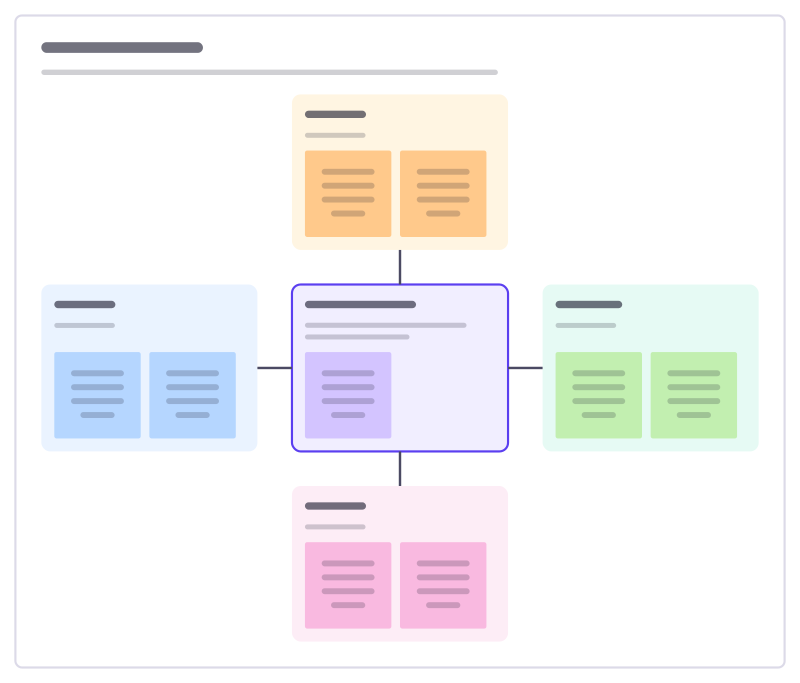
Brand pillars
Define what the brand stands on: the promise in the middle and the few pillars that prove it, each with how it shows up.
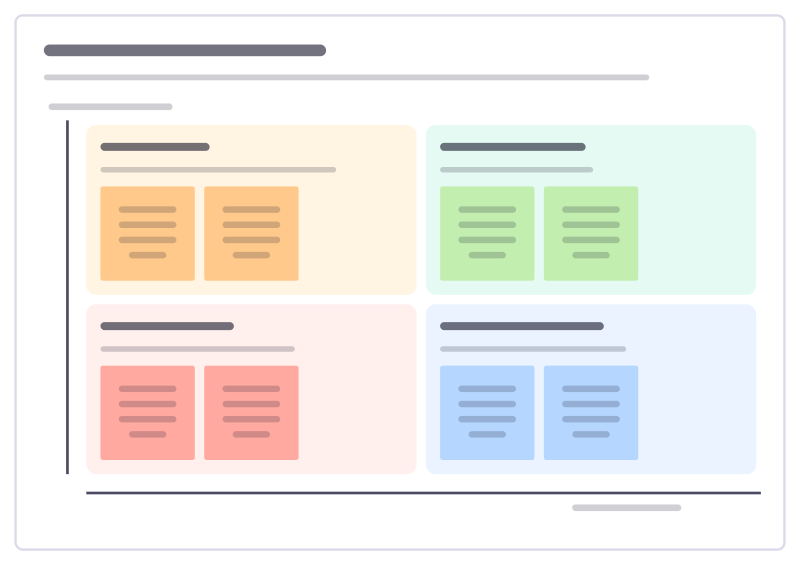
Menu profitability matrix
Sort every dish by how often it sells and how much it earns, then decide what to promote, rework, reprice or drop.

Loyalty programme design
Design a loyalty scheme that pays for itself: who to reward, the behaviour you want, how people earn, the rewards and the cost.
All 84 sales and marketing templates · All 584 templates by category
Bring your team and your agents to one board
Free to use, open source, and yours to host. No credit card, no seat count.