Meeting template
Team offsite planner template
Plan an offsite people are glad they went to: purpose, outcomes, sessions, logistics and what happens after.
Free · Editable · Works with Claude and ChatGPT · Also in Team building, Planning
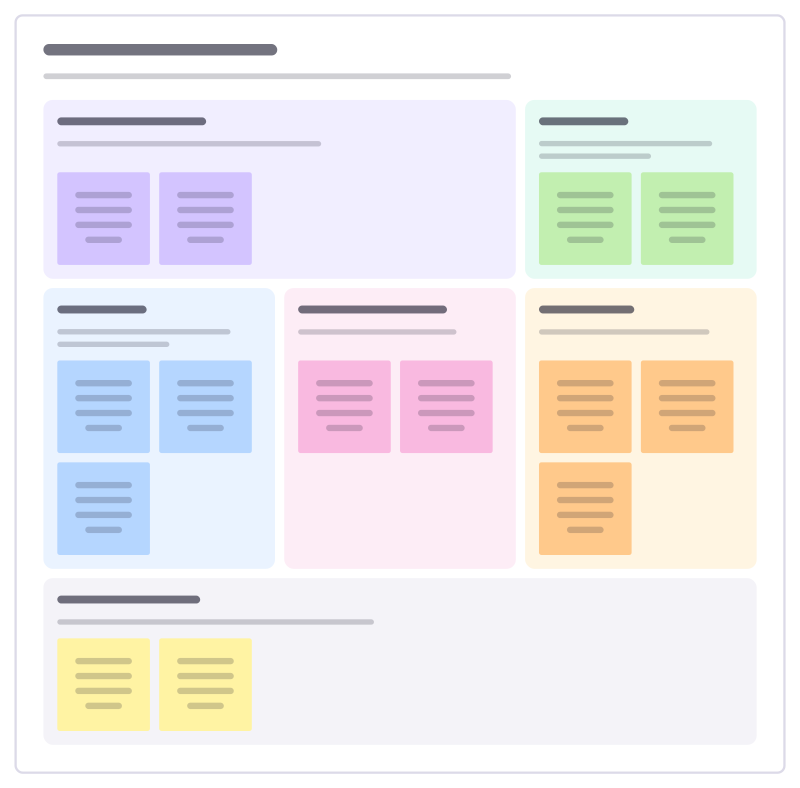
How to use the Team offsite planner template
Start a board from it
Use this template opens a new Freero board with the Team offsite planner template on it (sign up free first). On a board you already have, open Templates in the toolbar and search for “Team offsite planner”.
Follow the instruction on the board
“Start with why you are getting together in person. Every session should earn its place against that purpose.”
Fill in each part
- Why we are meeting What can we only do together in a room that we can’t do on calls?
- Outcomes What will exist at the end that doesn’t now?
- Sessions Which blocks get us there? Mix deep work, energy and rest.
- Fun and connection What will people talk about afterwards?
- Logistics Place, travel, food, budget, access needs.
- After the offsite How will decisions survive the trip home? Who writes up, who follows up, when?
Bring your team and your agents
Invite people to the board or share a link, and work on it together live. The timer is in the top bar, private mode and voting in the board menu, and Claude or ChatGPT can join through Freero’s MCP server.
Work on it with an AI agent
Connect an assistant once and it works on the board with you, with your permissions: by default it reads and proposes, and people decide.
You ask: “Fill in the Team offsite planner board from these notes.”
What happens It reads the board, then proposes sticky notes for it. Nothing changes until someone on the board accepts them.
You ask: “Group what we wrote into themes and list the actions.”
What happens It proposes clusters with a title each and task cards for the actions, labelled with its name and yours.
Set it up for Claude, ChatGPT or any MCP client.
Related meeting templates
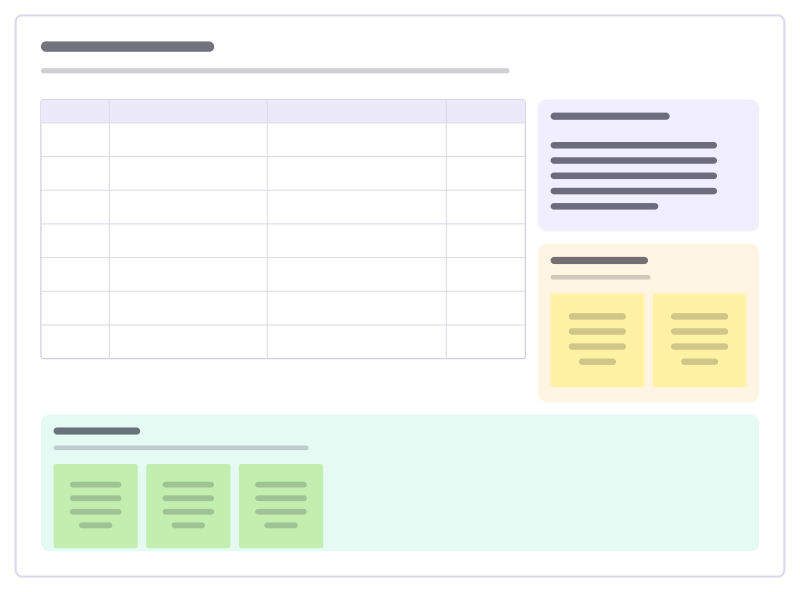
Workshop agenda
A timed agenda with methods and owners, the goals, a parking lot and a check-out.
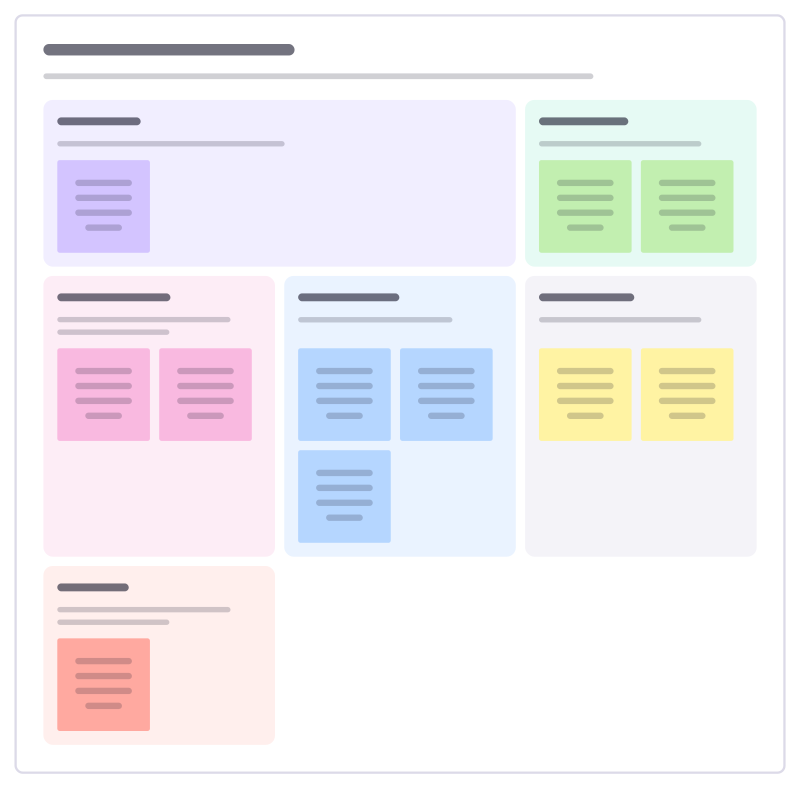
Workshop design canvas
Design a workshop before you book the room: purpose, people, outcomes, activities, materials and what could go wrong.
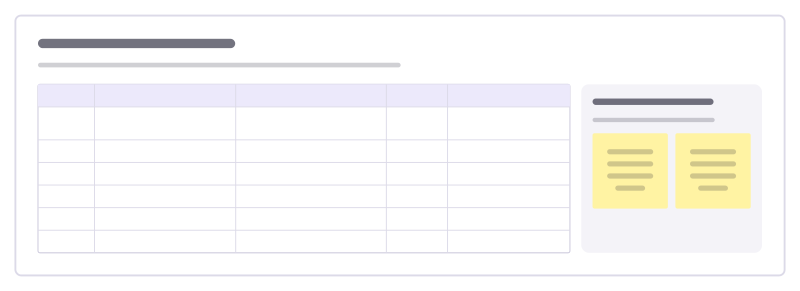
Facilitator run sheet
The minute-by-minute plan a facilitator runs from: time, activity, purpose, who leads and what needs to be ready.
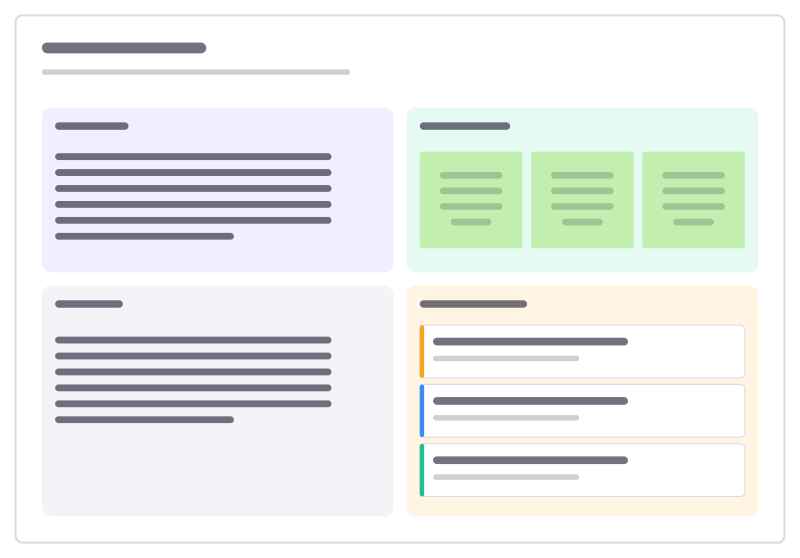
Meeting notes
Agenda, running notes, decisions and action items with owners in one place.
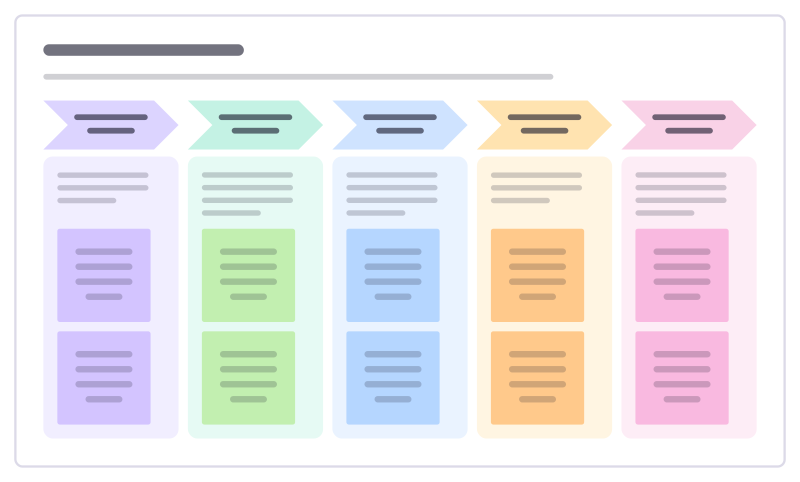
All-hands agenda
A company or department meeting in timed blocks, from wins and numbers to the big topic and open questions.
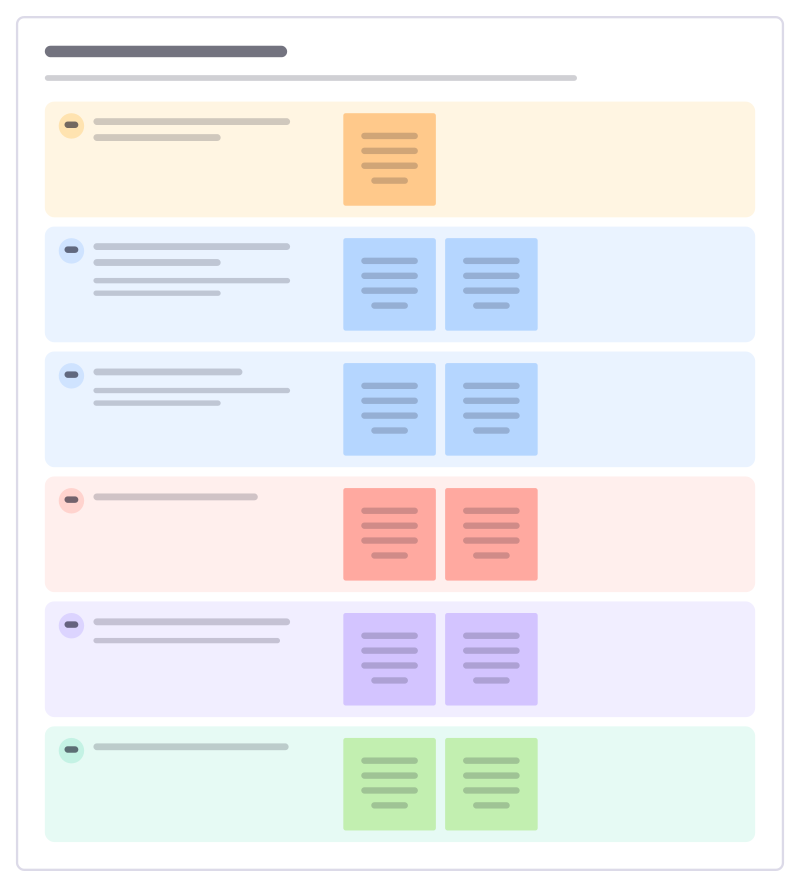
Trustee board meeting
Run a nonprofit board meeting that decides things: declarations, the director’s report, finances, risks and the decisions needed today.
Bring your team and your agents to one board
Free to use, open source, and yours to host. No credit card, no seat count.