Planning template
Financial scenarios template
Set a downside, base and upside case for next year’s numbers, and agree the early signs that tell you which one you are in.
Free · Editable · Works with Claude and ChatGPT · Also in Strategy
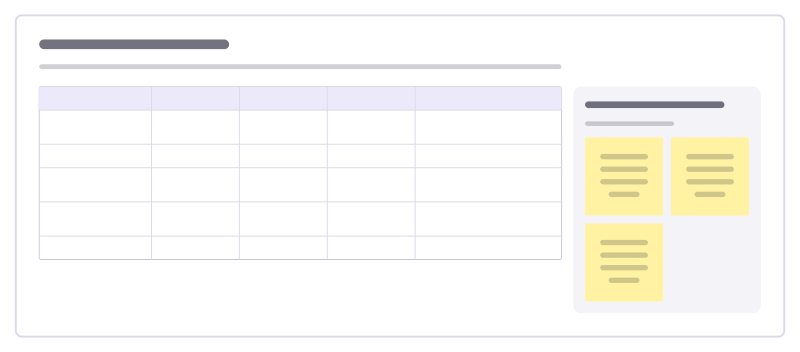
How to use the Financial scenarios template
Start a board from it
Use this template opens a new Freero board with the Financial scenarios template on it (sign up free first). On a board you already have, open Templates in the toolbar and search for “Financial scenarios”.
Follow the instruction on the board
“Change only a few drivers between cases, and make them ones you can watch monthly. Decide now what you would do if the downside starts to show.”
Fill in each part
- Table Columns: Driver · Downside · Base · Upside · Early signal
- If the downside shows What we agreed in advance.
Bring your team and your agents
Invite people to the board or share a link, and work on it together live. The timer is in the top bar, private mode and voting in the board menu, and Claude or ChatGPT can join through Freero’s MCP server.
Work on it with an AI agent
Connect an assistant once and it works on the board with you, with your permissions: by default it reads and proposes, and people decide.
You ask: “Fill in the Financial scenarios board from these notes.”
What happens It reads the board, then proposes sticky notes for it. Nothing changes until someone on the board accepts them.
You ask: “Group what we wrote into themes and list the actions.”
What happens It proposes clusters with a title each and task cards for the actions, labelled with its name and yours.
Set it up for Claude, ChatGPT or any MCP client.
Related planning templates
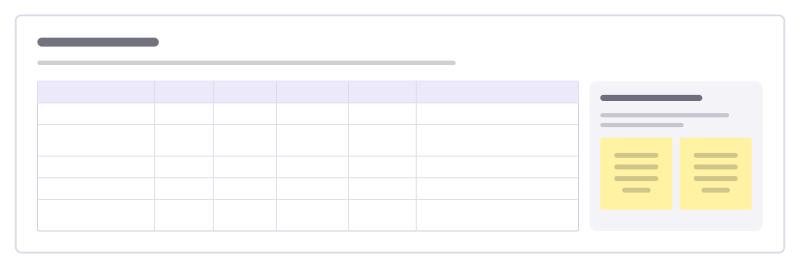
Budget plan
Planned against actual spend per line, with variance and a note for each gap, so budget talks start from the same numbers.
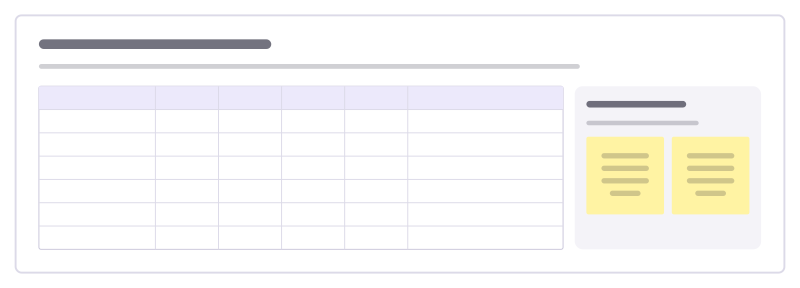
Weekly cash flow forecast
Forecast the money coming in and going out week by week for the next quarter, so you see a cash crunch before it arrives.
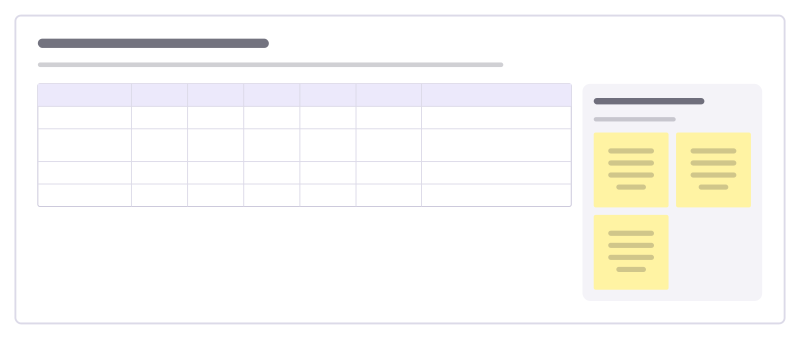
Revenue forecast by stream
Forecast each revenue stream quarter by quarter, with how confident you are and the assumption behind every number.
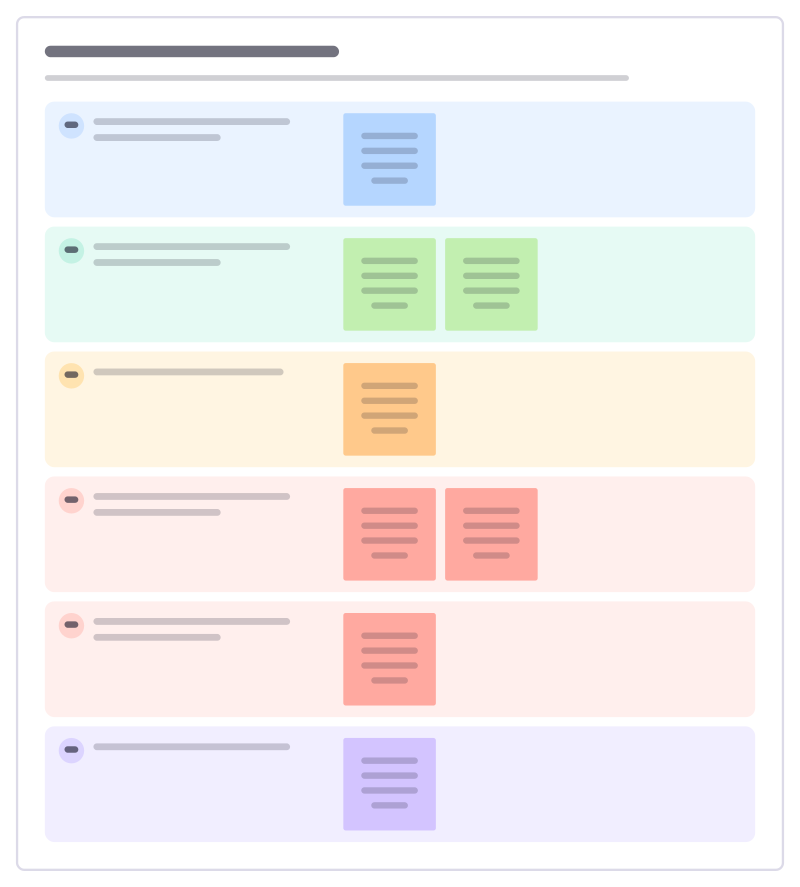
Small business health check
A quarterly look at a small business’s money: cash, margins, who owes you, what you owe and the one fix to make next.
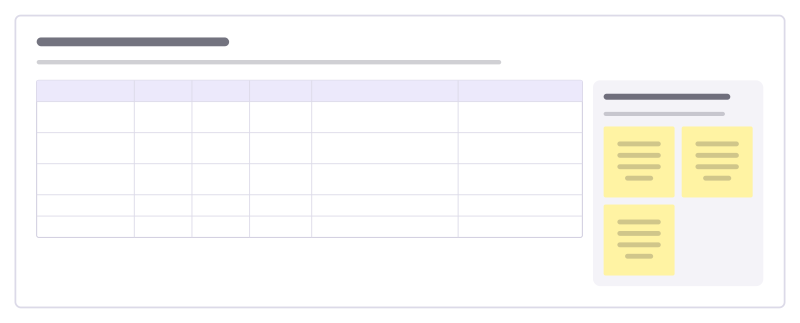
Budget variance review
Compare what each budget line actually spent with the plan, explain the big gaps and agree what to do about them.
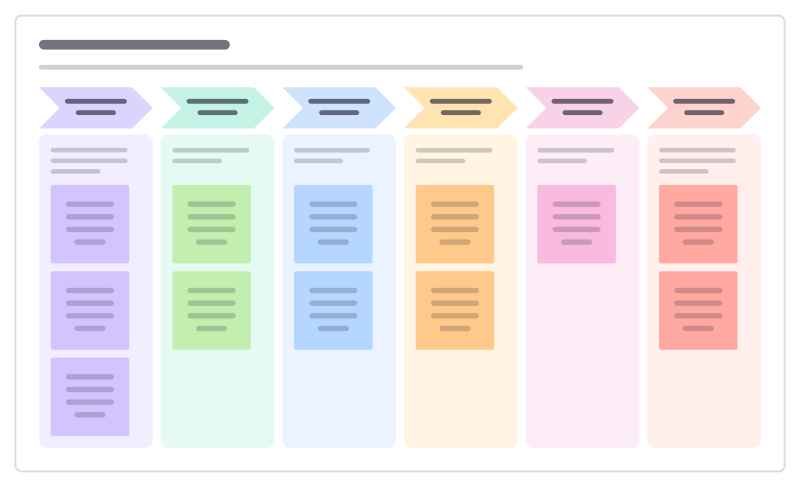
Annual budget cycle
Plan next year’s budget round: guidance from the top, team drafts, challenge sessions, approval and how it is shared.
Bring your team and your agents to one board
Free to use, open source, and yours to host. No credit card, no seat count.