Design template
Component proposal template
Propose a new design system component: the need, where it’s used, its variants and states, accessibility and what it replaces.
Free · Editable · Works with Claude and ChatGPT · Also in Engineering
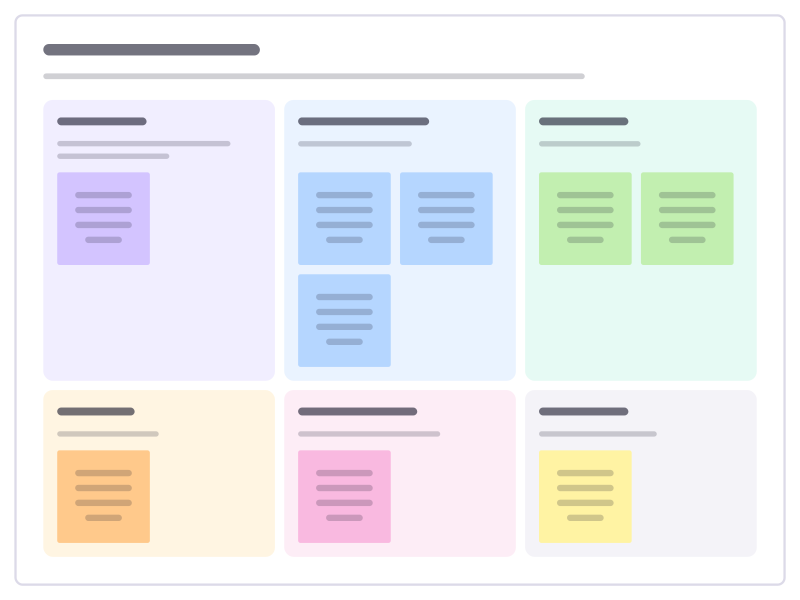
How to use the Component proposal template
Start a board from it
Use this template opens a new Freero board with the Component proposal template on it (sign up free first). On a board you already have, open Templates in the toolbar and search for “Component proposal”.
Follow the instruction on the board
“Show three real places the component is needed before designing it. If an existing component can stretch to fit, prefer that.”
Fill in each part
- The need What problem it solves, and where today’s parts fall short.
- Where it’s used At least three real screens.
- Variants The versions it comes in.
- States Every state it can be in.
- Accessibility Keyboard, screen readers, contrast.
- Replaces What we remove once it ships.
Bring your team and your agents
Invite people to the board or share a link, and work on it together live. The timer is in the top bar, private mode and voting in the board menu, and Claude or ChatGPT can join through Freero’s MCP server.
Work on it with an AI agent
Connect an assistant once and it works on the board with you, with your permissions: by default it reads and proposes, and people decide.
You ask: “Fill in the Component proposal board from these notes.”
What happens It reads the board, then proposes sticky notes for it. Nothing changes until someone on the board accepts them.
You ask: “Group what we wrote into themes and list the actions.”
What happens It proposes clusters with a title each and task cards for the actions, labelled with its name and yours.
Set it up for Claude, ChatGPT or any MCP client.
Related design templates
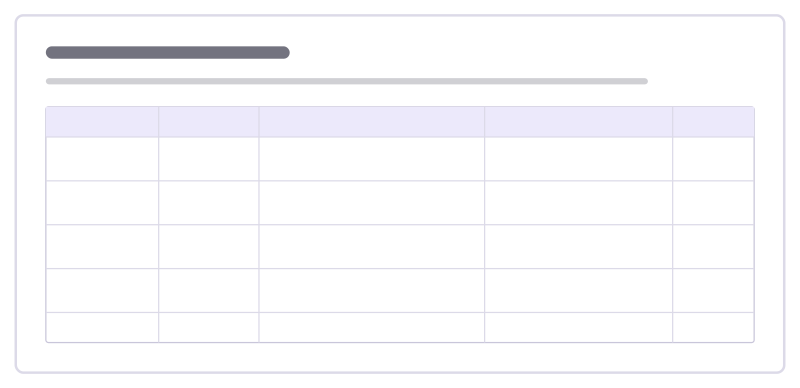
Design system audit
Inventory how a component is really used across the product, the inconsistencies you found and what to do about each one.
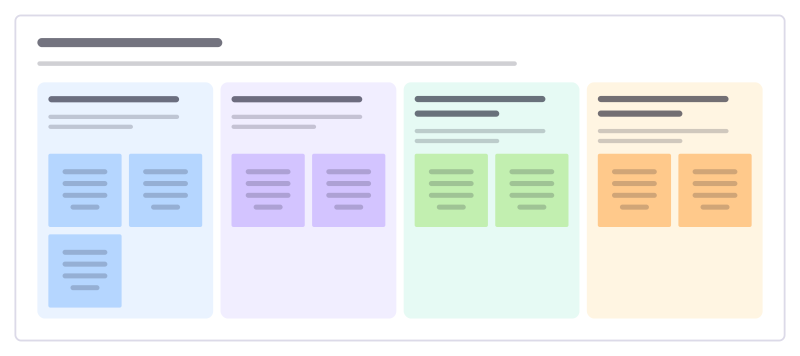
Accessibility review
Review a screen or flow against the four public principles of accessible design, with concrete checks and what to fix.
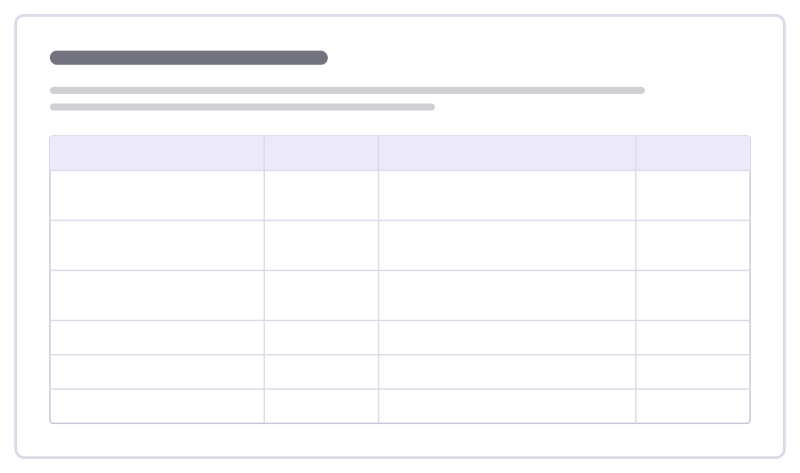
Design QA checklist
Check a built feature against the design before release: layout, states, content, accessibility and responsiveness.
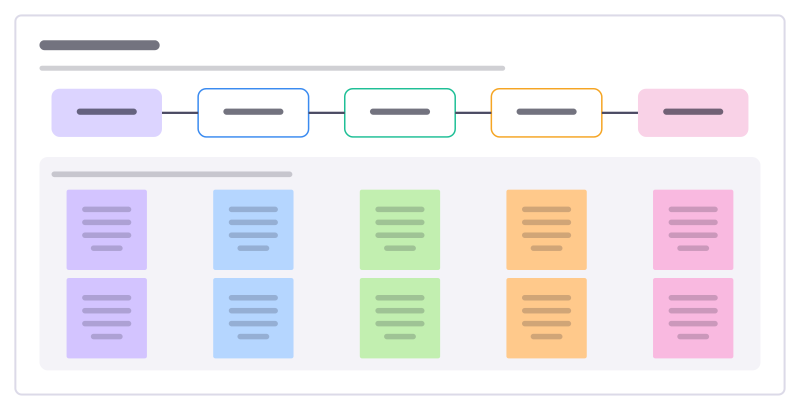
User flow
The screens and steps a person goes through to finish one task, with what each step must achieve and where it can go wrong.
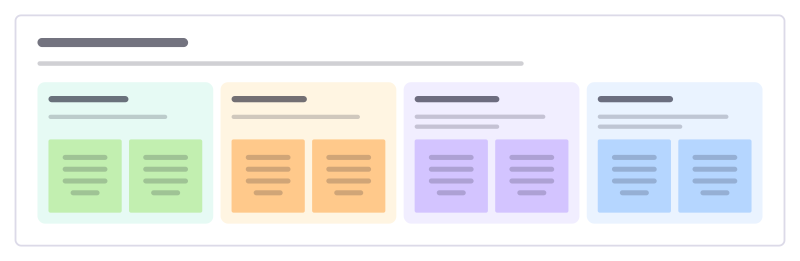
Design critique
Give feedback on a design against its goal: what works, open questions, concrete suggestions and what the designer decides.
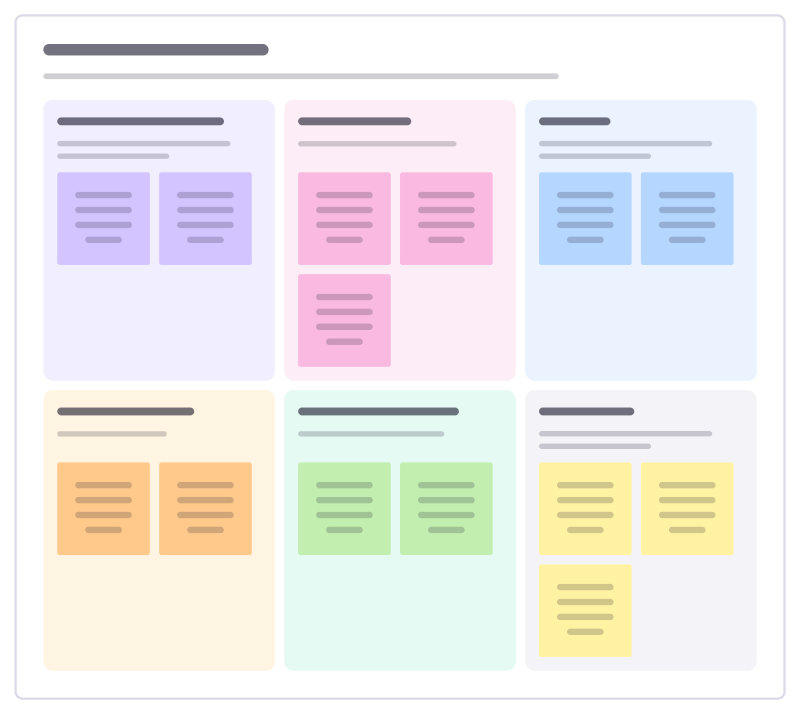
Usability test plan
Plan a round of usability sessions: what you need to learn, with whom, the tasks they will try and how you will judge success.
Bring your team and your agents to one board
Free to use, open source, and yours to host. No credit card, no seat count.