Software engineering template
Alert review template
Go through last month’s alerts one by one and decide which to keep, tune, turn into a ticket or delete, so pages mean something.
Free · Editable · Works with Claude and ChatGPT · Also in Operations
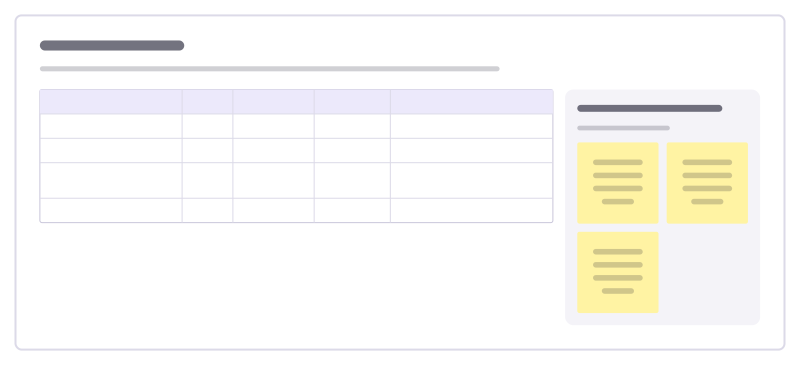
How to use the Alert review template
Start a board from it
Use this template opens a new Freero board with the Alert review template on it (sign up free first). On a board you already have, open Templates in the toolbar and search for “Alert review”.
Follow the instruction on the board
“Sort alerts by how often they fired. For each, ask if someone had to act right away; if not, it shouldn’t wake anyone up.”
Fill in each part
- Table Columns: Alert · Fired · Needed action? · Decision · Change to make
- Questions for each alert Ask these before deciding.
Bring your team and your agents
Invite people to the board or share a link, and work on it together live. The timer is in the top bar, private mode and voting in the board menu, and Claude or ChatGPT can join through Freero’s MCP server.
Work on it with an AI agent
Connect an assistant once and it works on the board with you, with your permissions: by default it reads and proposes, and people decide.
You ask: “Fill in the Alert review board from these notes.”
What happens It reads the board, then proposes sticky notes for it. Nothing changes until someone on the board accepts them.
You ask: “Group what we wrote into themes and list the actions.”
What happens It proposes clusters with a title each and task cards for the actions, labelled with its name and yours.
Set it up for Claude, ChatGPT or any MCP client.
Related software engineering templates
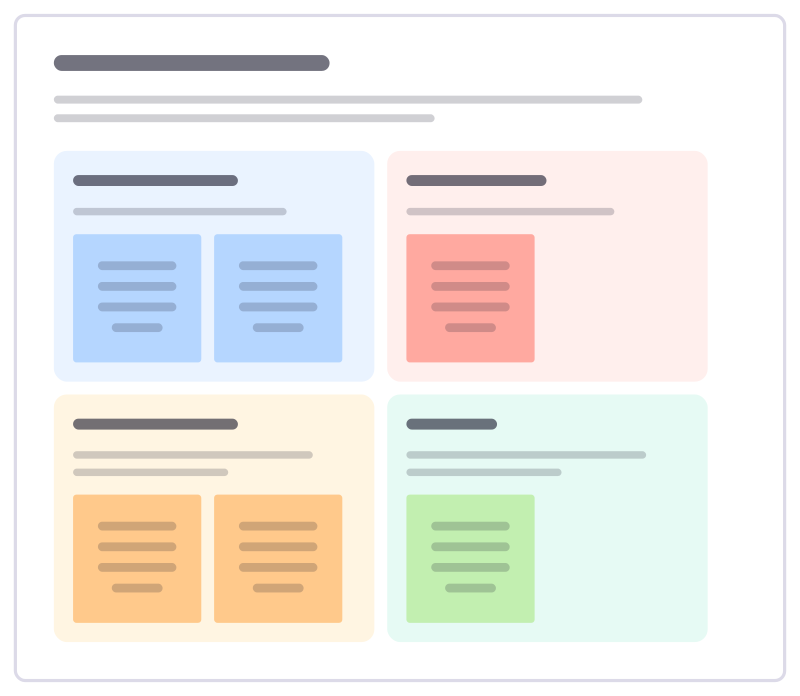
On-call handover
Hand the pager over cleanly: what happened this week, what’s still open, what to watch and what the next person needs to know.
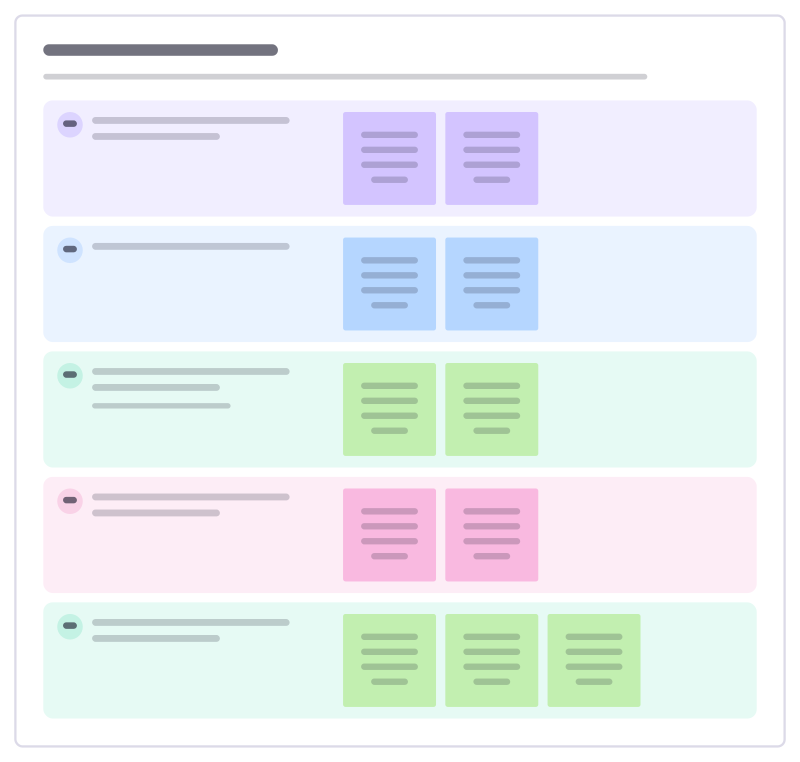
On-call health check
Ask how on-call is really going for the people who carry the pager: load, sleep, support and what would make it fairer.
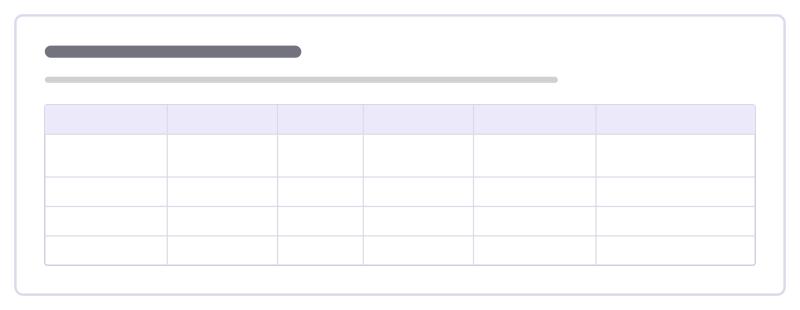
Service ownership map
Who owns each service, where its docs and dashboards live, how critical it is and who to call when it breaks.
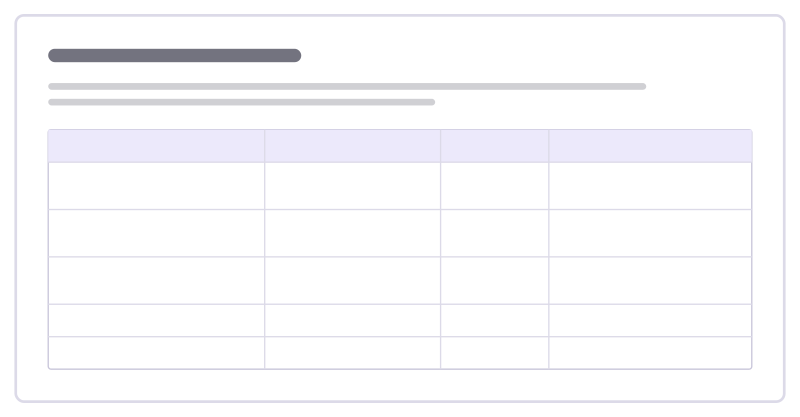
Observability plan
Decide what to measure for a service: the question each signal answers, where it lives and when it should wake someone up.
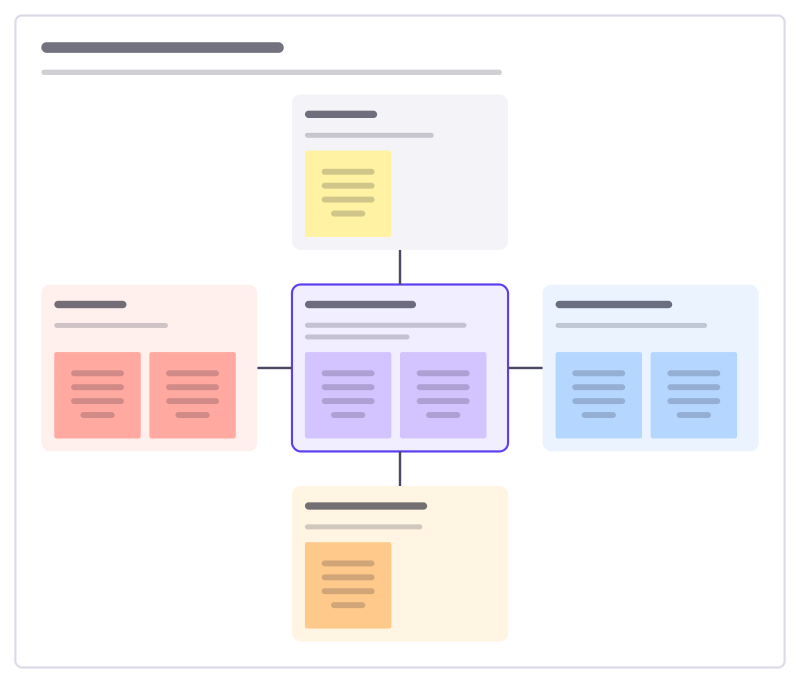
Incident response roles
Who does what when a serious incident starts: the incident lead in the middle, and the roles that support them.
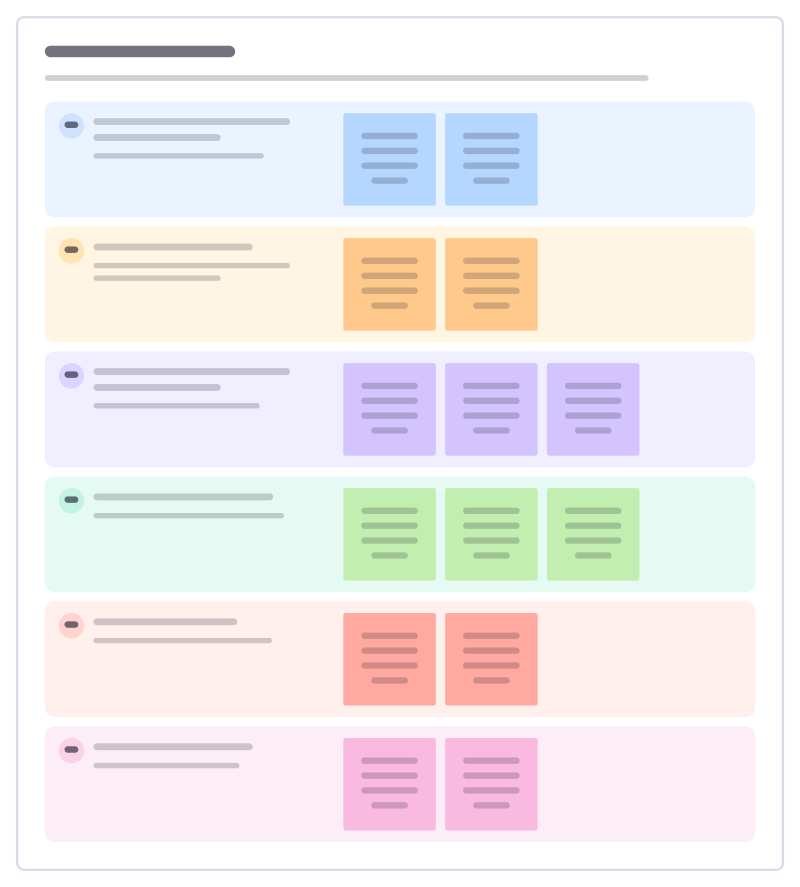
Service runbook
What an on-call engineer needs at 3am for one service: how to tell it’s broken, first checks, safe fixes and who to wake.
All 89 software engineering templates · All 584 templates by category
Bring your team and your agents to one board
Free to use, open source, and yours to host. No credit card, no seat count.