Team building template
Working with me template
A one-page guide to how you work best: hours, communication, feedback and the things that drain you, for teammates to read.
Free · Editable · Works with Claude and ChatGPT · Also in HR & people

How to use the Working with me template
Start a board from it
Use this template opens a new Freero board with the Working with me template on it (sign up free first). On a board you already have, open Templates in the toolbar and search for “Working with me”.
Follow the instruction on the board
“Write it for a new teammate. Be specific and kind to yourself; update it when something changes.”
Fill in each part
- My best hours When are you sharpest, and when are you hard to reach?
- How to reach me Which channel for what kind of thing?
- Feedback I like How do you want to hear praise and criticism?
- What drains me What makes you less effective, even if others don’t notice?
- What I’m good at What can people come to you for?
- Things people misread What might be misunderstood about you?
Bring your team and your agents
Invite people to the board or share a link, and work on it together live. The timer is in the top bar, private mode and voting in the board menu, and Claude or ChatGPT can join through Freero’s MCP server.
Work on it with an AI agent
Connect an assistant once and it works on the board with you, with your permissions: by default it reads and proposes, and people decide.
You ask: “Fill in the Working with me board from these notes.”
What happens It reads the board, then proposes sticky notes for it. Nothing changes until someone on the board accepts them.
You ask: “Group what we wrote into themes and list the actions.”
What happens It proposes clusters with a title each and task cards for the actions, labelled with its name and yours.
Set it up for Claude, ChatGPT or any MCP client.
Related team building templates

Superpowers and weak spots
Team members share what they’re great at and where they’d love help, so the team knows who to ask for what.
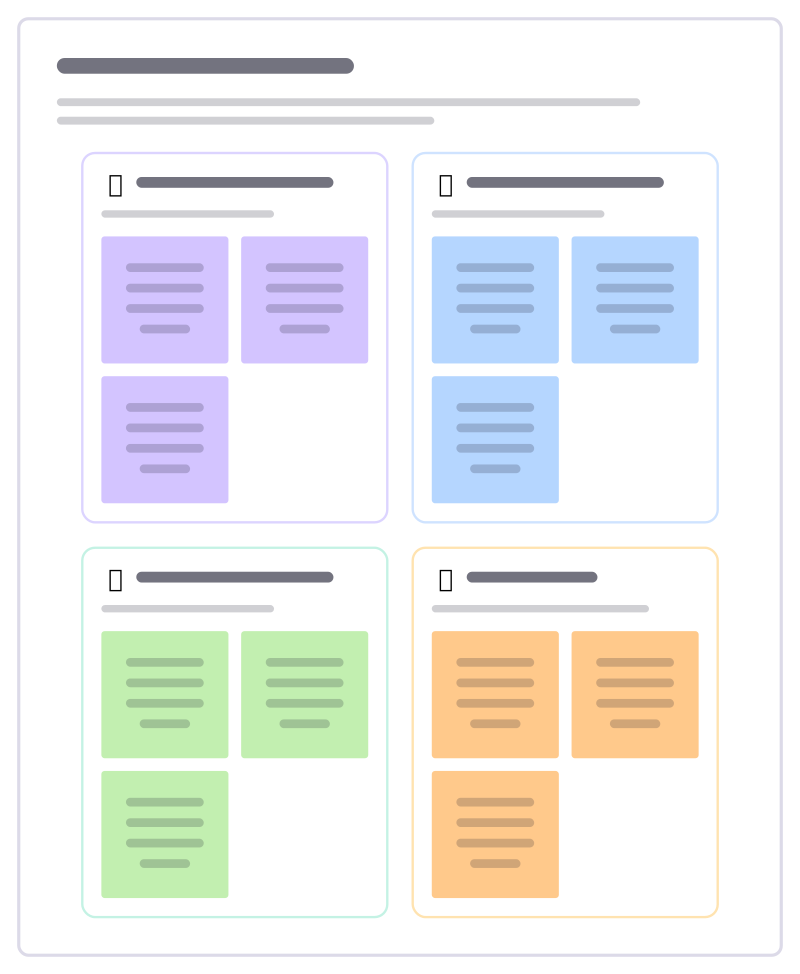
Team trading cards
Everyone makes a card about themselves: a superpower, what fuels them and a topic to ask them about. Good for new or growing teams.
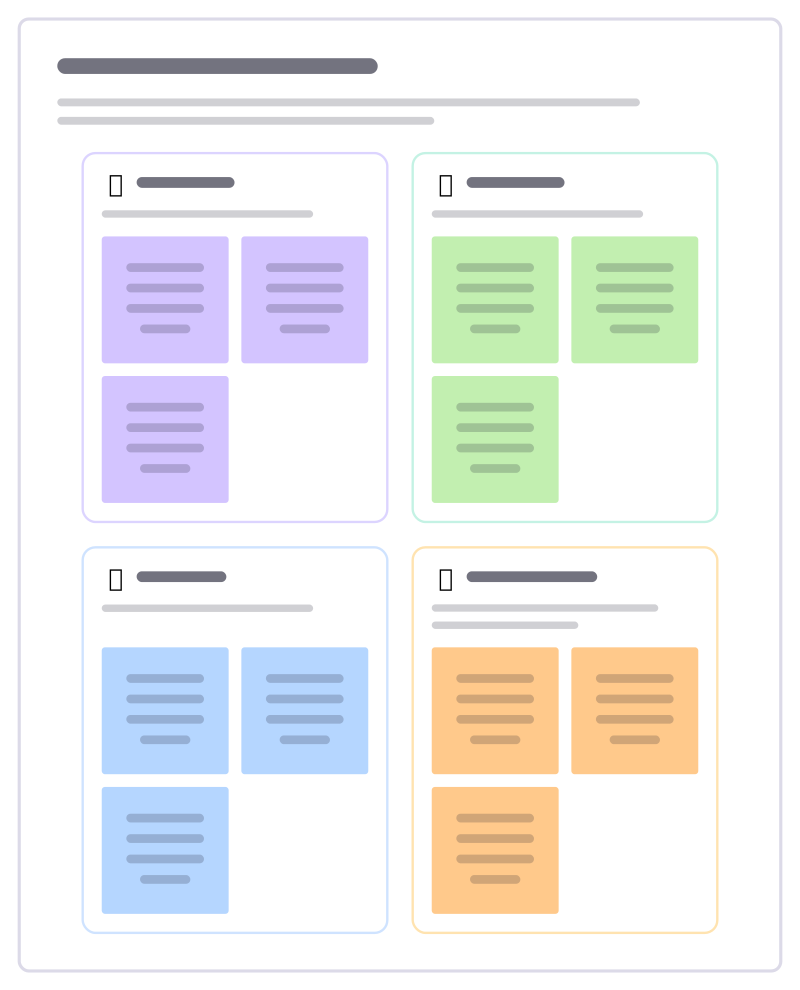
Two truths and a lie
Each person writes three statements about themselves, one of them false; the team guesses which before the reveal.

Gratitude round
A short round where people thank someone for something specific they did, read aloud to them.
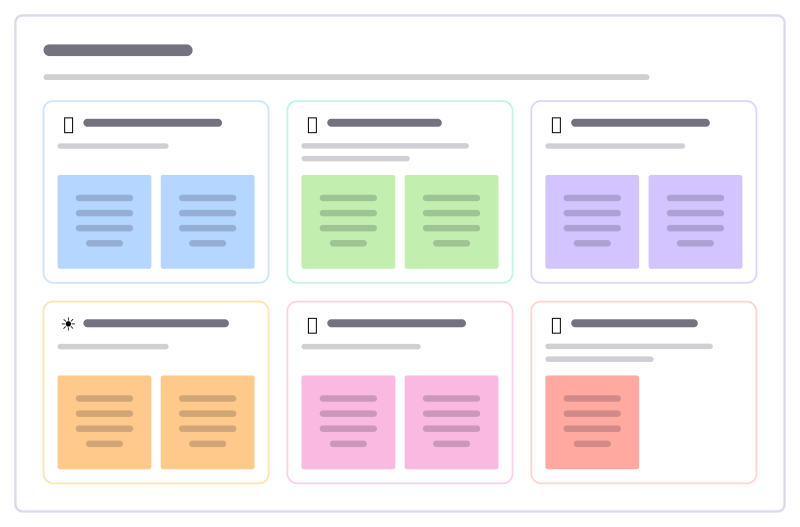
Kudos wall
A board for saying thank you in public: help that unblocked you, quiet work that mattered, someone who made the week better.
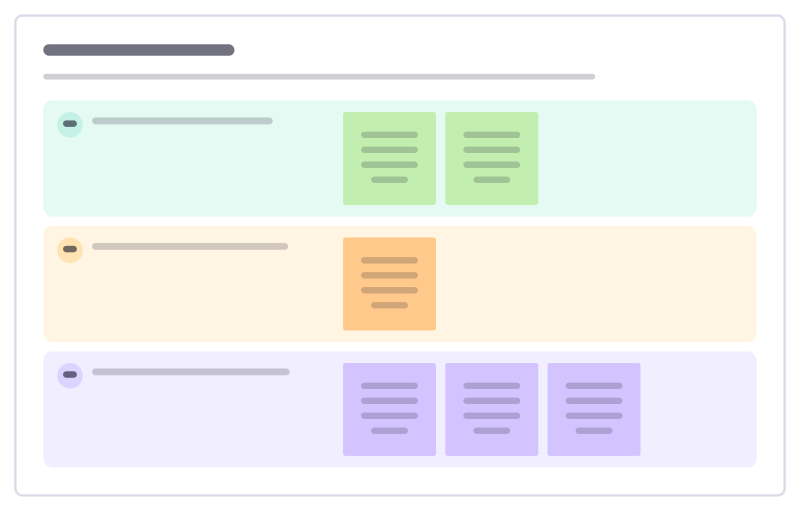
Check-out round
Close a meeting or workshop so nothing is left unsaid: one takeaway, one open question and how people are leaving.
All 18 team building templates · All 584 templates by category
Bring your team and your agents to one board
Free to use, open source, and yours to host. No credit card, no seat count.