Sales and marketing template
Webinar plan template
Plan a webinar from idea to follow-up: topic and promise, promotion, the run of show, the live session and what happens after.
Free · Editable · Works with Claude and ChatGPT · Also in Education, Planning
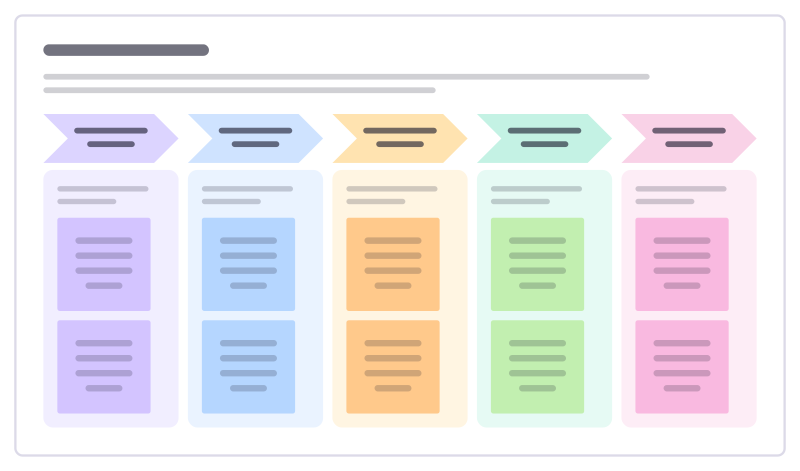
How to use the Webinar plan template
Start a board from it
Use this template opens a new Freero board with the Webinar plan template on it (sign up free first). On a board you already have, open Templates in the toolbar and search for “Webinar plan”.
Follow the instruction on the board
“Promise one useful thing people will be able to do afterwards. Most viewers watch the recording, so plan the follow-up as carefully as the live hour.”
Fill in each part
- Shape it 4 weeks out
- Promote 3 weeks out
- Rehearse 1 week out
- Live The day
- Follow up Days after
Bring your team and your agents
Invite people to the board or share a link, and work on it together live. The timer is in the top bar, private mode and voting in the board menu, and Claude or ChatGPT can join through Freero’s MCP server.
Work on it with an AI agent
Connect an assistant once and it works on the board with you, with your permissions: by default it reads and proposes, and people decide.
You ask: “Fill in the Webinar plan board from these notes.”
What happens It reads the board, then proposes sticky notes for it. Nothing changes until someone on the board accepts them.
You ask: “Group what we wrote into themes and list the actions.”
What happens It proposes clusters with a title each and task cards for the actions, labelled with its name and yours.
Set it up for Claude, ChatGPT or any MCP client.
Related sales and marketing templates
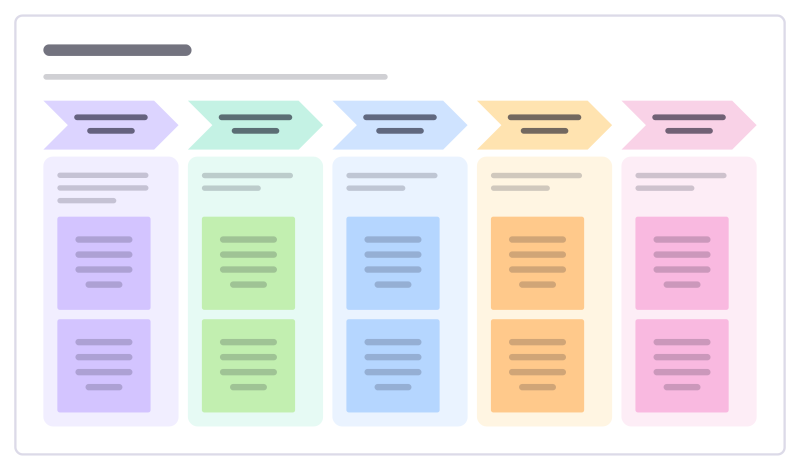
Event plan
Countdown for a webinar, meetup or conference stand: what has to be done six weeks out, the week before, on the day and after.
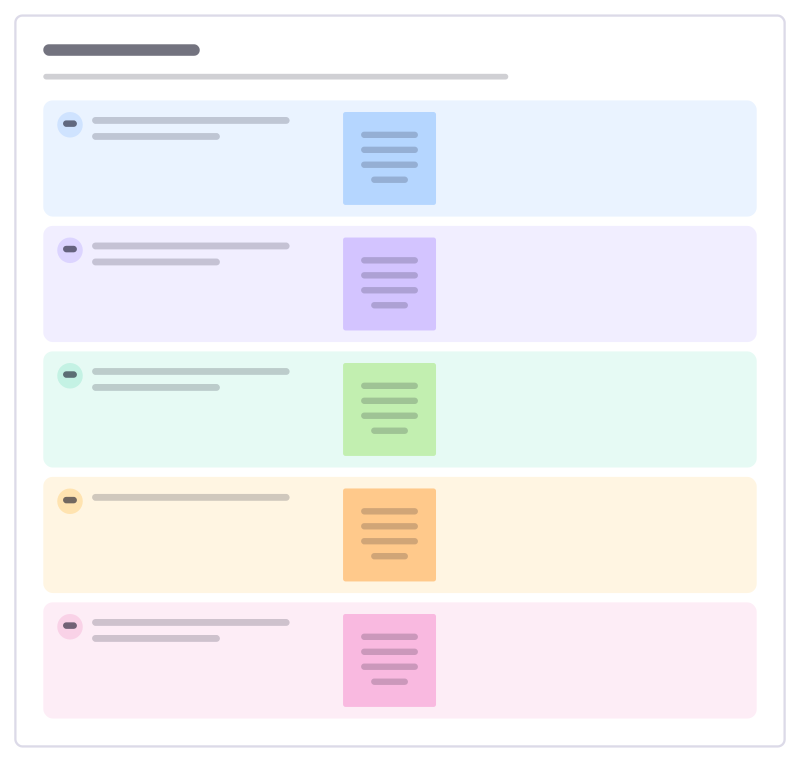
Demo script
Plan a demo around the buyer’s problem: the story you tell, the moments to show, the questions to ask and the close.
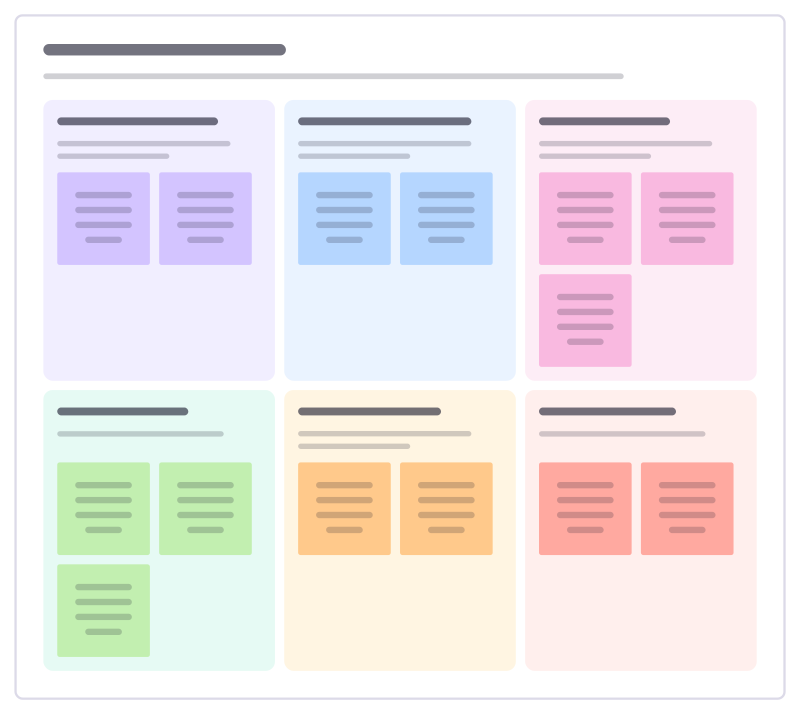
Customer success plan
Agree with a customer what success looks like for them, how you will both measure it and what each side does this quarter.
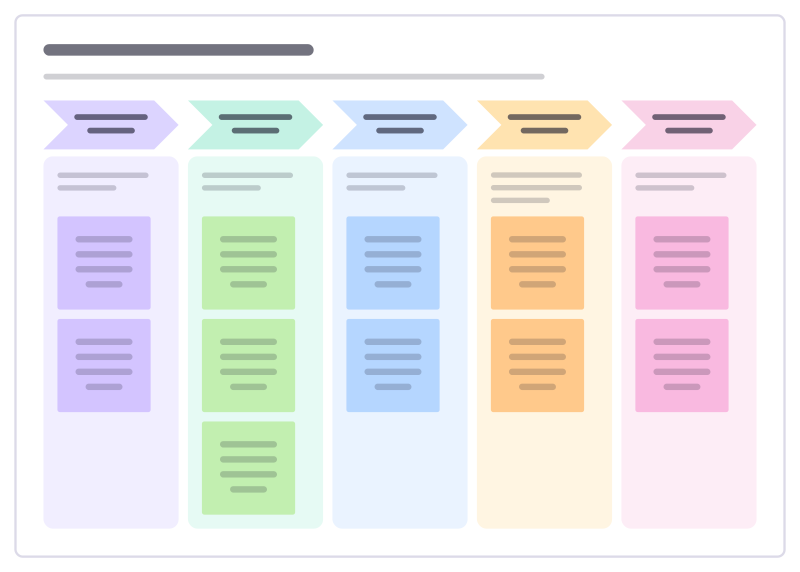
Launch announcement plan
Plan how a launch reaches people: the tease, the announcement day, the follow-up demos and the long tail.
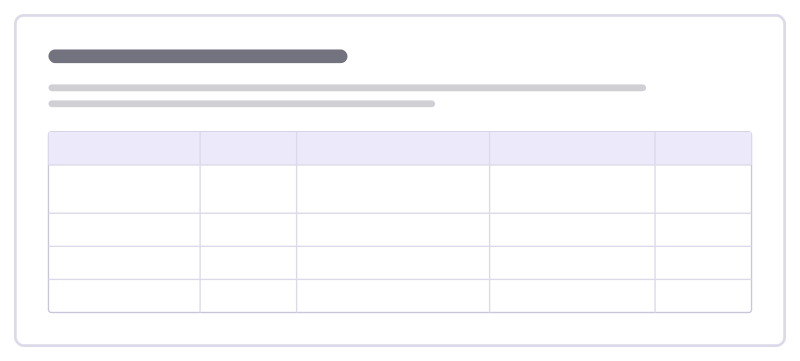
Marketing budget split
Split a marketing budget across channels with the goal for each, the expected return and what you’ll cut first if you need to.
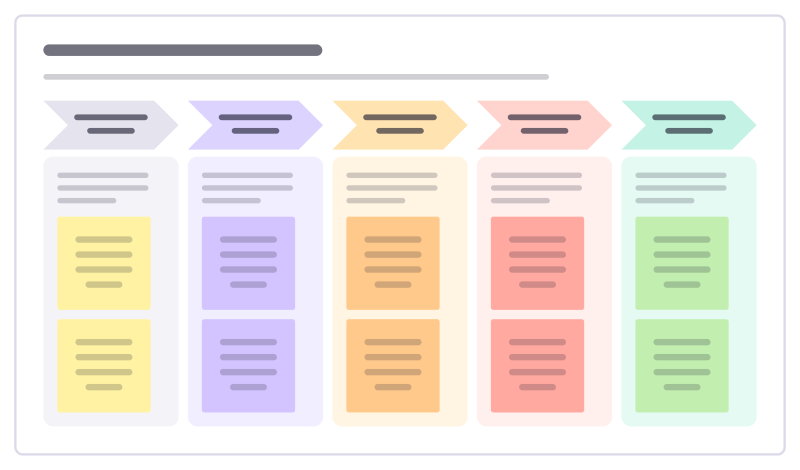
Fundraising campaign plan
Plan an appeal from quiet early asks to the final push and the thank-yous, with targets for every phase.
All 84 sales and marketing templates · All 584 templates by category
Bring your team and your agents to one board
Free to use, open source, and yours to host. No credit card, no seat count.