Sales and marketing template
Visual merchandising plan template
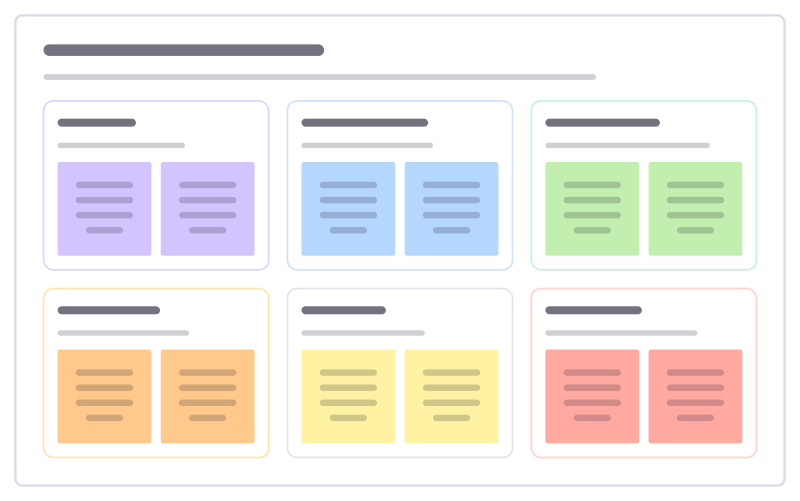
Plan how the store tells this season’s story: windows, the entrance, feature walls, till point and signage, zone by zone.
Free · Editable · Works with Claude and ChatGPT · Also in Design
How to use the Visual merchandising plan template
Start a board from it
Use this template opens a new Freero board with the Visual merchandising plan template on it (sign up free first). On a board you already have, open Templates in the toolbar and search for “Visual merchandising plan”.
Follow the instruction on the board
“Pick one story for the season and give every zone a part of it. Photograph each zone after setup and share it with all stores.”
Fill in each part
- Window What stops people walking past.
- Entrance table The first thing customers touch.
- Feature wall Full outfits customers can buy together.
- Till point Small add-ons while people wait.
- Signage Words customers actually read.
- Take down Old displays and props to retire now.
Bring your team and your agents
Invite people to the board or share a link, and work on it together live. The timer is in the top bar, private mode and voting in the board menu, and Claude or ChatGPT can join through Freero’s MCP server.
Work on it with an AI agent
Connect an assistant once and it works on the board with you, with your permissions: by default it reads and proposes, and people decide.
You ask: “Fill in the Visual merchandising plan board from these notes.”
What happens It reads the board, then proposes sticky notes for it. Nothing changes until someone on the board accepts them.
You ask: “Group what we wrote into themes and list the actions.”
What happens It proposes clusters with a title each and task cards for the actions, labelled with its name and yours.
Set it up for Claude, ChatGPT or any MCP client.
Related sales and marketing templates
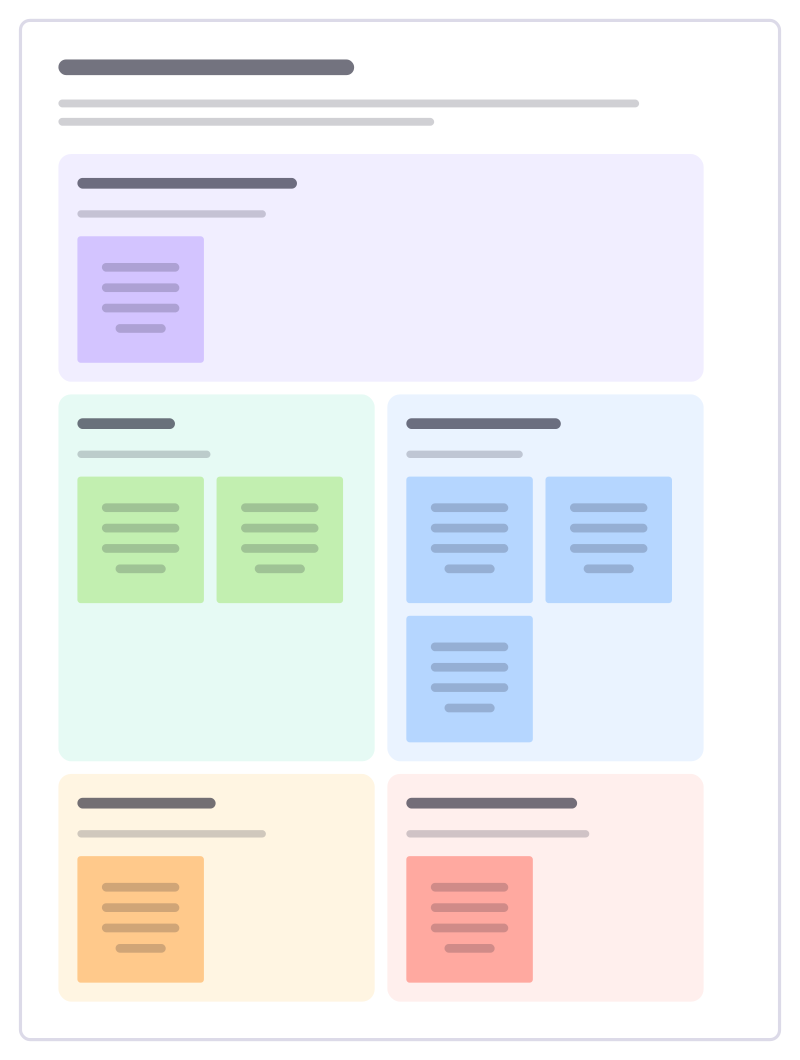
Landing page brief
Brief a landing page section by section: the headline promise, proof, how it works, objections and the one action you want.
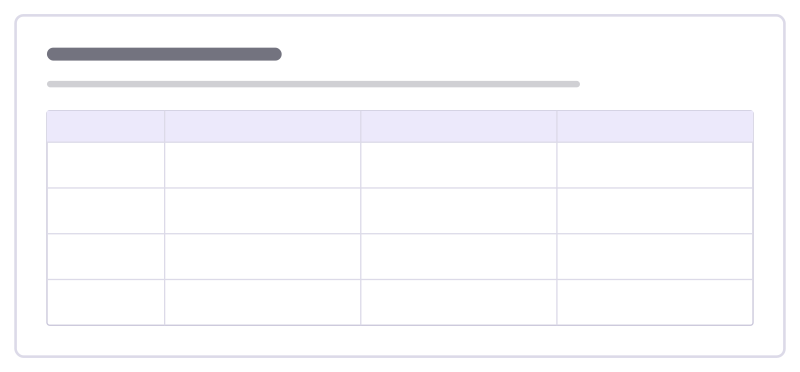
Brand voice guide
A handful of voice traits with what each means, how it sounds and how it doesn’t, so every writer sounds like one brand.
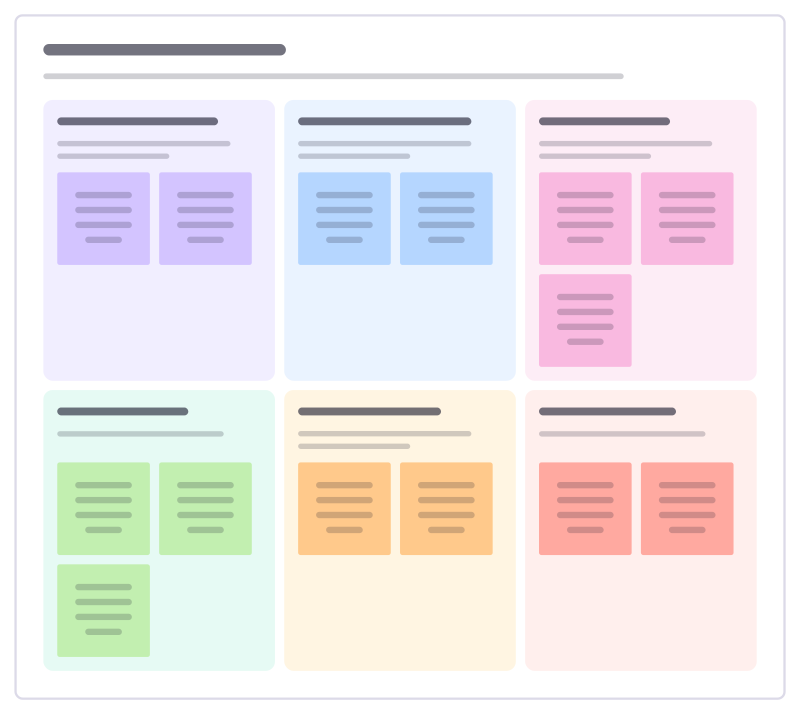
Customer success plan
Agree with a customer what success looks like for them, how you will both measure it and what each side does this quarter.
Support escalation review
Look back at the tickets that had to be escalated this month, find why they got stuck and fix the causes, not just the tickets.
Support playbook
Write down how your team handles a common kind of ticket: how to spot it, what to ask, what to do and when to hand it on.
Customer advisory board
Plan a session with a small group of key customers: who to invite, what to ask them, what to share and how you will follow up.
All 84 sales and marketing templates · All 584 templates by category
Bring your team and your agents to one board
Free to use, open source, and yours to host. No credit card, no seat count.