Classroom template
Two stars and a wish template
Peer feedback on a piece of work: two things that work well and one thing to improve, kind and specific.
Free · Editable · Works with Claude and ChatGPT · Also in Design
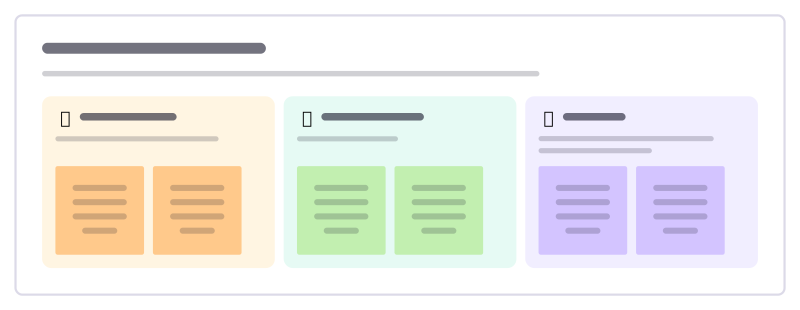
How to use the Two stars and a wish template
Start a board from it
Use this template opens a new Freero board with the Two stars and a wish template on it (sign up free first). On a board you already have, open Templates in the toolbar and search for “Two stars and a wish”.
Follow the instruction on the board
“Be kind, specific and helpful. Point to the exact part of the work, and make your wish something the writer can do next.”
Fill in each part
- First star What works really well? Say exactly where.
- Second star What else did you do well?
- Wish One thing to improve, and how you might do it.
Bring your team and your agents
Invite people to the board or share a link, and work on it together live. The timer is in the top bar, private mode and voting in the board menu, and Claude or ChatGPT can join through Freero’s MCP server.
Work on it with an AI agent
Connect an assistant once and it works on the board with you, with your permissions: by default it reads and proposes, and people decide.
You ask: “Fill in the Two stars and a wish board from these notes.”
What happens It reads the board, then proposes sticky notes for it. Nothing changes until someone on the board accepts them.
You ask: “Group what we wrote into themes and list the actions.”
What happens It proposes clusters with a title each and task cards for the actions, labelled with its name and yours.
Set it up for Claude, ChatGPT or any MCP client.
Related classroom templates
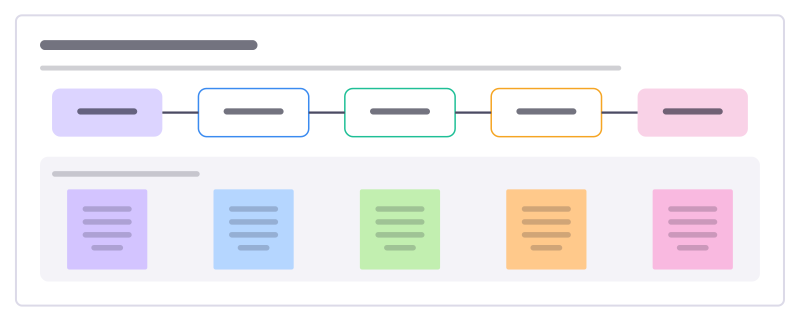
Peer feedback protocol
A structured round where students give each other kind, specific and helpful feedback on work in progress.
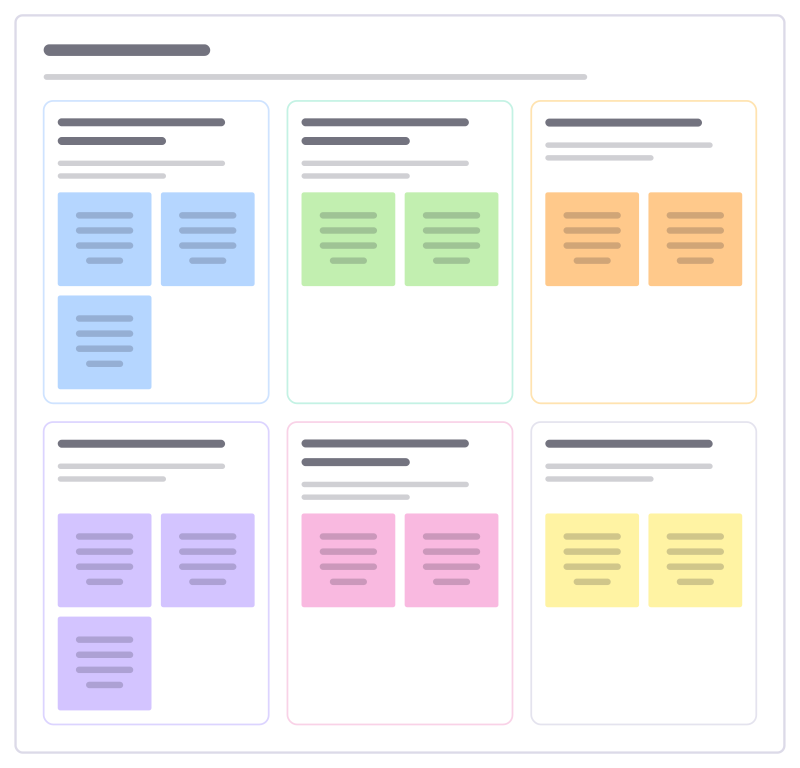
Gallery walk
Groups post their work around the room, then walk from piece to piece leaving notices, questions and suggestions on each.
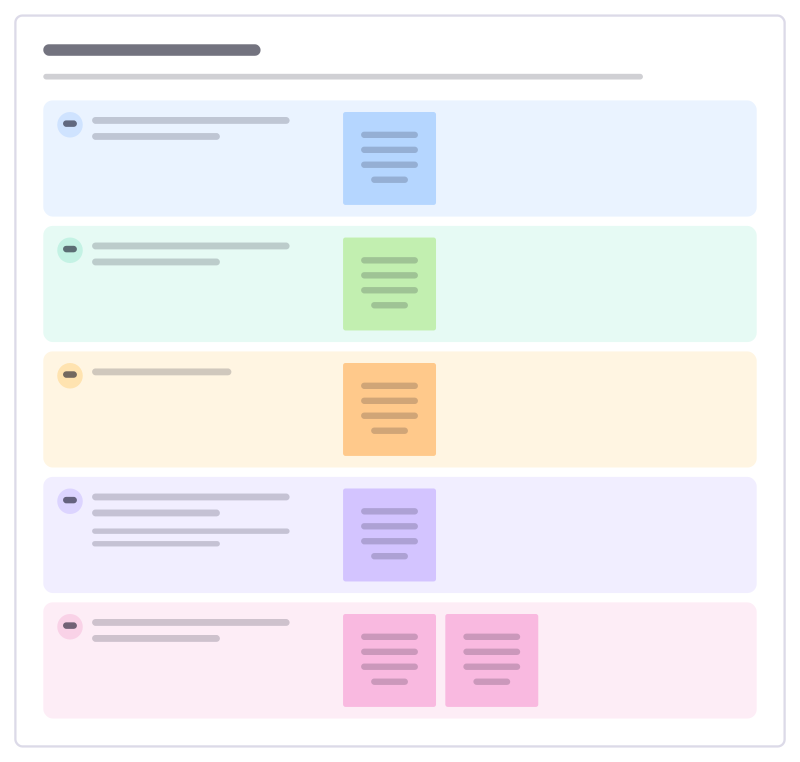
Writing conference
A short one-to-one between teacher and student about a piece of writing in progress, ending with one clear next step.
Student goal setting
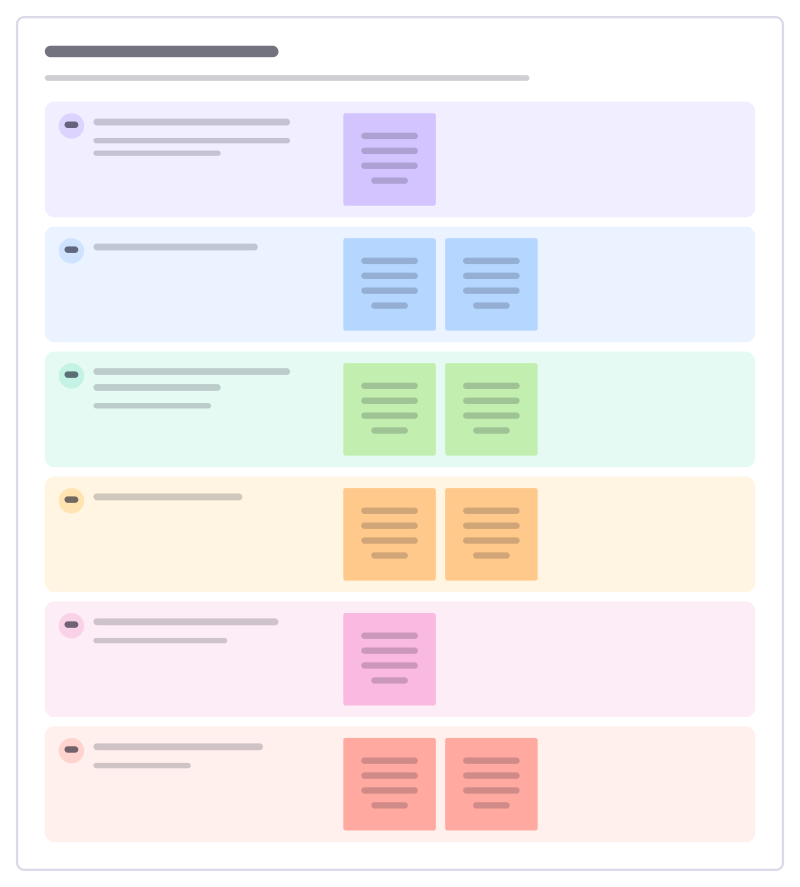
A student sets one learning goal for the term, breaks it into steps and decides how they will know it worked.
Rubric builder
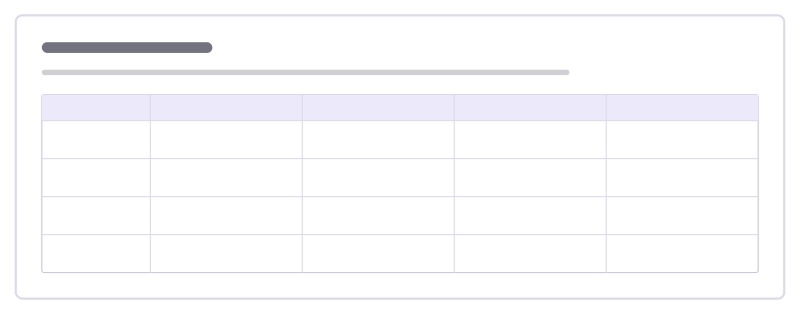
Build a marking rubric with clear criteria and what each level of quality looks like, written so students can use it too.
Lesson plan
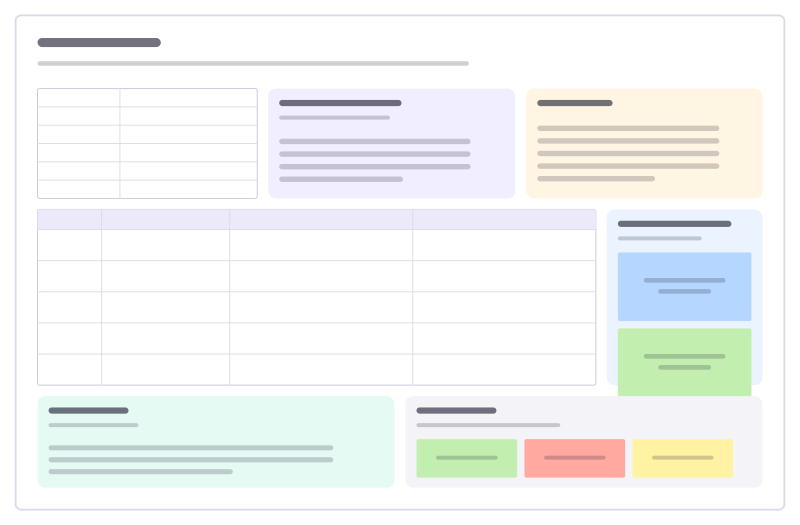
Objectives, materials, a timed lesson flow, support and stretch, assessment and reflection.
Bring your team and your agents to one board
Free to use, open source, and yours to host. No credit card, no seat count.