Software engineering template
Technical design doc template
Lay out a technical design for review: context, goals and non-goals, the proposal, alternatives considered, risks and rollout.
Free · Editable · Works with Claude and ChatGPT · Also in Planning
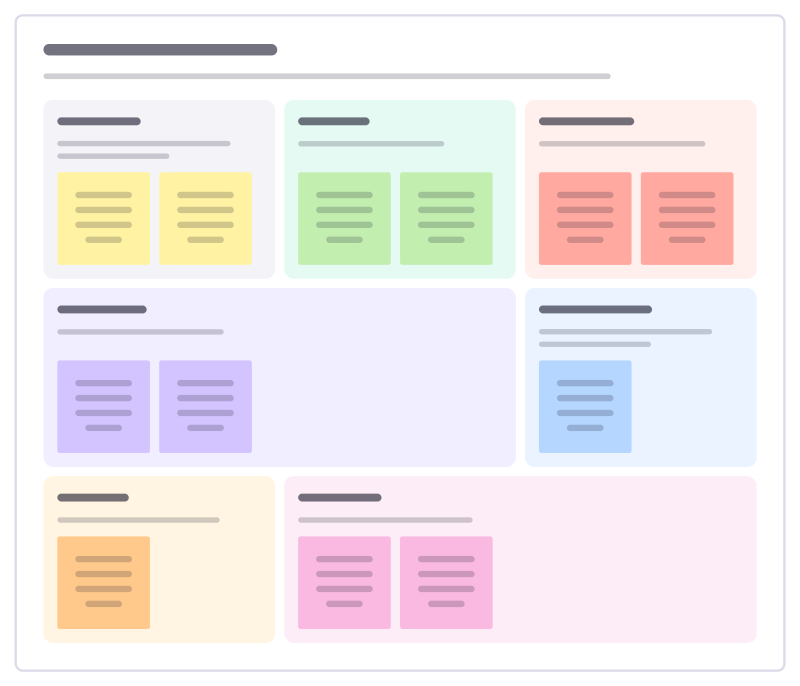
How to use the Technical design doc template
Start a board from it
Use this template opens a new Freero board with the Technical design doc template on it (sign up free first). On a board you already have, open Templates in the toolbar and search for “Technical design doc”.
Follow the instruction on the board
“Write the non-goals as carefully as the goals: they stop scope creep. Reviewers comment on stickies rather than rewriting sections.”
Fill in each part
- Context What exists today and why it has to change.
- Goals What success looks like, measurably.
- Non-goals What this design deliberately doesn’t do.
- Proposal The design, in enough detail to build it.
- Alternatives Options considered and why we didn’t pick them.
- Risks What could go wrong and how we’d notice.
- Rollout How we ship it safely and how we roll back.
Bring your team and your agents
Invite people to the board or share a link, and work on it together live. The timer is in the top bar, private mode and voting in the board menu, and Claude or ChatGPT can join through Freero’s MCP server.
Work on it with an AI agent
Connect an assistant once and it works on the board with you, with your permissions: by default it reads and proposes, and people decide.
You ask: “Fill in the Technical design doc board from these notes.”
What happens It reads the board, then proposes sticky notes for it. Nothing changes until someone on the board accepts them.
You ask: “Group what we wrote into themes and list the actions.”
What happens It proposes clusters with a title each and task cards for the actions, labelled with its name and yours.
Set it up for Claude, ChatGPT or any MCP client.
Related software engineering templates
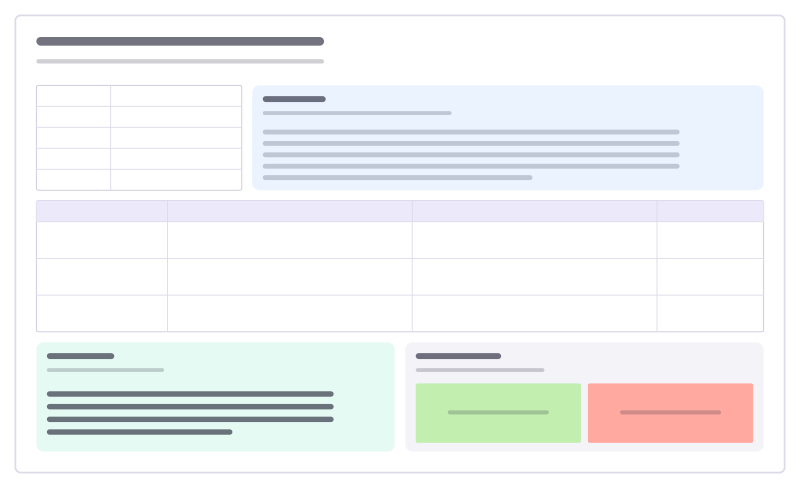
Architecture decision record
Context, options with pros and cons, the decision and its consequences, on one board.
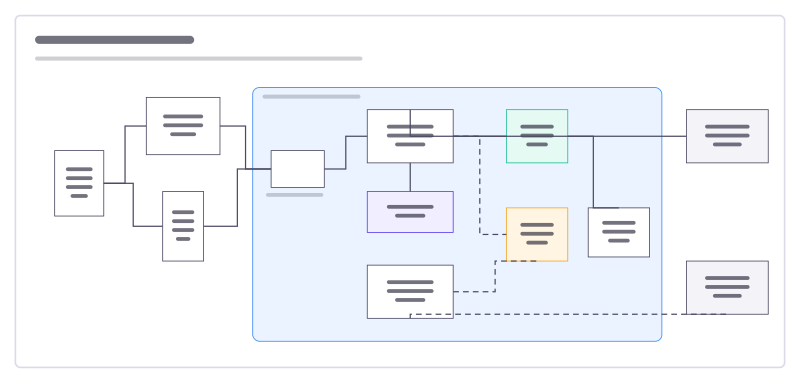
System architecture
Users, apps, services, data stores and outside providers, with what talks to what.
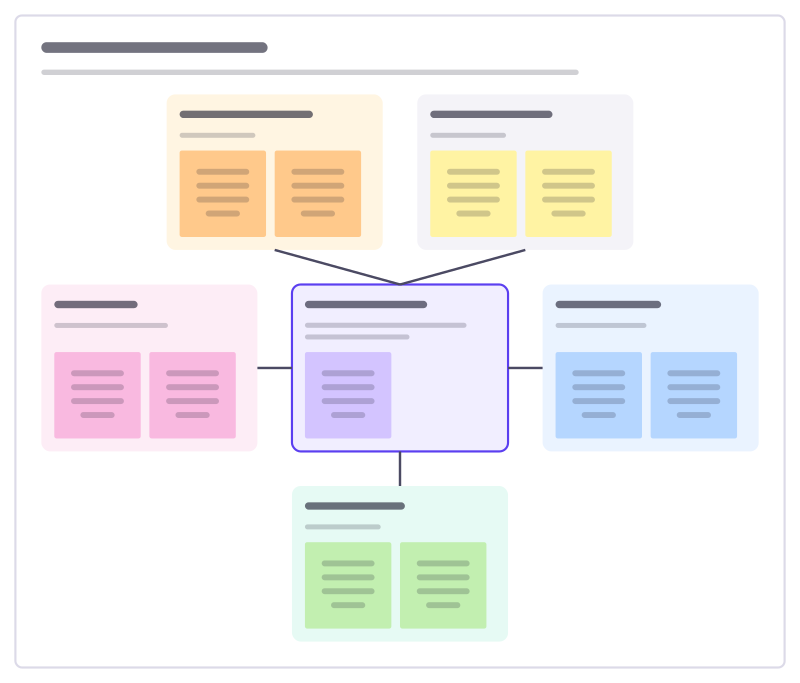
System context sketch
The big picture of one system: who uses it, which other systems it talks to, and what flows between them.
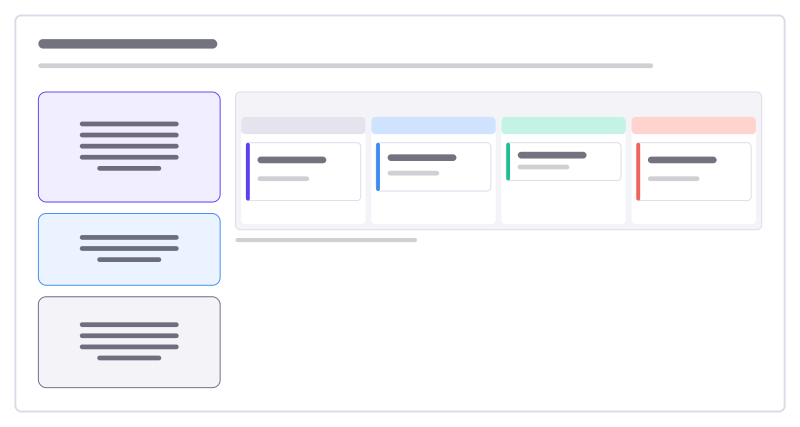
Agent control room
Watch and steer an AI agent: it posts its plan, status and tasks here; you move cards and comment to redirect it.
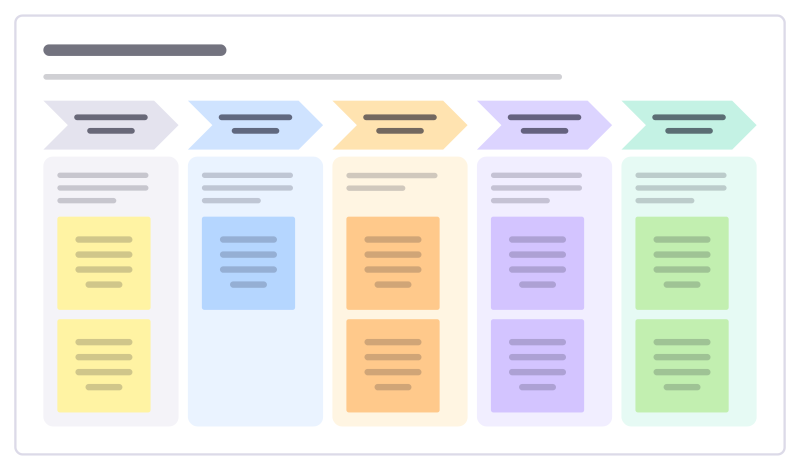
Migration plan
Move data or traffic from an old system to a new one in safe, reversible steps, with a check before each step.
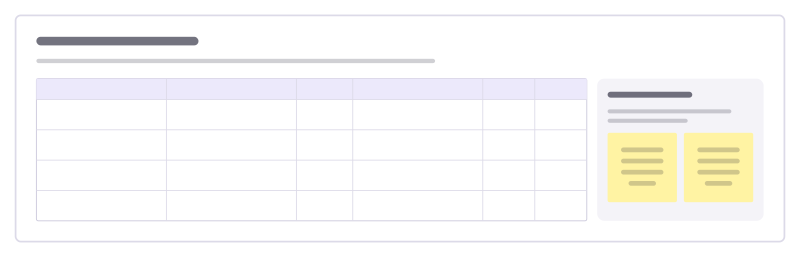
Tech debt register
Known shortcuts in the codebase with what each one costs today, the risk it carries and the fix you would make.
All 89 software engineering templates · All 584 templates by category
Bring your team and your agents to one board
Free to use, open source, and yours to host. No credit card, no seat count.