Software engineering template
System context sketch template
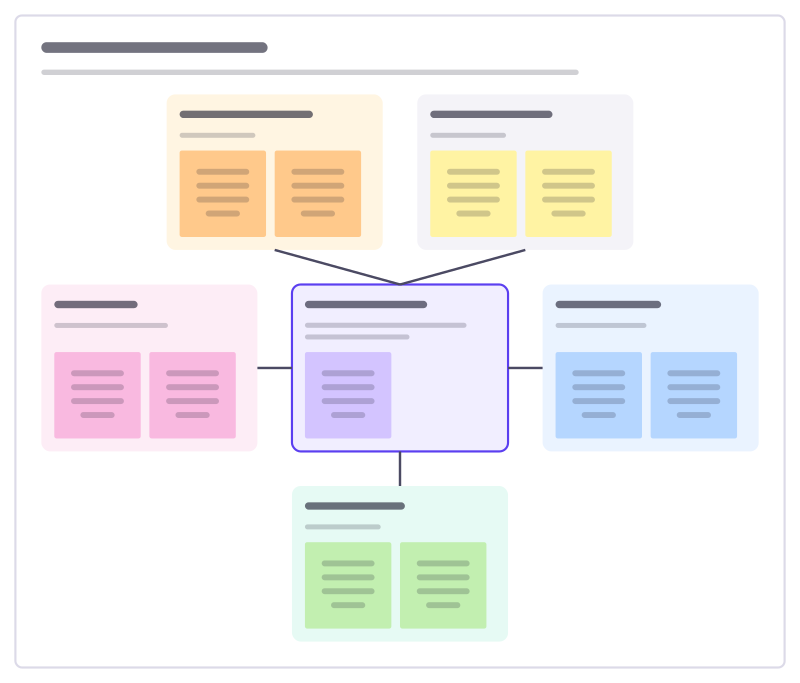
The big picture of one system: who uses it, which other systems it talks to, and what flows between them.
Free · Editable · Works with Claude and ChatGPT · Also in Diagramming
How to use the System context sketch template
Start a board from it
Use this template opens a new Freero board with the System context sketch template on it (sign up free first). On a board you already have, open Templates in the toolbar and search for “System context sketch”.
Follow the instruction on the board
“Keep it to one system in the middle. Around it, put the people and systems it exchanges something with, and write what flows on each.”
Fill in each part
- Payments provider What flows each way?
- Patient records What flows each way?
- Patients What do they send and receive?
- Booking service The system we’re describing: what it does in one line.
- Clinic staff What do they do with it?
- SMS gateway What flows each way?
Bring your team and your agents
Invite people to the board or share a link, and work on it together live. The timer is in the top bar, private mode and voting in the board menu, and Claude or ChatGPT can join through Freero’s MCP server.
Work on it with an AI agent
Connect an assistant once and it works on the board with you, with your permissions: by default it reads and proposes, and people decide.
You ask: “Fill in the System context sketch board from these notes.”
What happens It reads the board, then proposes sticky notes for it. Nothing changes until someone on the board accepts them.
You ask: “Group what we wrote into themes and list the actions.”
What happens It proposes clusters with a title each and task cards for the actions, labelled with its name and yours.
Set it up for Claude, ChatGPT or any MCP client.
Related software engineering templates
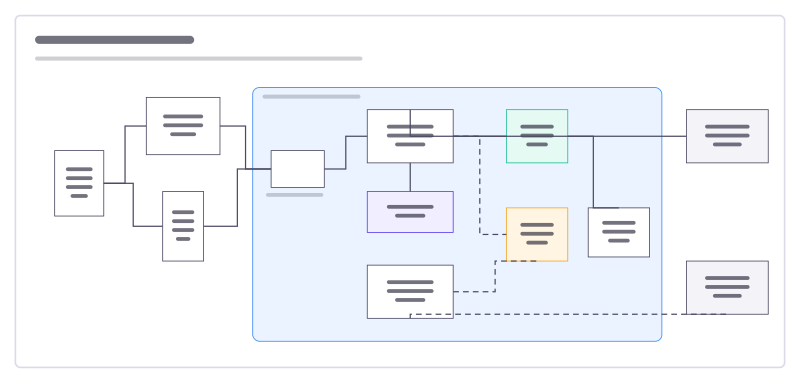
System architecture
Users, apps, services, data stores and outside providers, with what talks to what.
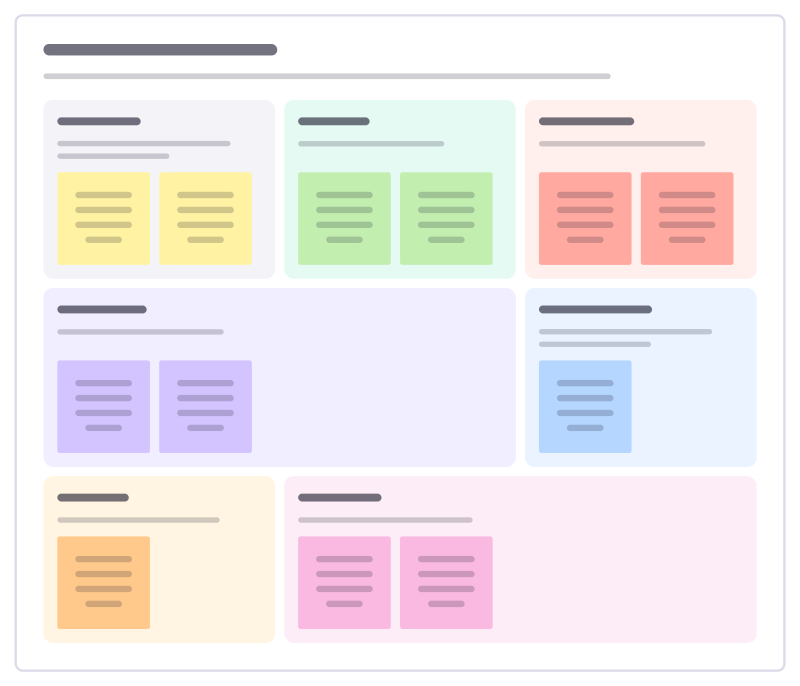
Technical design doc
Lay out a technical design for review: context, goals and non-goals, the proposal, alternatives considered, risks and rollout.
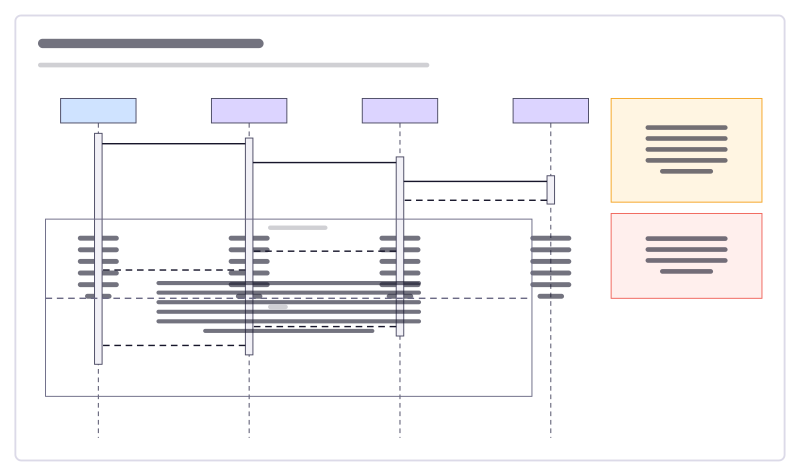
Sequence diagram
A sign-in flow as UML lifelines, activation bars, calls, replies and an alt fragment.
Data model (ERD)
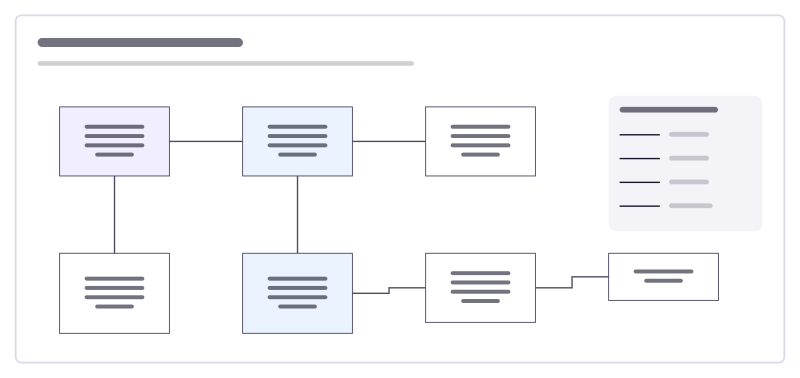
An online shop’s tables and how they relate, drawn with crow’s-foot ends.
CI/CD pipeline
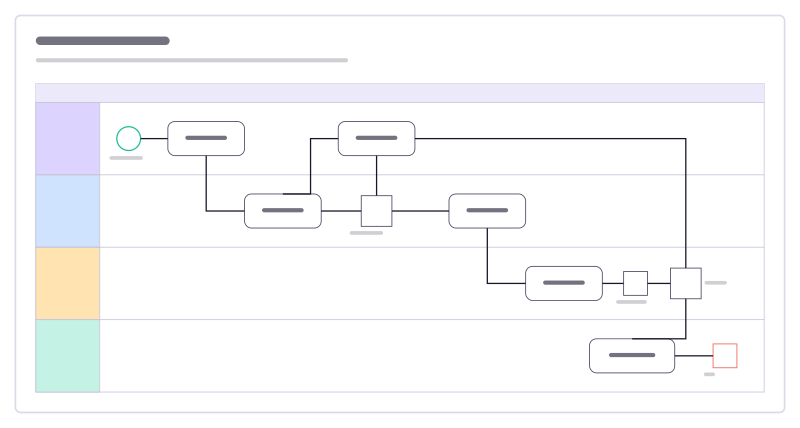
From pull request to production across four lanes, with BPMN events, tasks and gateways.
Domain events workshop
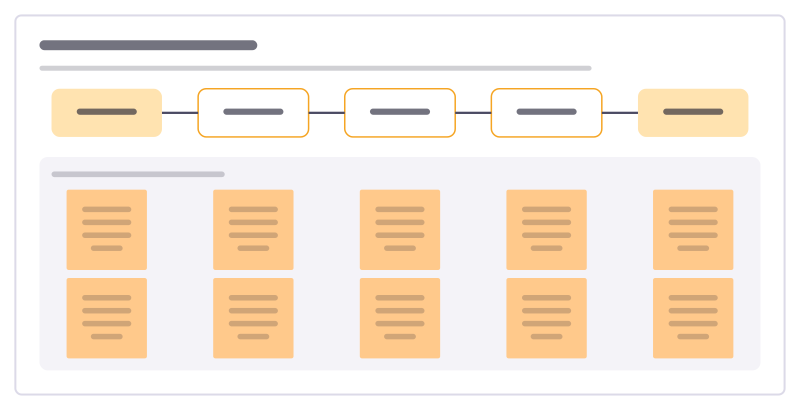
Map a business process as the events that happen in it, with the commands, people and rules around each one.
All 89 software engineering templates · All 584 templates by category
Bring your team and your agents to one board
Free to use, open source, and yours to host. No credit card, no seat count.