UX research template
Survey builder template
Draft a survey people will finish: the goal, who answers, the questions in order and how each answer will be used.
Free · Editable · Works with Claude and ChatGPT · Also in Sales & marketing
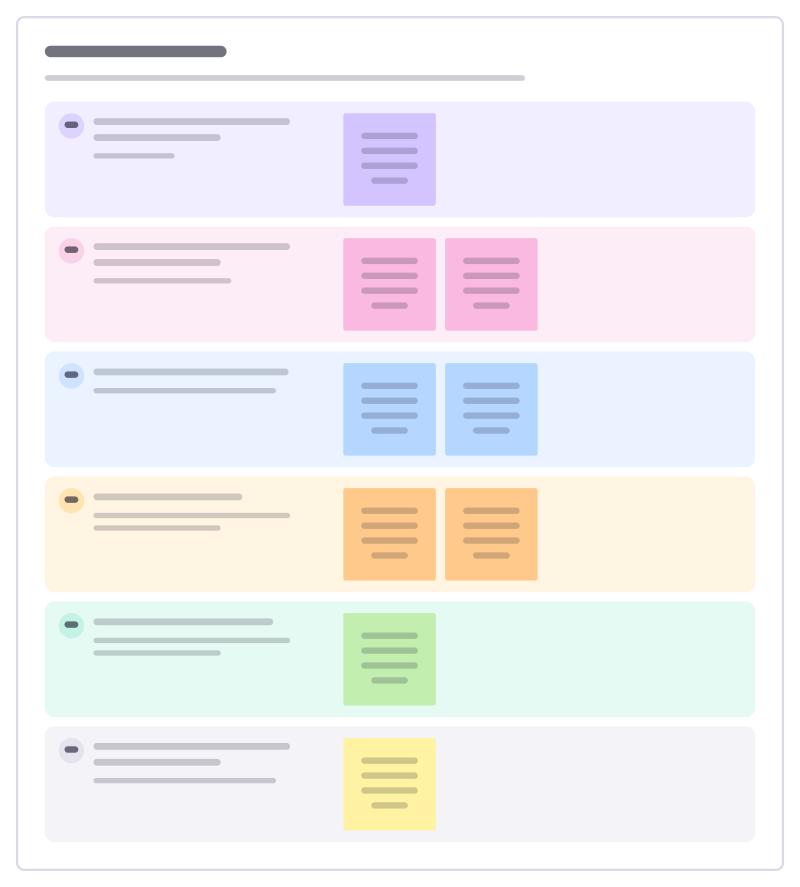
How to use the Survey builder template
Start a board from it
Use this template opens a new Freero board with the Survey builder template on it (sign up free first). On a board you already have, open Templates in the toolbar and search for “Survey builder”.
Follow the instruction on the board
“Every question needs a reason in the plan. If you can’t say what you would do with an answer, cut the question.”
Fill in each part
- What do we want to learn, and why now? One goal per survey.
- Who answers, and how many do we need? Audience, channel and sample size.
- Which questions, in what order? Easy first, open questions last, 10 or fewer.
- Is each question fair? No leading words, one idea per question, an "other" option.
- How will we use each answer? Link every question to a decision or a follow-up.
- How do we thank people and close the loop? Tell them what changed because they answered.
Bring your team and your agents
Invite people to the board or share a link, and work on it together live. The timer is in the top bar, private mode and voting in the board menu, and Claude or ChatGPT can join through Freero’s MCP server.
Work on it with an AI agent
Connect an assistant once and it works on the board with you, with your permissions: by default it reads and proposes, and people decide.
You ask: “Fill in the Survey builder board from these notes.”
What happens It reads the board, then proposes sticky notes for it. Nothing changes until someone on the board accepts them.
You ask: “Group what we wrote into themes and list the actions.”
What happens It proposes clusters with a title each and task cards for the actions, labelled with its name and yours.
Set it up for Claude, ChatGPT or any MCP client.
Related UX research templates
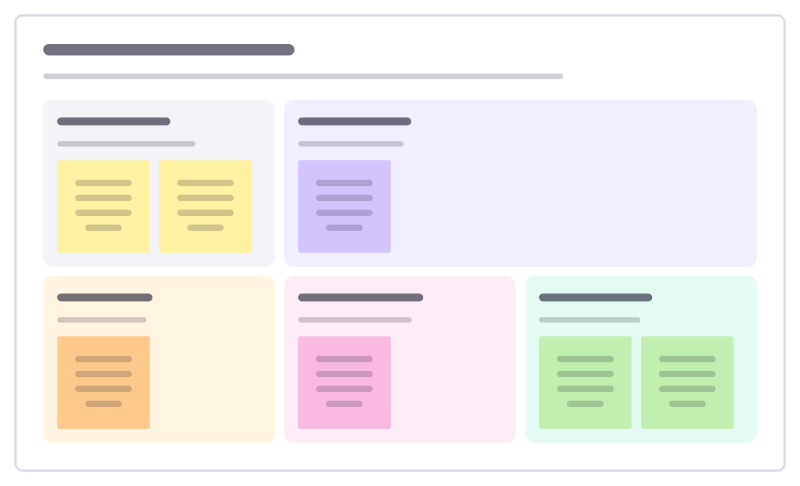
Survey results readout
Share survey results so people act on them: who answered, the headline, surprises, quotes and what changes.
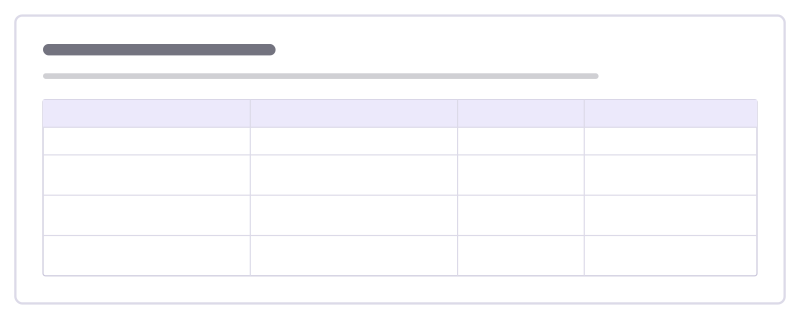
Recruitment screener
Screen research participants with a few questions that let the right people in and keep the wrong ones out.
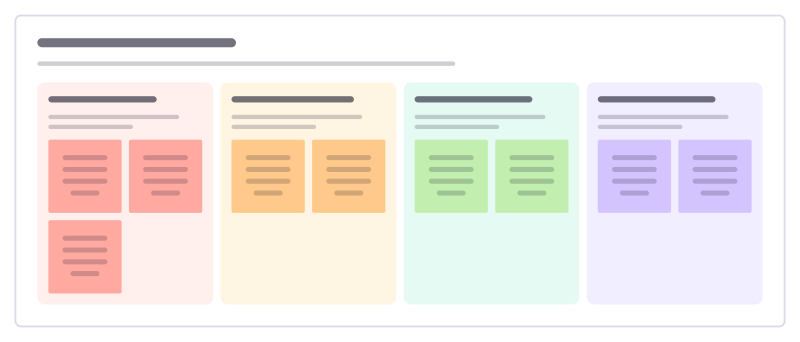
Survey score follow-up
Turn last month’s customer satisfaction scores and comments into calls to make, themes to share and fixes to start.
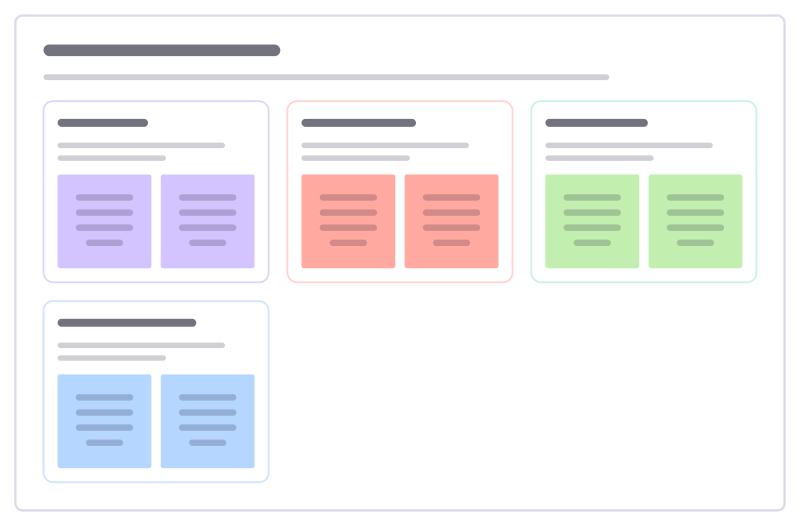
Behavioural segments
Group customers by what they do and need rather than by age or job title, with what each group needs from you.
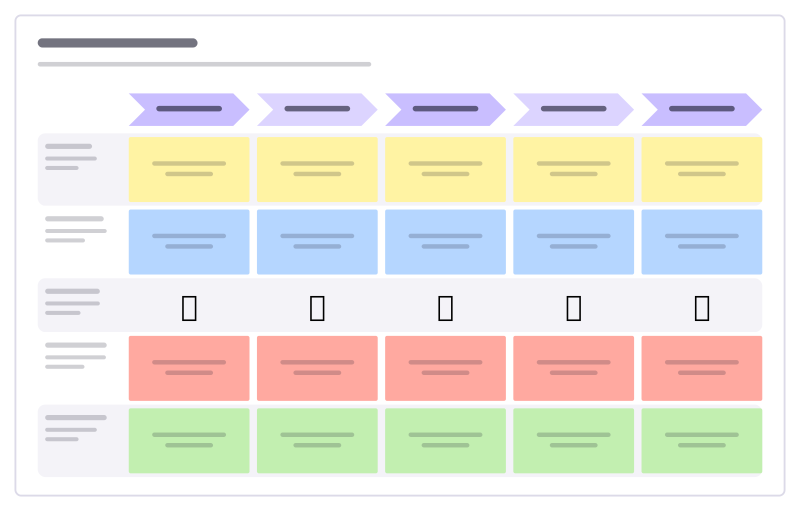
Customer journey
Stages across, lanes for doing, thinking, feeling, pain points and opportunities.
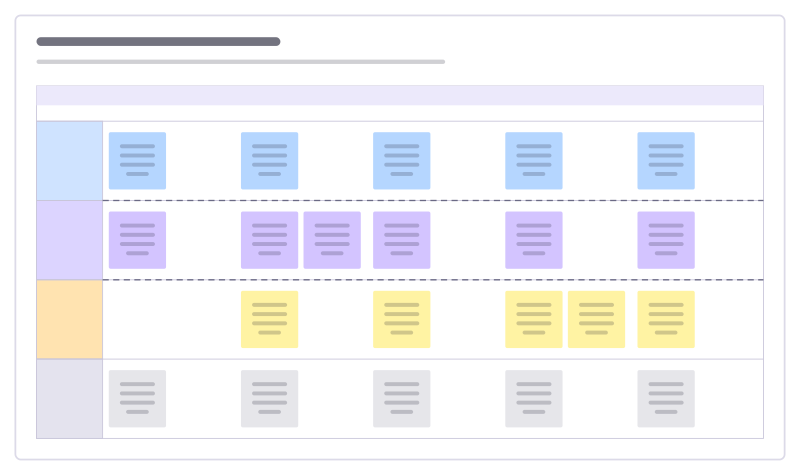
Service blueprint
What the customer does, what they see, what happens behind the scenes and the systems that support it.
All 64 UX research templates · All 584 templates by category
Bring your team and your agents to one board
Free to use, open source, and yours to host. No credit card, no seat count.