Operations template
Procurement request template
Ask for a purchase with everything finance needs: what and why, options compared, cost, risks and the approvals required.
Free · Editable · Works with Claude and ChatGPT · Also in Planning
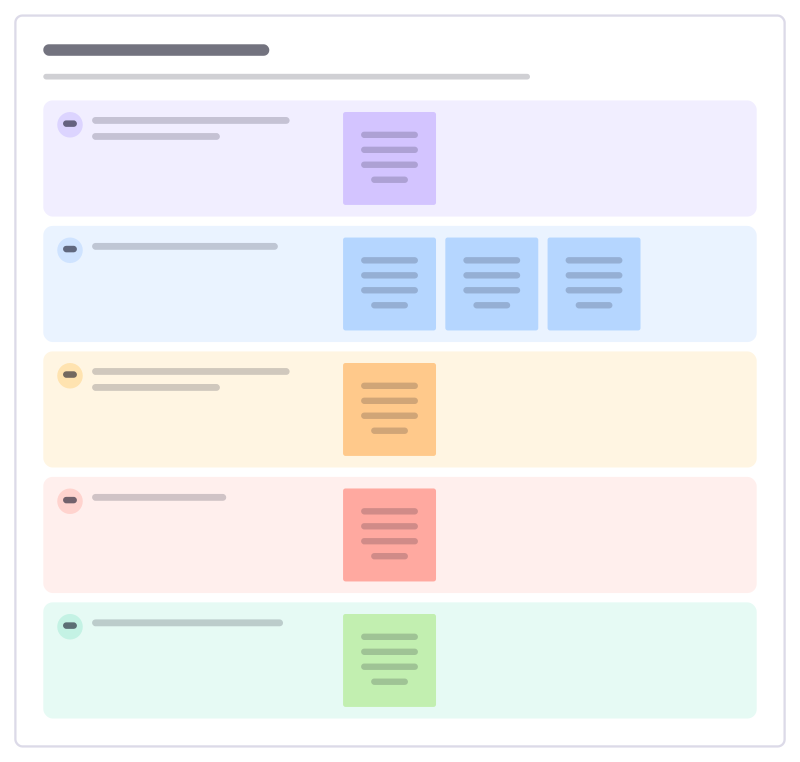
How to use the Procurement request template
Start a board from it
Use this template opens a new Freero board with the Procurement request template on it (sign up free first). On a board you already have, open Templates in the toolbar and search for “Procurement request”.
Follow the instruction on the board
“Answer the questions finance will ask before they ask them. Three options compared, even if one is “do nothing”.”
Fill in each part
- What do we want to buy, and what problem does it solve?
- Which options did we compare?
- What does it cost, now and every year?
- What are the risks?
- Who must approve, and by when?
Bring your team and your agents
Invite people to the board or share a link, and work on it together live. The timer is in the top bar, private mode and voting in the board menu, and Claude or ChatGPT can join through Freero’s MCP server.
Work on it with an AI agent
Connect an assistant once and it works on the board with you, with your permissions: by default it reads and proposes, and people decide.
You ask: “Fill in the Procurement request board from these notes.”
What happens It reads the board, then proposes sticky notes for it. Nothing changes until someone on the board accepts them.
You ask: “Group what we wrote into themes and list the actions.”
What happens It proposes clusters with a title each and task cards for the actions, labelled with its name and yours.
Set it up for Claude, ChatGPT or any MCP client.
Related operations templates
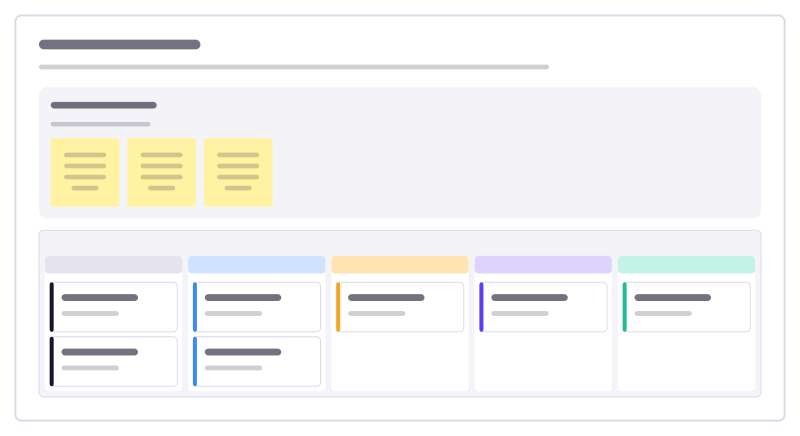
Month-end close
Track every task needed to close the books each month, who owns it and what is waiting on someone else.
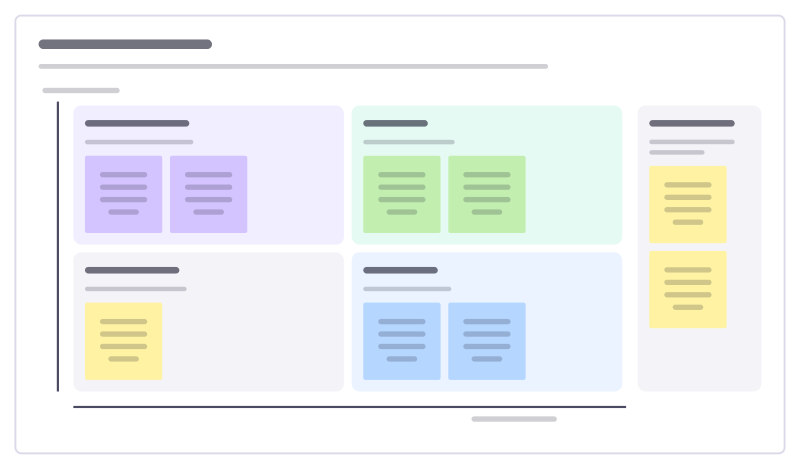
Cost saving ideas
Collect ideas to cut costs from everyone who spends money, then sort them by how much they save against how hard they are.
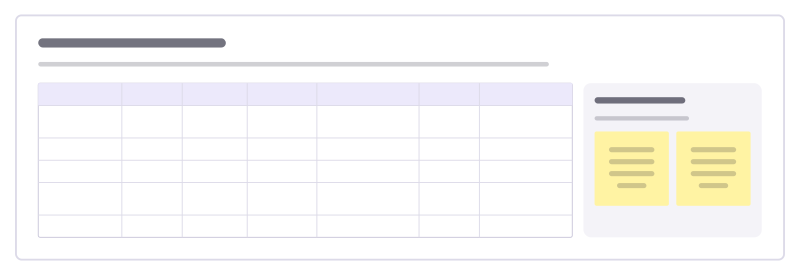
Software spend audit
List every paid tool, who owns it, what it costs and how many seats are used, then decide what to keep, merge or cancel.
Expense claim process
Lay out how an expense goes from receipt to repayment, who checks what, and where claims get stuck or bounced back.
Invoice chasing board
Track unpaid customer invoices by how late they are, so the right reminder goes out at the right time and nothing is forgotten.
Supplier performance review
Review a supplier on delivery, quality, cost and service, with evidence, and agree improvements together.
All 151 operations templates · All 584 templates by category
Bring your team and your agents to one board
Free to use, open source, and yours to host. No credit card, no seat count.