HR template
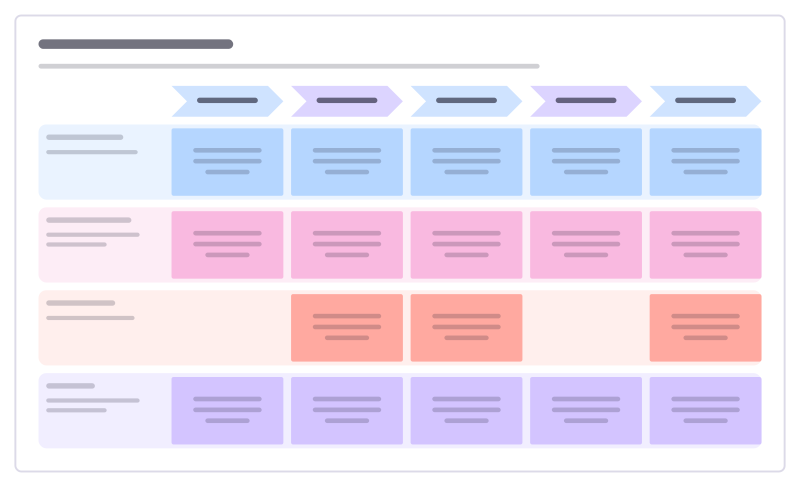
Employee journey map template
Follow an employee’s experience from first hearing about you to leaving, to find the moments that make people stay or go.
Free · Editable · Works with Claude and ChatGPT · Also in Research & UX
How to use the Employee journey map template
Start a board from it
Use this template opens a new Freero board with the Employee journey map template on it (sign up free first). On a board you already have, open Templates in the toolbar and search for “Employee journey map”.
Follow the instruction on the board
“Fill it from real interviews with recent joiners and leavers, not from the process docs. Circle the two lowest moments and fix those first.”
Fill in each part
- Hears about us
- Applies
- First month
- Grows
- Stays or leaves
- What they do The steps they actually take.
- What they feel In their own words from interviews.
- Low points Where the experience breaks.
- Ideas What would make this moment better?
Bring your team and your agents
Invite people to the board or share a link, and work on it together live. The timer is in the top bar, private mode and voting in the board menu, and Claude or ChatGPT can join through Freero’s MCP server.
Work on it with an AI agent
Connect an assistant once and it works on the board with you, with your permissions: by default it reads and proposes, and people decide.
You ask: “Fill in the Employee journey map board from these notes.”
What happens It reads the board, then proposes sticky notes for it. Nothing changes until someone on the board accepts them.
You ask: “Group what we wrote into themes and list the actions.”
What happens It proposes clusters with a title each and task cards for the actions, labelled with its name and yours.
Set it up for Claude, ChatGPT or any MCP client.
Related HR templates
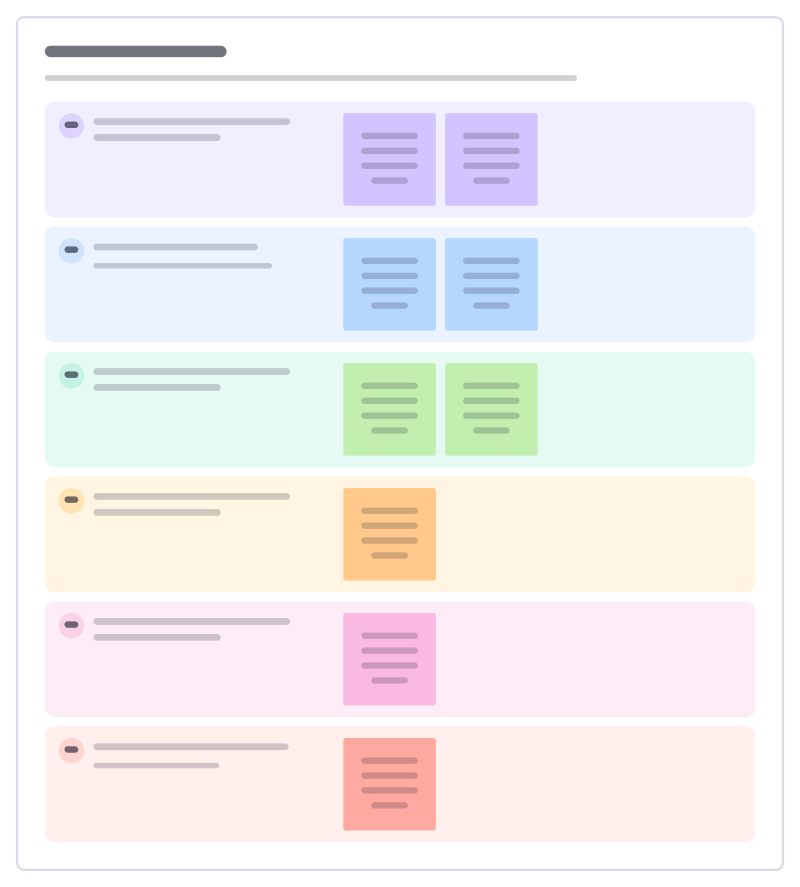
Stay interview
Ask people why they stay and what might make them leave, while you can still do something about it.
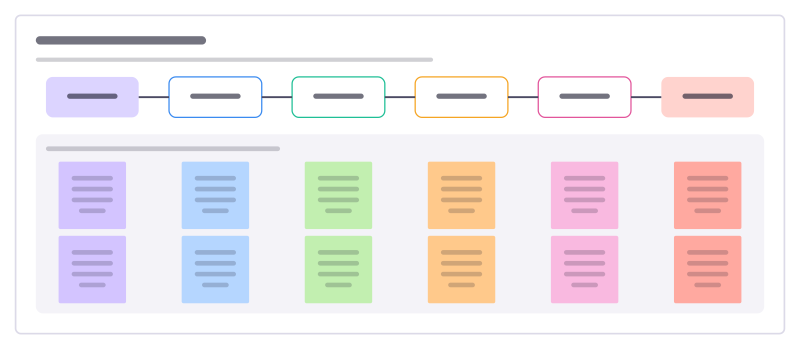
Volunteer onboarding
Take a new volunteer from signing up to their first shifts without losing them to slow replies, checks or a confusing first day.
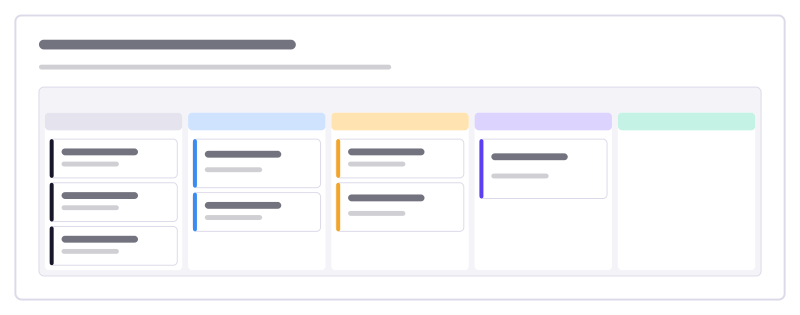
Manager onboarding checklist
Everything a manager does to onboard someone well, from before day one to the end of month three, as cards to move.
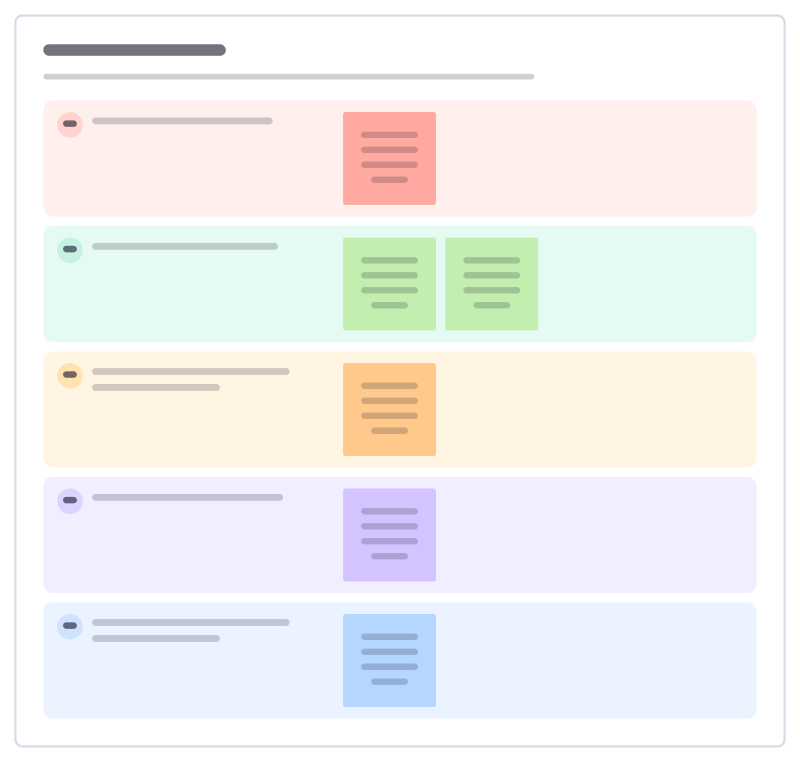
Exit interview
Learn from people who leave: why they’re going, what worked, what didn’t, and what would have made them stay.
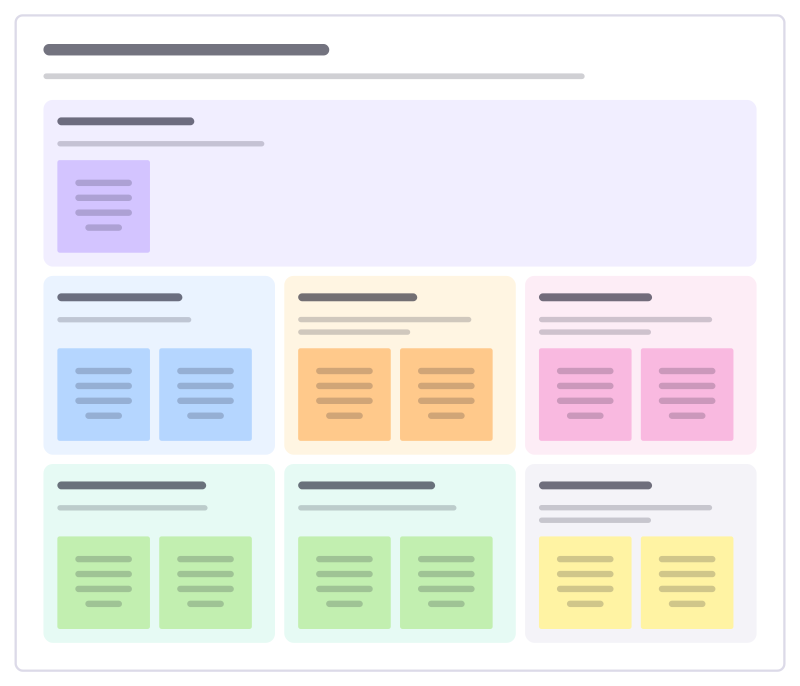
Volunteer role description
Describe a volunteer role so the right people say yes: why it matters, what they will do, the time it takes and the support they get.

New hire first week
Plan a new colleague’s first five days so they meet the right people, get set up and do something real by Friday.
Bring your team and your agents to one board
Free to use, open source, and yours to host. No credit card, no seat count.