Software engineering template
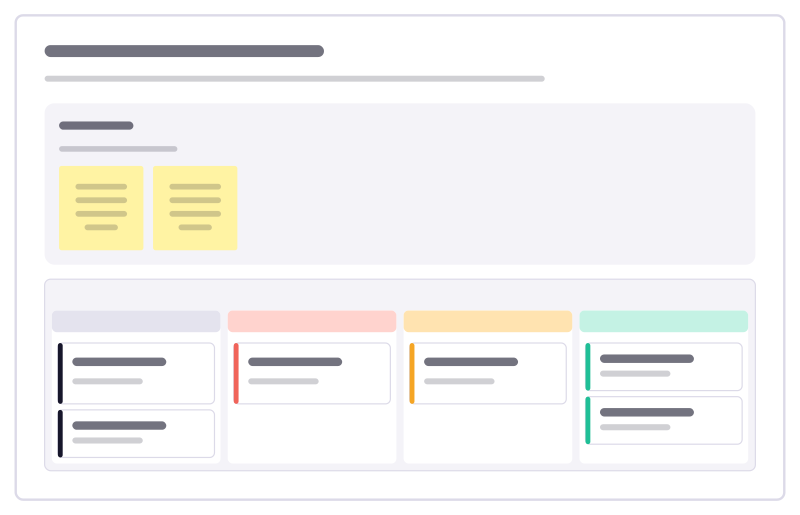
Dependency upgrade board template
Track library and framework upgrades from spotted to shipped, so security fixes and major versions don’t pile up.
Free · Editable · Works with Claude and ChatGPT · Also in Agile
How to use the Dependency upgrade board template
Start a board from it
Use this template opens a new Freero board with the Dependency upgrade board template on it (sign up free first). On a board you already have, open Templates in the toolbar and search for “Dependency upgrade board”.
Follow the instruction on the board
“Security fixes jump the queue. Keep major upgrades to one in progress at a time, and note what broke last time.”
Fill in each part
- Rules How we keep upgrades moving.
- Dependency upgrade board Columns: Spotted · Security first · In progress · Shipped
Bring your team and your agents
Invite people to the board or share a link, and work on it together live. The timer is in the top bar, private mode and voting in the board menu, and Claude or ChatGPT can join through Freero’s MCP server.
Work on it with an AI agent
Connect an assistant once and it works on the board with you, with your permissions: by default it reads and proposes, and people decide.
You ask: “Fill in the Dependency upgrade board board from these notes.”
What happens It reads the board, then proposes sticky notes for it. Nothing changes until someone on the board accepts them.
You ask: “Group what we wrote into themes and list the actions.”
What happens It proposes clusters with a title each and task cards for the actions, labelled with its name and yours.
Set it up for Claude, ChatGPT or any MCP client.
Related software engineering templates
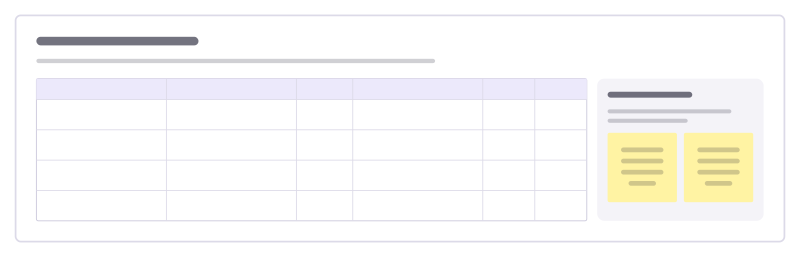
Tech debt register
Known shortcuts in the codebase with what each one costs today, the risk it carries and the fix you would make.
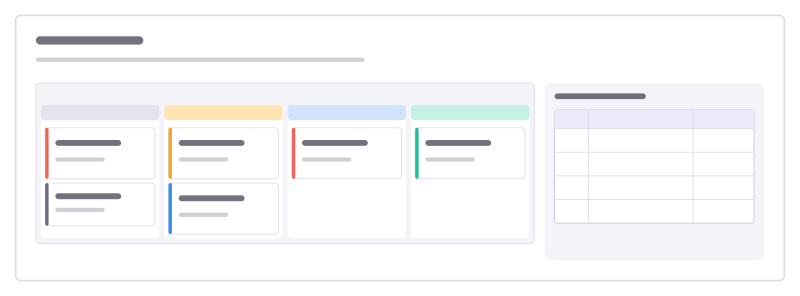
Bug triage board
A kanban for incoming bugs, from new to fixed, with a severity guide everyone agrees on.
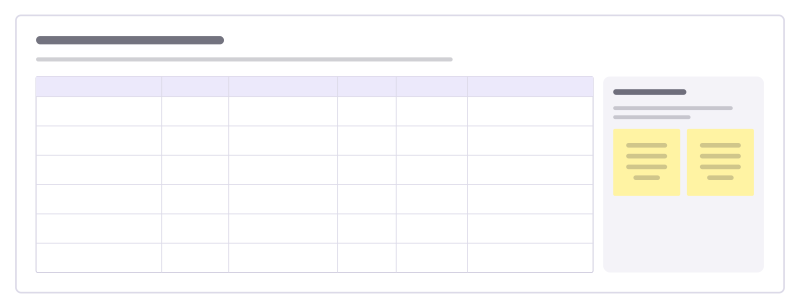
Team dependencies board
Who is waiting on whom across teams, by when, and how healthy each hand-off is, so blockers surface before planning day.
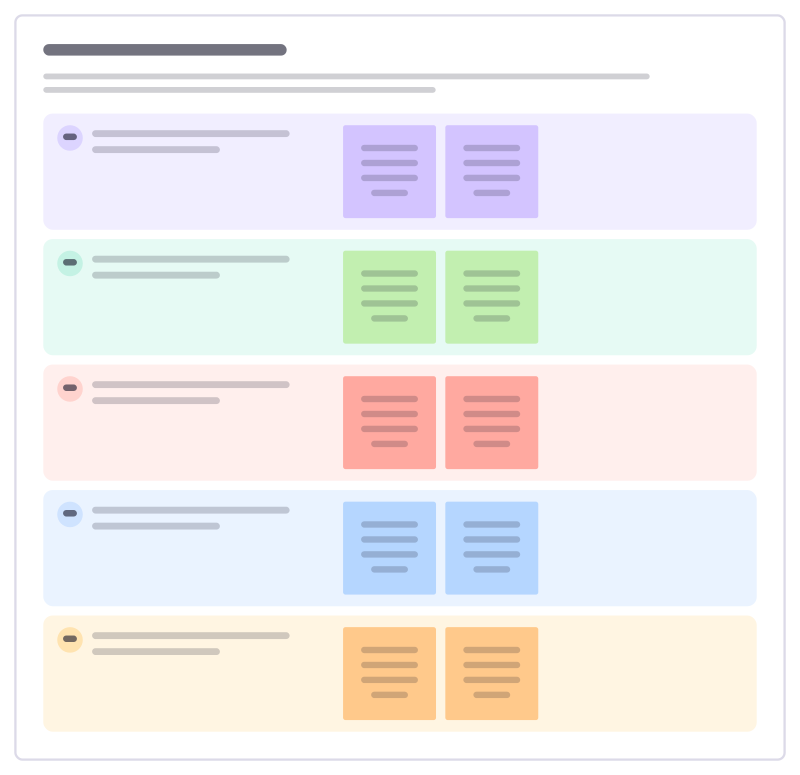
Code review checklist
The questions a reviewer runs through on every change, agreed by the team, with examples of what each one catches.
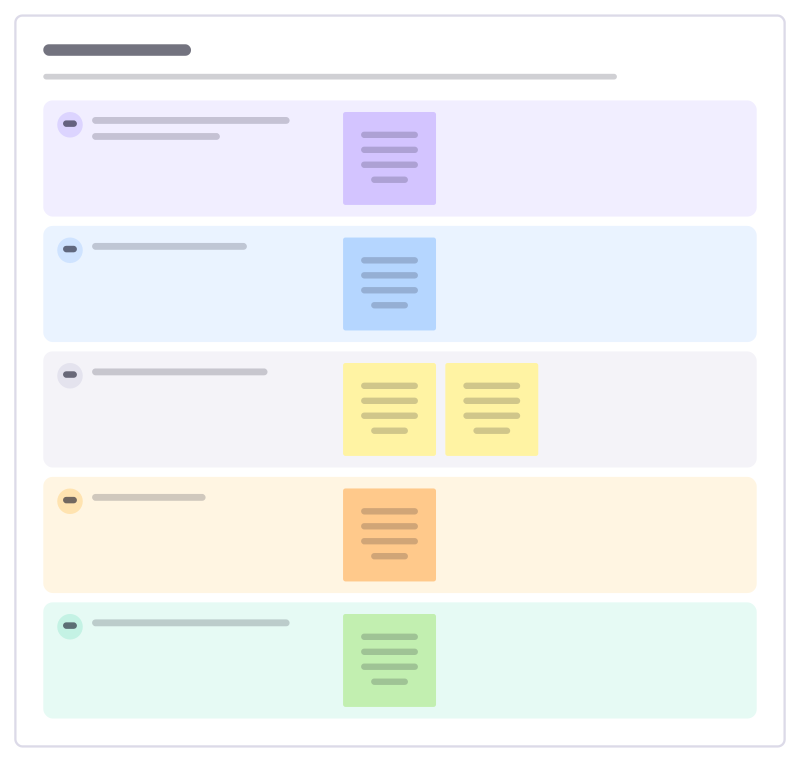
Spike plan
Time-box a technical investigation: the question to answer, what’s in and out, the timebox and what you’ll hand back.
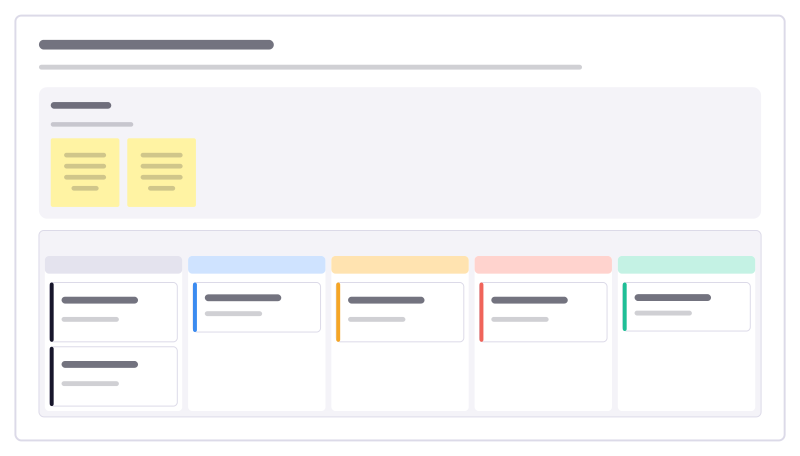
Postmortem action tracker
Follow the fixes agreed in incident reviews through to done, so the same failure doesn’t come back next quarter.
All 89 software engineering templates · All 584 templates by category
Bring your team and your agents to one board
Free to use, open source, and yours to host. No credit card, no seat count.