Operations template
Customer complaint log template
Log every customer complaint with its channel, category and how it was put right, and spot the themes that keep coming back.
Free · Editable · Works with Claude and ChatGPT · Also in Sales & marketing
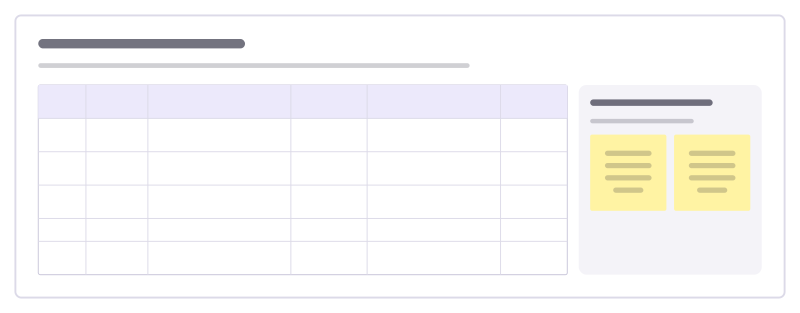
How to use the Customer complaint log template
Start a board from it
Use this template opens a new Freero board with the Customer complaint log template on it (sign up free first). On a board you already have, open Templates in the toolbar and search for “Customer complaint log”.
Follow the instruction on the board
“Log it the day it arrives, even if solved on the spot. Once a month, count by category and fix the top one at its source.”
Fill in each part
- Table Columns: Date · Channel · Complaint · Category · How we put it right · Days to close
- This month’s theme The category that came up most.
Bring your team and your agents
Invite people to the board or share a link, and work on it together live. The timer is in the top bar, private mode and voting in the board menu, and Claude or ChatGPT can join through Freero’s MCP server.
Work on it with an AI agent
Connect an assistant once and it works on the board with you, with your permissions: by default it reads and proposes, and people decide.
You ask: “Fill in the Customer complaint log board from these notes.”
What happens It reads the board, then proposes sticky notes for it. Nothing changes until someone on the board accepts them.
You ask: “Group what we wrote into themes and list the actions.”
What happens It proposes clusters with a title each and task cards for the actions, labelled with its name and yours.
Set it up for Claude, ChatGPT or any MCP client.
Related operations templates

Stock count plan
Plan a full stock count so the numbers can be trusted: preparation, count day, recounts, reconciling and reporting.
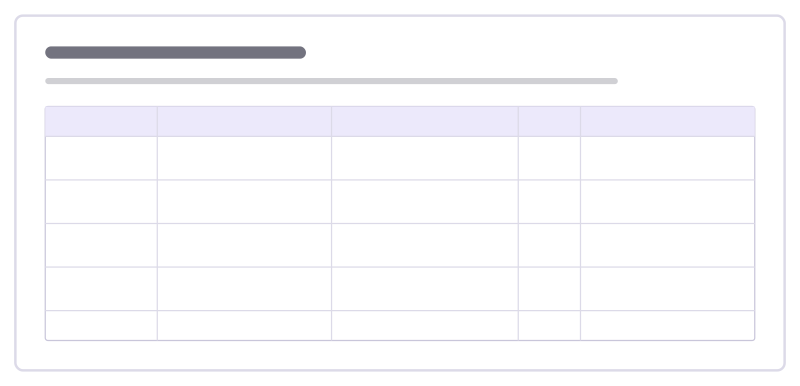
Mystery shop findings
Go through what a mystery shopper experienced moment by moment against your standard, and turn the gaps into coaching.
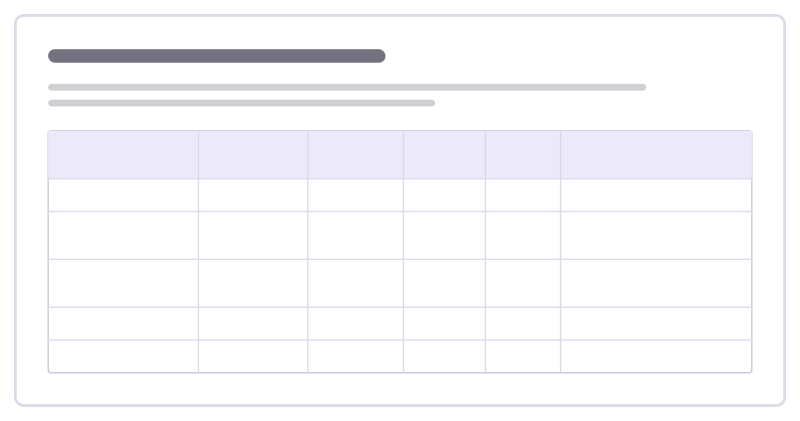
Peak trading staffing plan
Match staff hours to the busiest days of a peak season, slot by slot, and see the gaps before the rush rather than during it.
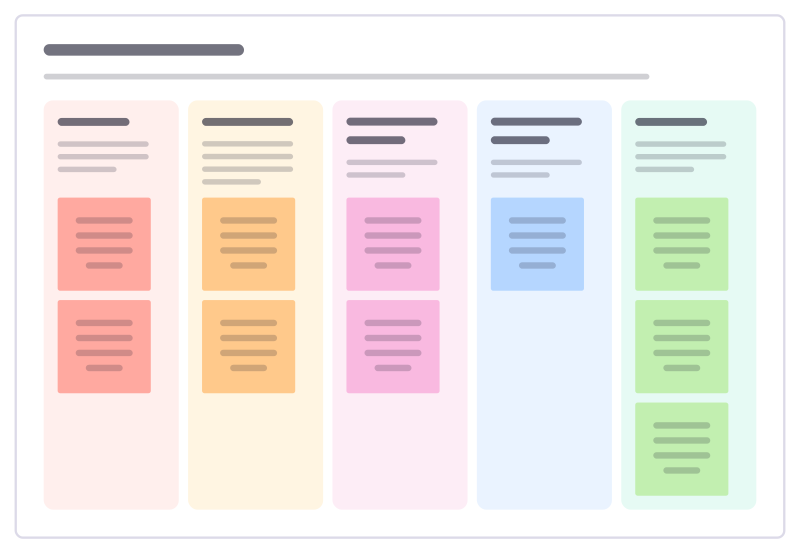
Shrinkage review
Break down where stock goes missing, from theft to admin errors and waste, and agree the fixes that cut losses most.
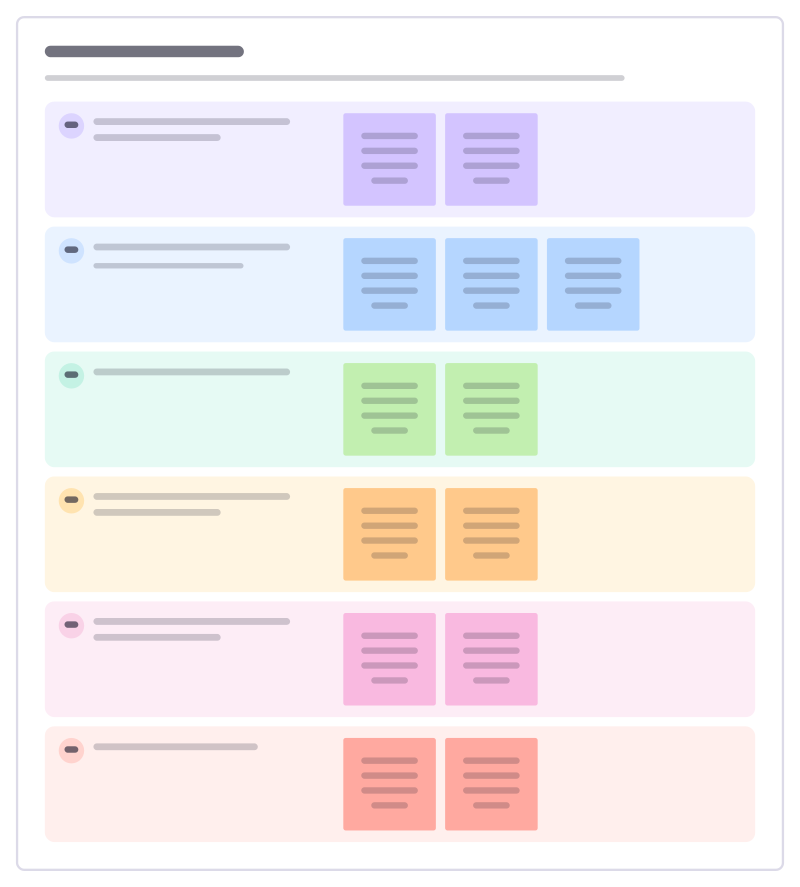
Support playbook
Write down how your team handles a common kind of ticket: how to spot it, what to ask, what to do and when to hand it on.
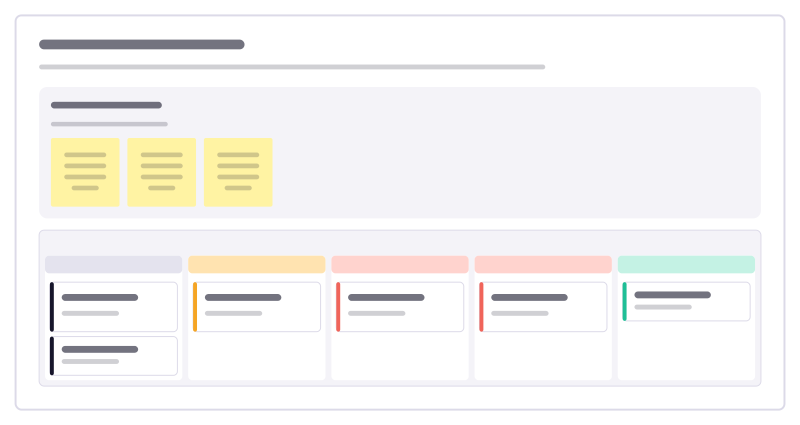
Invoice chasing board
Track unpaid customer invoices by how late they are, so the right reminder goes out at the right time and nothing is forgotten.
All 151 operations templates · All 584 templates by category
Bring your team and your agents to one board
Free to use, open source, and yours to host. No credit card, no seat count.