Operations template
Controls testing tracker template
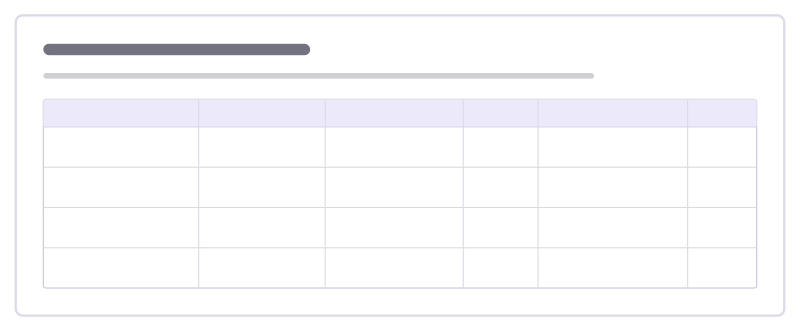
Test whether your internal controls actually work: what each control prevents, how it was tested, the result and the fix.
Free · Editable · Works with Claude and ChatGPT
How to use the Controls testing tracker template
Start a board from it
Use this template opens a new Freero board with the Controls testing tracker template on it (sign up free first). On a board you already have, open Templates in the toolbar and search for “Controls testing tracker”.
Follow the instruction on the board
“Test by picking real samples, not by asking whether the control works. Every failed test needs a fix owner and a date to retest.”
Fill in each part
- Table Columns: Control · Risk it covers · How we tested · Result · Fix and owner · Retest
Bring your team and your agents
Invite people to the board or share a link, and work on it together live. The timer is in the top bar, private mode and voting in the board menu, and Claude or ChatGPT can join through Freero’s MCP server.
Work on it with an AI agent
Connect an assistant once and it works on the board with you, with your permissions: by default it reads and proposes, and people decide.
You ask: “Fill in the Controls testing tracker board from these notes.”
What happens It reads the board, then proposes sticky notes for it. Nothing changes until someone on the board accepts them.
You ask: “Group what we wrote into themes and list the actions.”
What happens It proposes clusters with a title each and task cards for the actions, labelled with its name and yours.
Set it up for Claude, ChatGPT or any MCP client.
Related operations templates
Contract review checklist
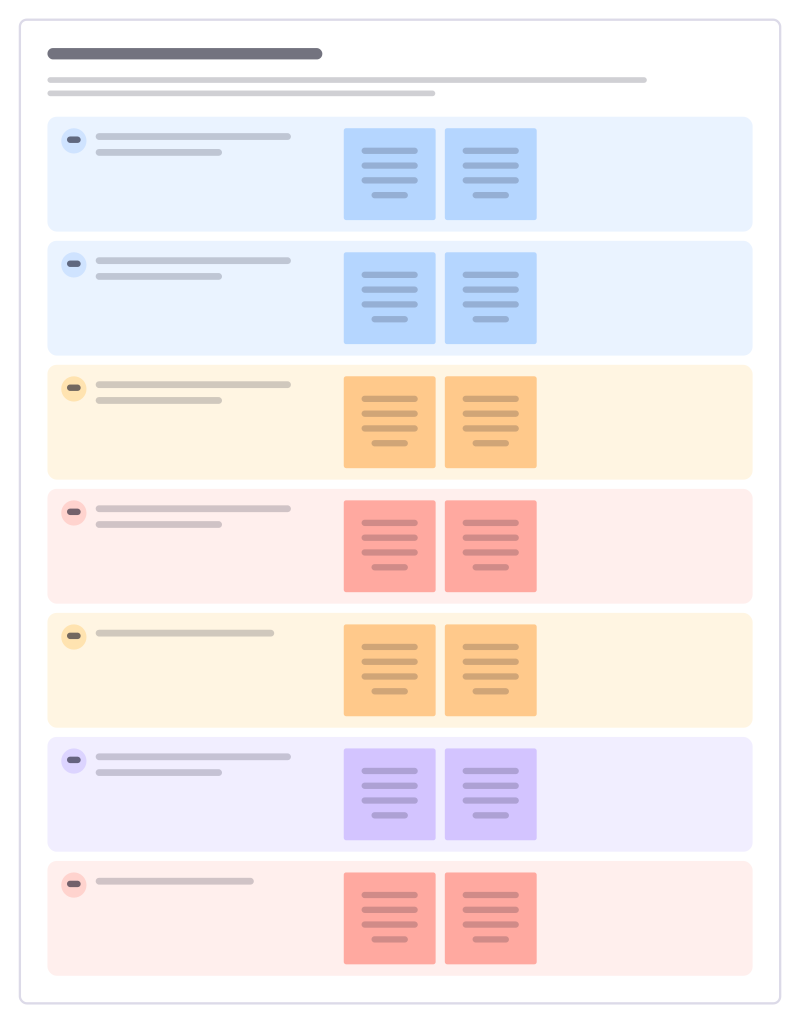
Read a commercial contract with the same questions every time: who, what, money, liability, exit and data, with red flags marked.
Compliance obligations register
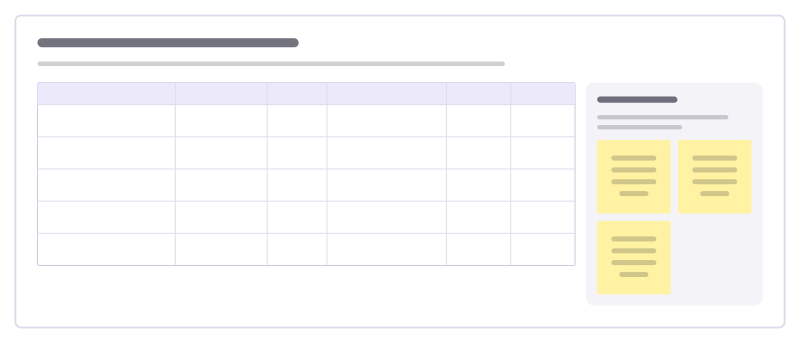
List the laws, licences and standards you must meet, what each requires, who owns it and the evidence that you comply.
Policy drafting canvas
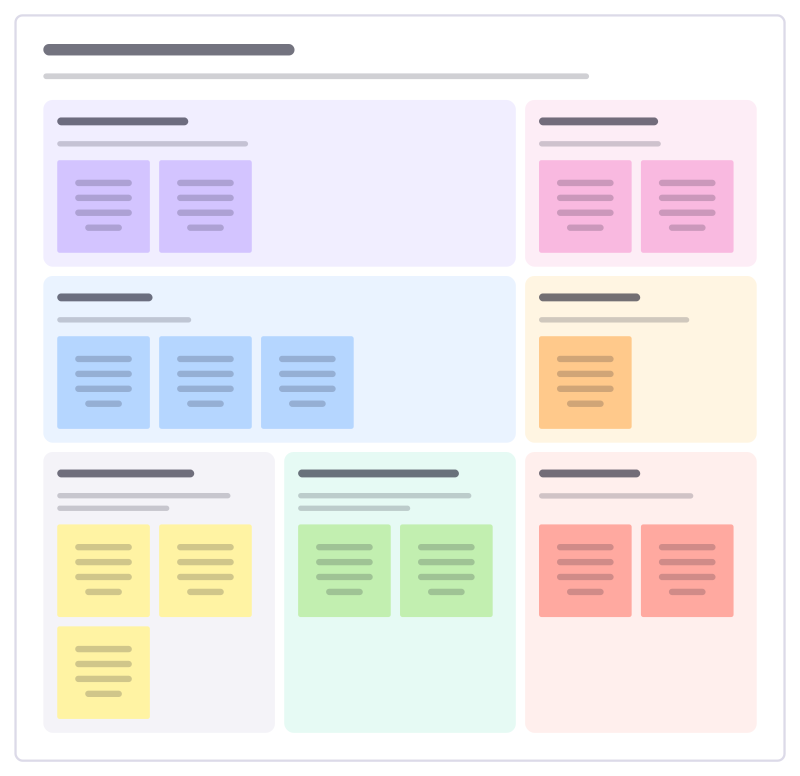
Draft a workplace policy people can follow: why it exists, who it covers, the rules, the exceptions and how it will be kept up.
Records of processing
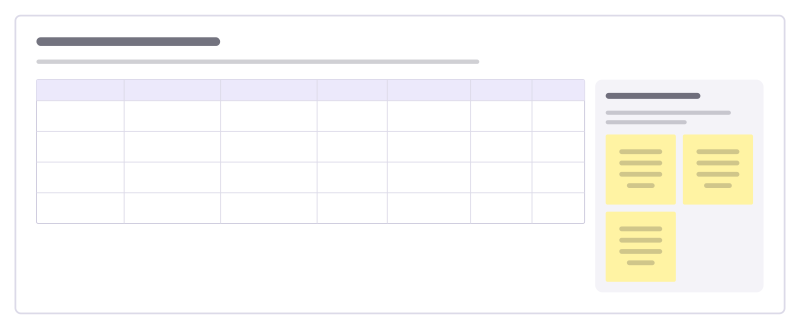
Keep a record of each activity that uses personal data: what data, why, on what basis, who it is shared with and how long it is kept.
Privacy impact assessment
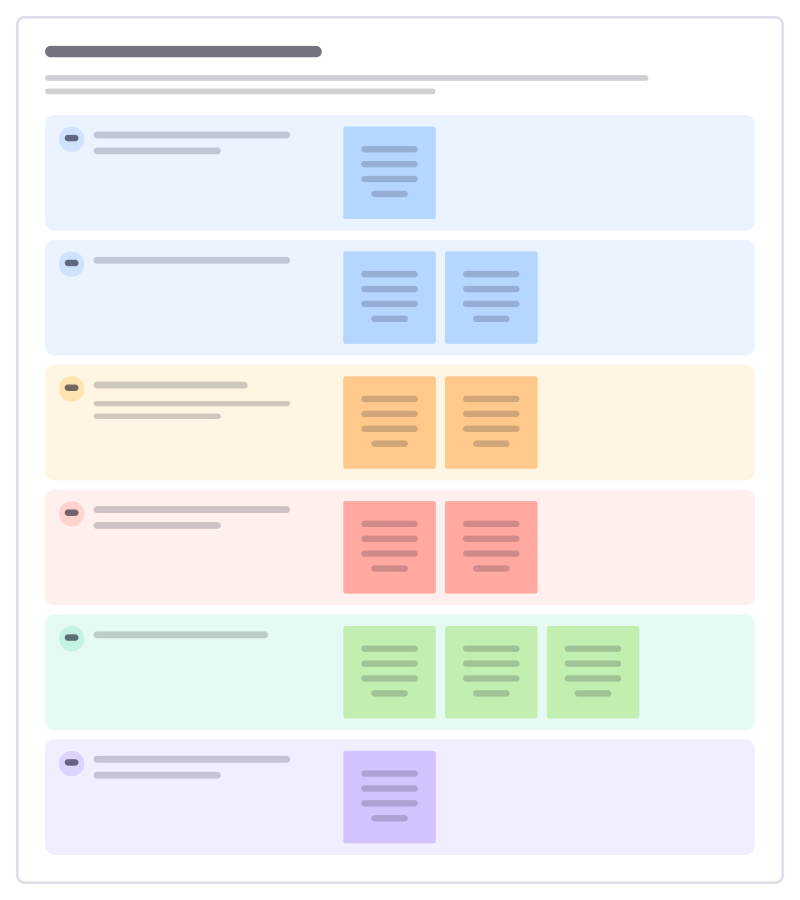
Before a new project uses personal data, think through what it collects, the risks to the people involved and how to reduce them.
Audit readiness board
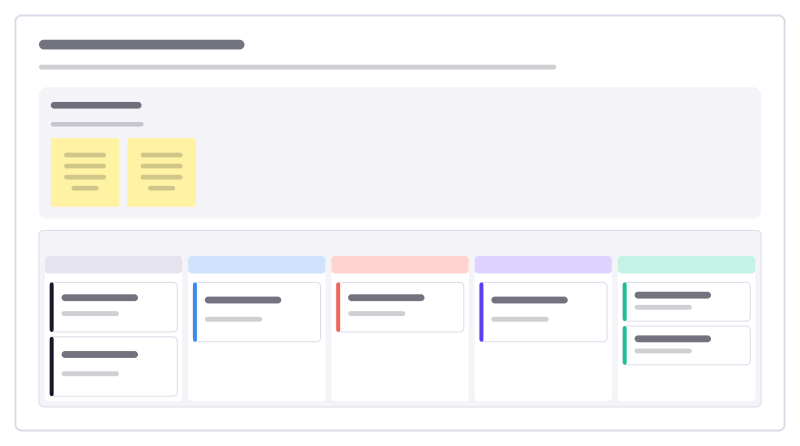
Get ready for an external audit: every piece of evidence the auditor asked for, who is gathering it and what is still missing.
All 151 operations templates · All 584 templates by category
Bring your team and your agents to one board
Free to use, open source, and yours to host. No credit card, no seat count.