Operations template
Cause and effect map template
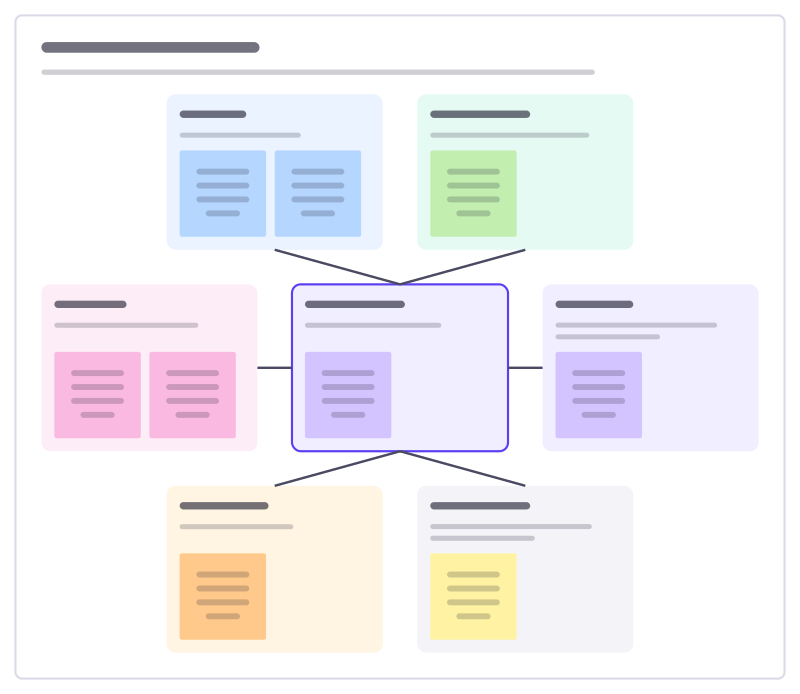
Put one problem in the middle and look for causes in six directions, so the team explores widely before settling on a fix.
Free · Editable · Works with Claude and ChatGPT · Also in Brainstorm
How to use the Cause and effect map template
Start a board from it
Use this template opens a new Freero board with the Cause and effect map template on it (sign up free first). On a board you already have, open Templates in the toolbar and search for “Cause and effect map”.
Follow the instruction on the board
“Describe the problem as a fact with a number. Fill every direction before voting: the cause nobody expected is often in the quiet corner.”
Fill in each part
- Tools Systems, machines and equipment.
- Environment Space, layout, timing and outside factors.
- People Skills, staffing, handovers, workload.
- The problem What happens, how often, since when?
- Process Steps, rules and the order things happen in.
- Materials Stock, packaging and supplies.
- Measurement How we count, and whether the numbers are right.
Bring your team and your agents
Invite people to the board or share a link, and work on it together live. The timer is in the top bar, private mode and voting in the board menu, and Claude or ChatGPT can join through Freero’s MCP server.
Work on it with an AI agent
Connect an assistant once and it works on the board with you, with your permissions: by default it reads and proposes, and people decide.
You ask: “Fill in the Cause and effect map board from these notes.”
What happens It reads the board, then proposes sticky notes for it. Nothing changes until someone on the board accepts them.
You ask: “Group what we wrote into themes and list the actions.”
What happens It proposes clusters with a title each and task cards for the actions, labelled with its name and yours.
Set it up for Claude, ChatGPT or any MCP client.
Related operations templates
Failure modes review
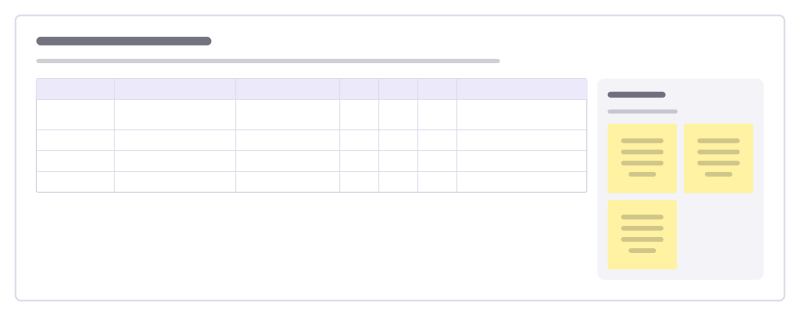
Go step by step through a process and ask how each step could fail, how bad it would be, how likely, and how you’d catch it.
Plan, do, check, act
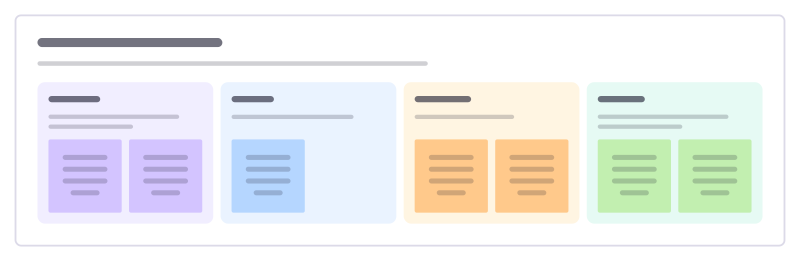
Run one improvement as a cycle: plan the change, try it small, check the result against the prediction, then adopt, adapt or drop it.
Defect Pareto
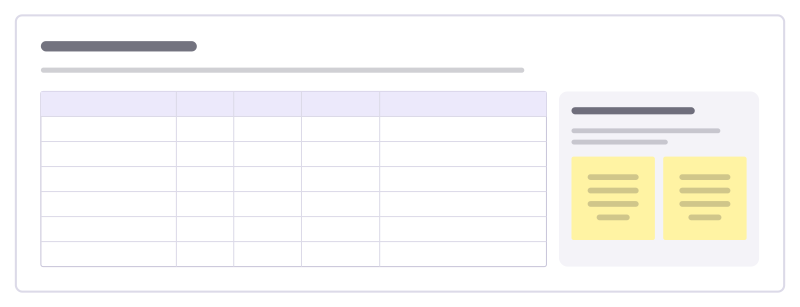
Rank defect types by how often they happen, see which few cause most of the scrap, and pick where to start fixing.
Five whys
Ask "why?" until you reach a cause you can actually fix, writing down the evidence for each answer on the way.
Cost saving ideas
Collect ideas to cut costs from everyone who spends money, then sort them by how much they save against how hard they are.
Month-end close
Track every task needed to close the books each month, who owns it and what is waiting on someone else.
All 151 operations templates · All 584 templates by category
Bring your team and your agents to one board
Free to use, open source, and yours to host. No credit card, no seat count.