Software engineering template
API design review template
Review a new API before it’s built: each endpoint’s purpose, inputs, outputs, errors and the questions reviewers raise.
Free · Editable · Works with Claude and ChatGPT
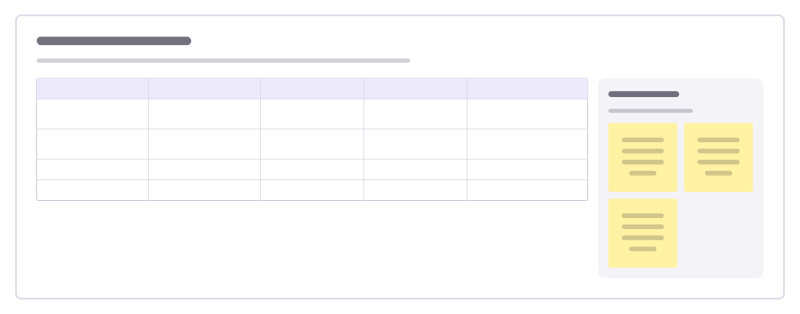
How to use the API design review template
Start a board from it
Use this template opens a new Freero board with the API design review template on it (sign up free first). On a board you already have, open Templates in the toolbar and search for “API design review”.
Follow the instruction on the board
“Review the names and the error cases more carefully than the happy path: those are what clients struggle with later.”
Fill in each part
- Table Columns: Endpoint · Purpose · Returns · Errors · Review notes
- Checklist Questions every review asks.
Bring your team and your agents
Invite people to the board or share a link, and work on it together live. The timer is in the top bar, private mode and voting in the board menu, and Claude or ChatGPT can join through Freero’s MCP server.
Work on it with an AI agent
Connect an assistant once and it works on the board with you, with your permissions: by default it reads and proposes, and people decide.
You ask: “Fill in the API design review board from these notes.”
What happens It reads the board, then proposes sticky notes for it. Nothing changes until someone on the board accepts them.
You ask: “Group what we wrote into themes and list the actions.”
What happens It proposes clusters with a title each and task cards for the actions, labelled with its name and yours.
Set it up for Claude, ChatGPT or any MCP client.
Related software engineering templates
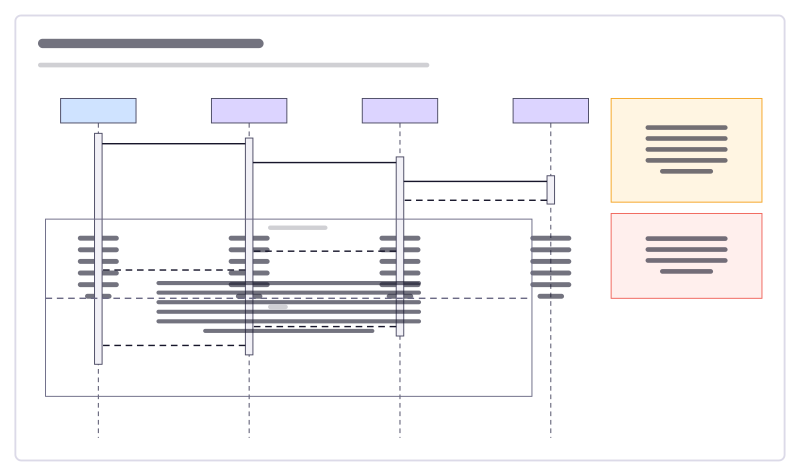
Sequence diagram
A sign-in flow as UML lifelines, activation bars, calls, replies and an alt fragment.
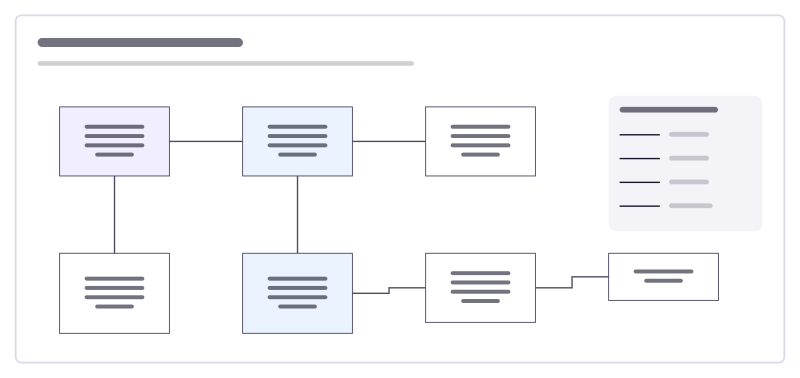
Data model (ERD)
An online shop’s tables and how they relate, drawn with crow’s-foot ends.
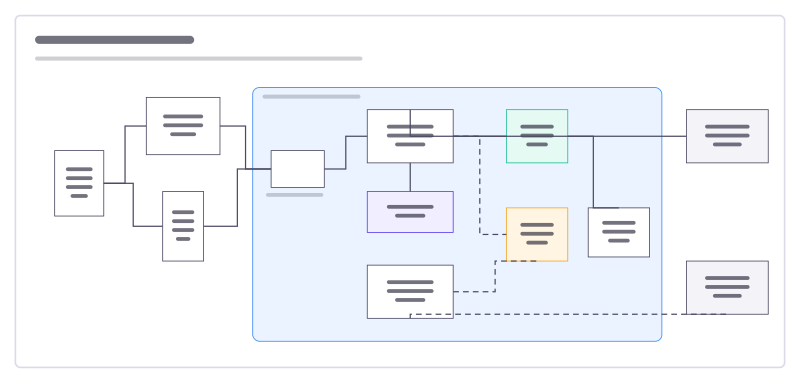
System architecture
Users, apps, services, data stores and outside providers, with what talks to what.
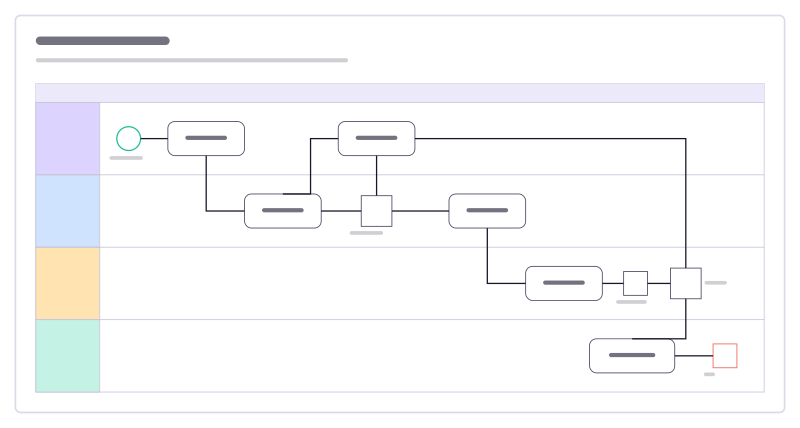
CI/CD pipeline
From pull request to production across four lanes, with BPMN events, tasks and gateways.
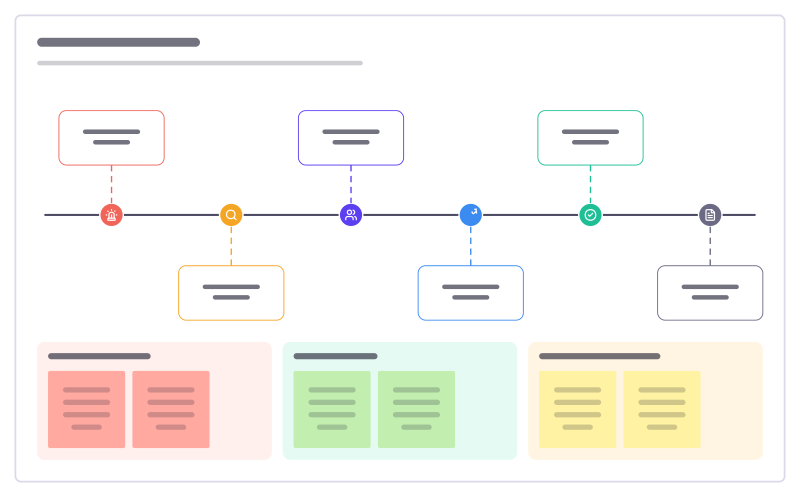
Incident timeline
What happened when during an outage, from first alert to follow-up, with impact and lessons.
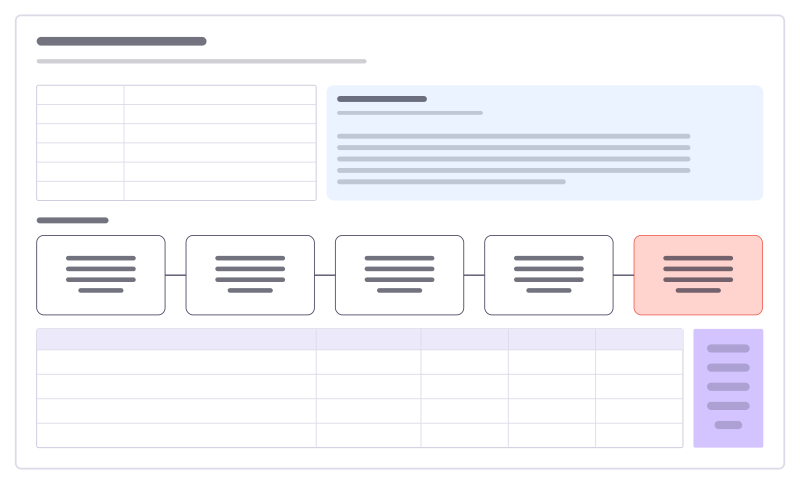
Incident postmortem
A blameless review: summary, what happened, five whys to the root cause and owned actions.
All 89 software engineering templates · All 584 templates by category
Bring your team and your agents to one board
Free to use, open source, and yours to host. No credit card, no seat count.