Agile template
Sprint timeline retro template
Rebuild the sprint day by day before judging it, so the retro talks about what happened rather than what people remember last.
Free · Editable · Works with Claude and ChatGPT · Also in Meetings

How to use the Sprint timeline retro template
Start a board from it
Use this template opens a new Freero board with the Sprint timeline retro template on it (sign up free first). On a board you already have, open Templates in the toolbar and search for “Sprint timeline retro”.
Follow the instruction on the board
“Everyone adds events to the day they happened, good and bad. Walk the line together, then circle the two moments that changed the sprint most.”
Fill in each part
- Planning Day 1
- First week Days 2–5
- Second week Days 6–9
- Review Day 10
Bring your team and your agents
Invite people to the board or share a link, and work on it together live. The timer is in the top bar, private mode and voting in the board menu, and Claude or ChatGPT can join through Freero’s MCP server.
Work on it with an AI agent
Connect an assistant once and it works on the board with you, with your permissions: by default it reads and proposes, and people decide.
You ask: “Fill in the Sprint timeline retro board from these notes.”
What happens It reads the board, then proposes sticky notes for it. Nothing changes until someone on the board accepts them.
You ask: “Group what we wrote into themes and list the actions.”
What happens It proposes clusters with a title each and task cards for the actions, labelled with its name and yours.
Set it up for Claude, ChatGPT or any MCP client.
Related agile templates
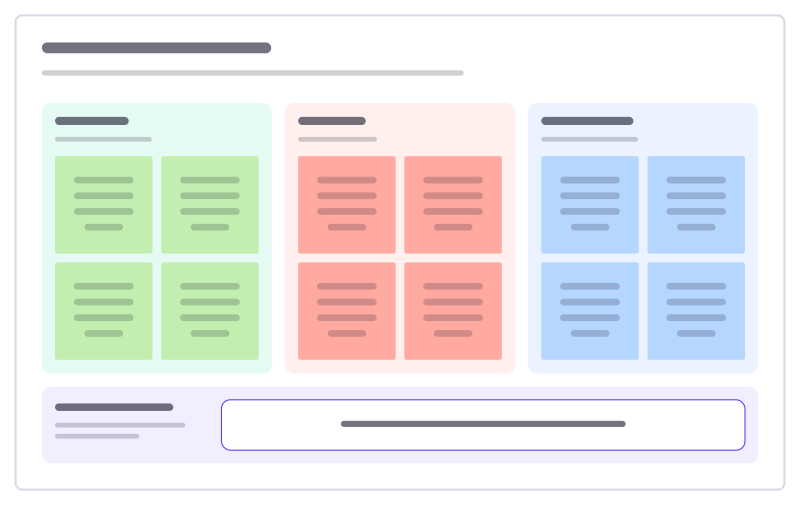
Start, stop, continue
A quick retro: what to begin, what to drop, what to keep, and one experiment.
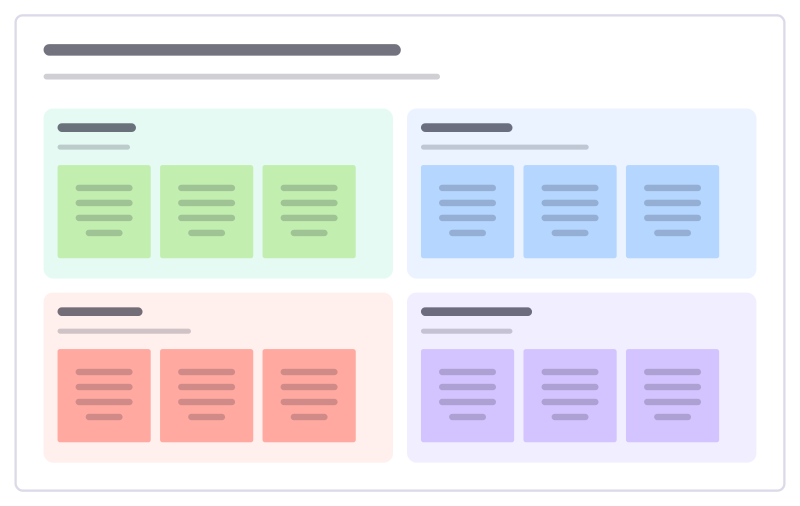
Liked, learned, lacked, longed for
A reflective retro in four quadrants that looks at learning, not only problems.
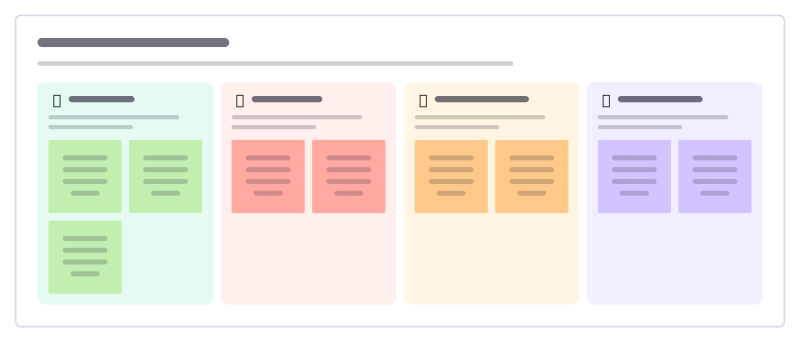
Hot air balloon retro
A picture-led retro: what lifts the team, what weighs it down, the weather ahead and where the balloon should go next.

Mad, sad, glad retro
A feelings-first retro: what frustrated people, what disappointed them, what made them glad, and one thing to try.

Starfish retro
Five arms for finer feedback than keep or stop: what to keep, do more of, do less of, stop and start.

Mountain climb retro
A picture-led retro for a long stretch of work: the summit we aimed for, what held us, what fell on us and what to pack next time.
Bring your team and your agents to one board
Free to use, open source, and yours to host. No credit card, no seat count.