Operations template
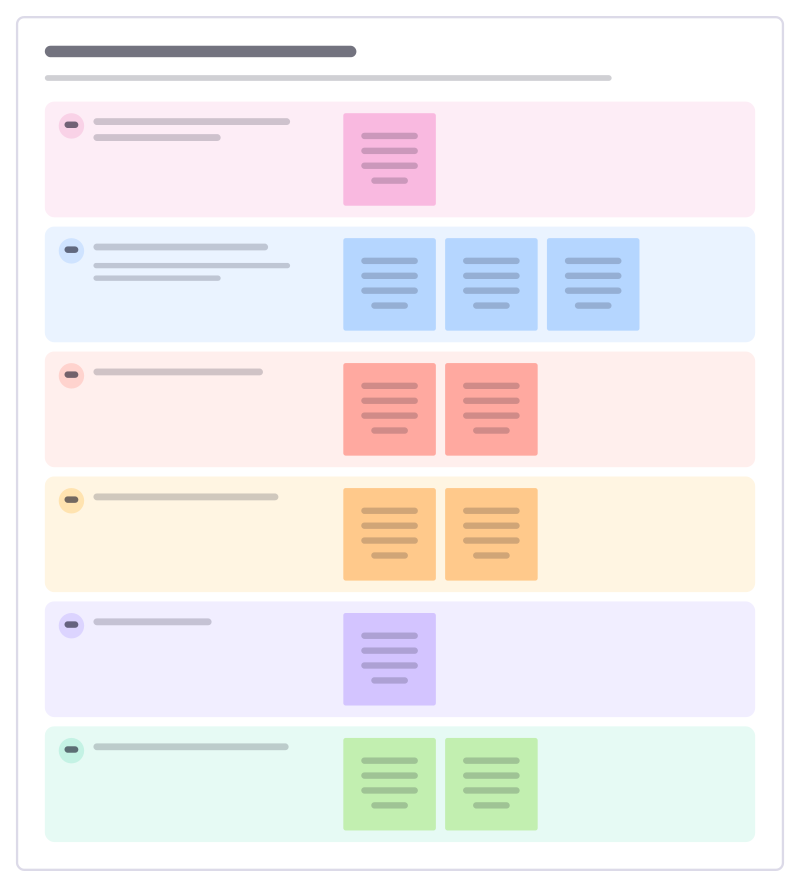
Multidisciplinary case review template
Bring every profession around one person’s case: updates, concerns, options and a clear decision with owners.
Free · Editable · Works with Claude and ChatGPT · Also in Meetings
How to use the Multidisciplinary case review template
Start a board from it
Use this template opens a new Freero board with the Multidisciplinary case review template on it (sign up free first). On a board you already have, open Templates in the toolbar and search for “Multidisciplinary case review”.
Follow the instruction on the board
“One case per board. The chair keeps updates to two minutes per profession, then gives most of the time to options and the decision.”
Fill in each part
- Who is the person, and what matters to them?
- Update from each profession One note each: medical, nursing, therapy, social care, others.
- What are we worried about?
- Which options did we discuss?
- Decision and why
- Actions, owners and review date
Bring your team and your agents
Invite people to the board or share a link, and work on it together live. The timer is in the top bar, private mode and voting in the board menu, and Claude or ChatGPT can join through Freero’s MCP server.
Work on it with an AI agent
Connect an assistant once and it works on the board with you, with your permissions: by default it reads and proposes, and people decide.
You ask: “Fill in the Multidisciplinary case review board from these notes.”
What happens It reads the board, then proposes sticky notes for it. Nothing changes until someone on the board accepts them.
You ask: “Group what we wrote into themes and list the actions.”
What happens It proposes clusters with a title each and task cards for the actions, labelled with its name and yours.
Set it up for Claude, ChatGPT or any MCP client.
Related operations templates
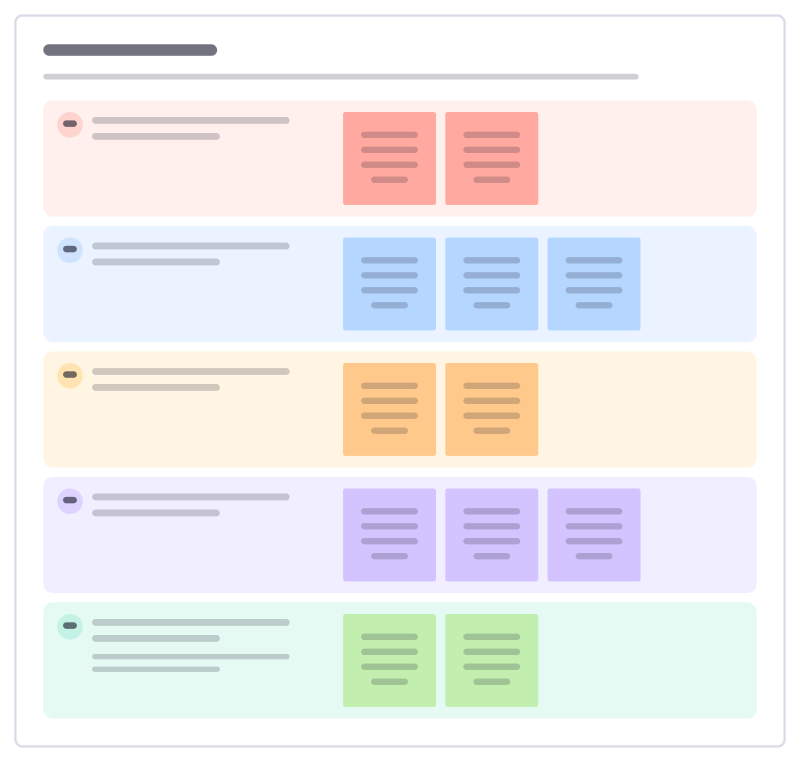
SBAR handover
Pass on a patient’s situation in four short parts, so the person taking over hears the facts, your view and what you need.
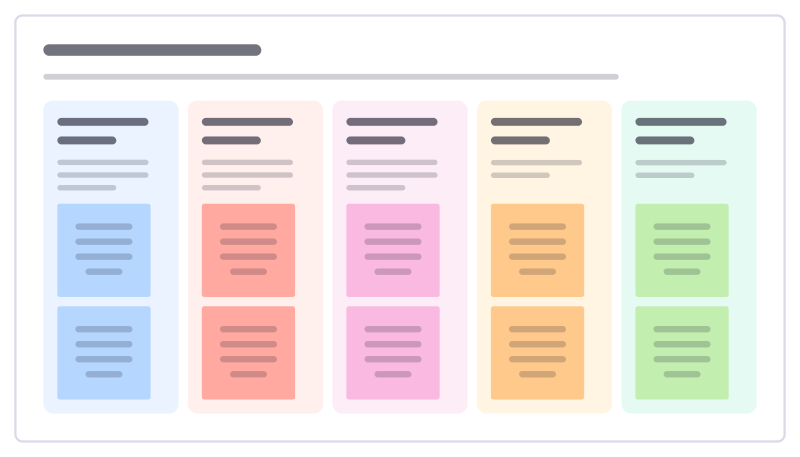
Ward safety huddle
A ten-minute stand-up at the start of each shift: who is at risk today, what went wrong yesterday and what the team needs.
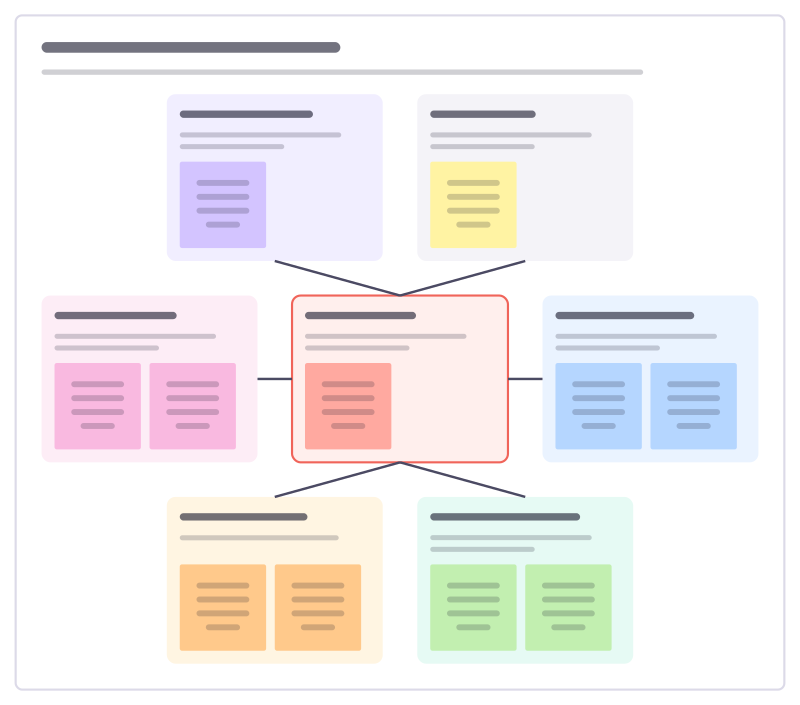
Patient safety incident review
Look at a patient safety event without blame: what happened, the factors around it and what the system should change.
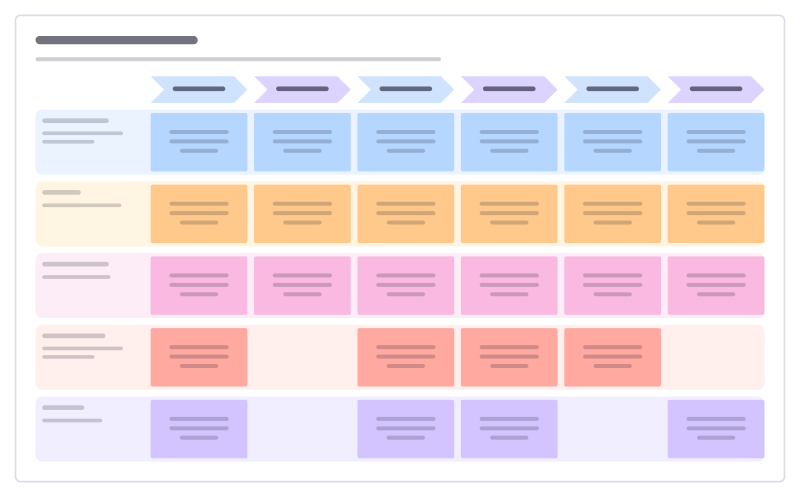
Patient pathway map
Follow one patient from referral to follow-up: what happens at each step, how long they wait, how it feels and what could be better.
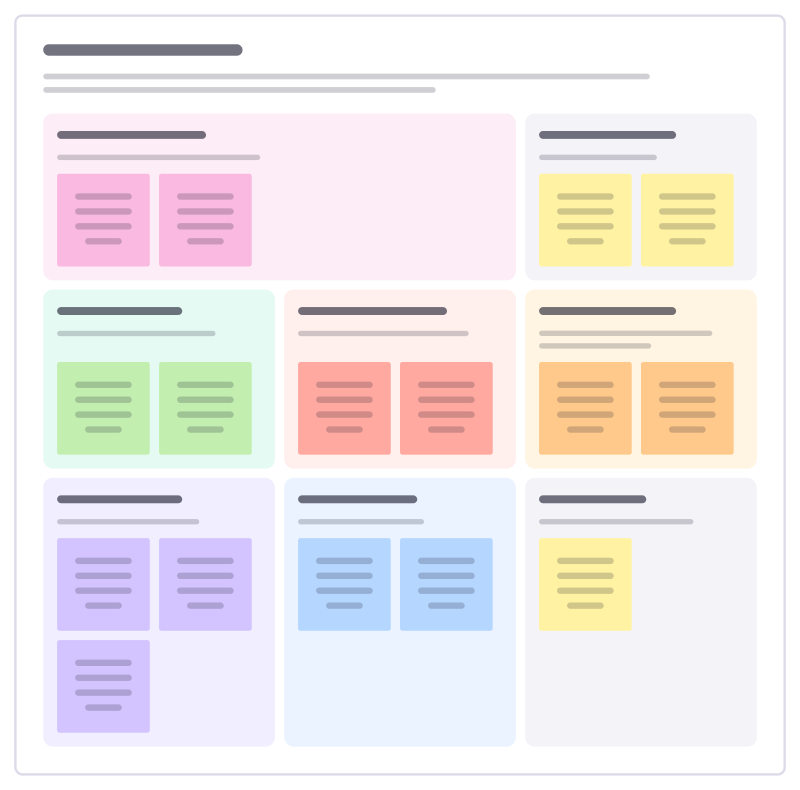
Care plan review
Review a person’s care with them and the people around them: what matters to them, what support works and what changes next.
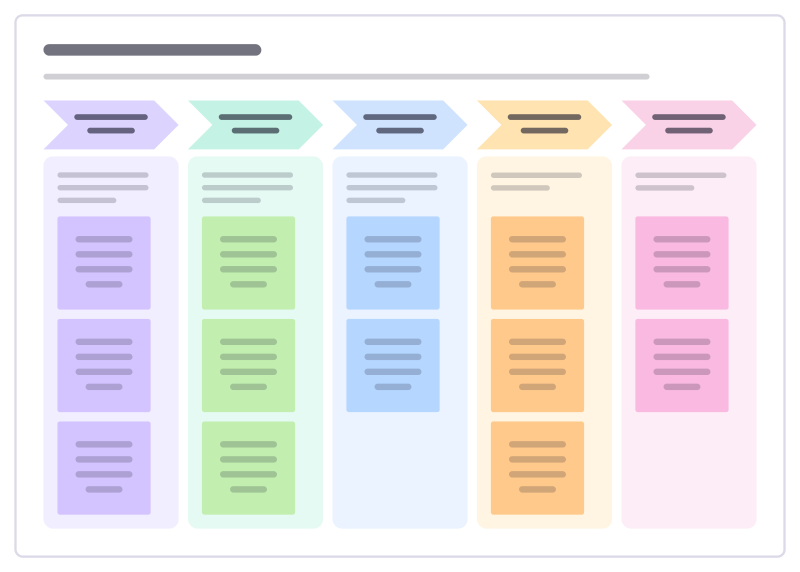
Discharge planning
Plan a patient’s safe return home from the day they arrive: what must be ready before, on and after the day they leave.
All 151 operations templates · All 584 templates by category
Bring your team and your agents to one board
Free to use, open source, and yours to host. No credit card, no seat count.