Team building template
Hopes and concerns template
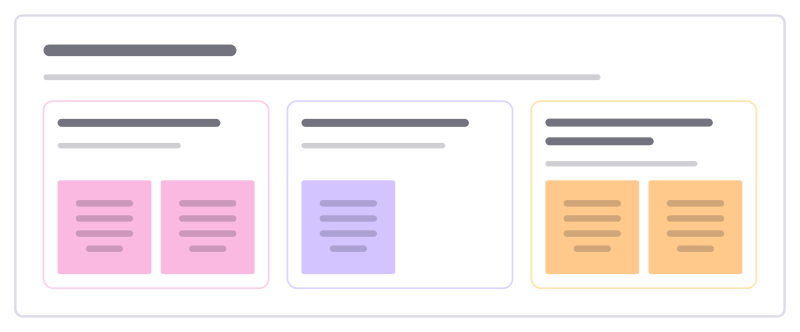
At the start of a project or workshop, everyone names what they hope for and what worries them, then the team agrees what would help.
Free · Editable · Works with Claude and ChatGPT · Also in Meetings
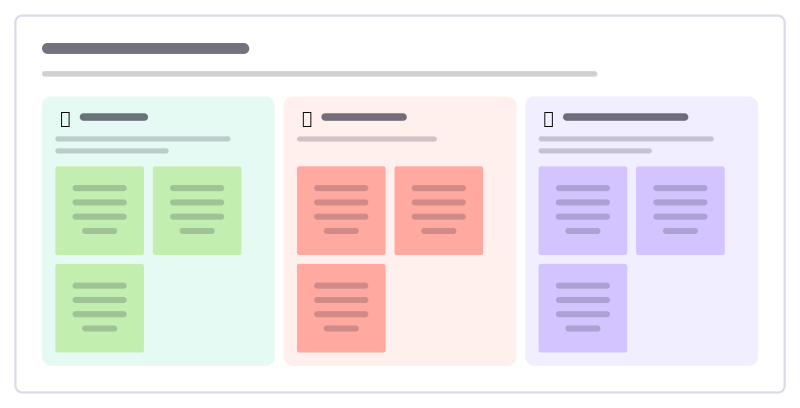
How to use the Hopes and concerns template
Start a board from it
Use this template opens a new Freero board with the Hopes and concerns template on it (sign up free first). On a board you already have, open Templates in the toolbar and search for “Hopes and concerns”.
Follow the instruction on the board
“Collect hopes and concerns silently first, then read them aloud. Spend most of the time on the third column: what will we do about it?”
Fill in each part
- Hopes What would make this project a success for you?
- Concerns What are you worried could go wrong?
- What would help What can we agree on now to protect the hopes and ease the concerns?
Bring your team and your agents
Invite people to the board or share a link, and work on it together live. The timer is in the top bar, private mode and voting in the board menu, and Claude or ChatGPT can join through Freero’s MCP server.
Work on it with an AI agent
Connect an assistant once and it works on the board with you, with your permissions: by default it reads and proposes, and people decide.
You ask: “Fill in the Hopes and concerns board from these notes.”
What happens It reads the board, then proposes sticky notes for it. Nothing changes until someone on the board accepts them.
You ask: “Group what we wrote into themes and list the actions.”
What happens It proposes clusters with a title each and task cards for the actions, labelled with its name and yours.
Set it up for Claude, ChatGPT or any MCP client.
Related team building templates
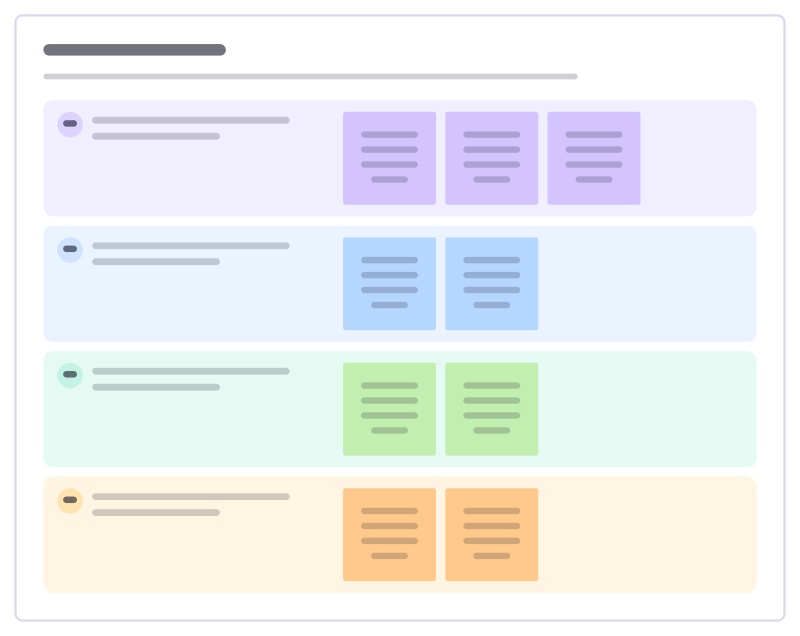
Check-in round
Open a meeting so everyone has spoken once in the first five minutes: a choice of short check-in questions with example answers.
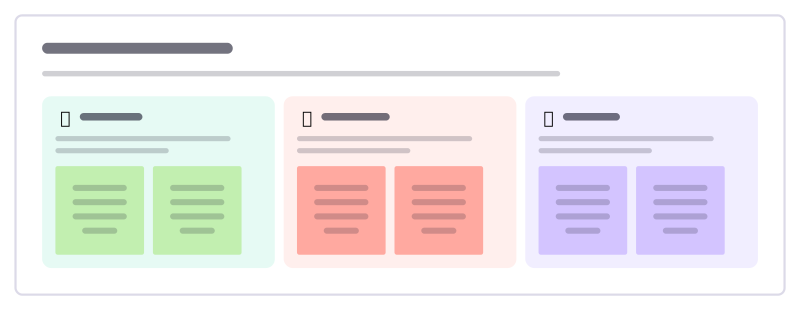
Rose, thorn, bud
A quick round where everyone shares a highlight, a struggle and something just starting to grow.
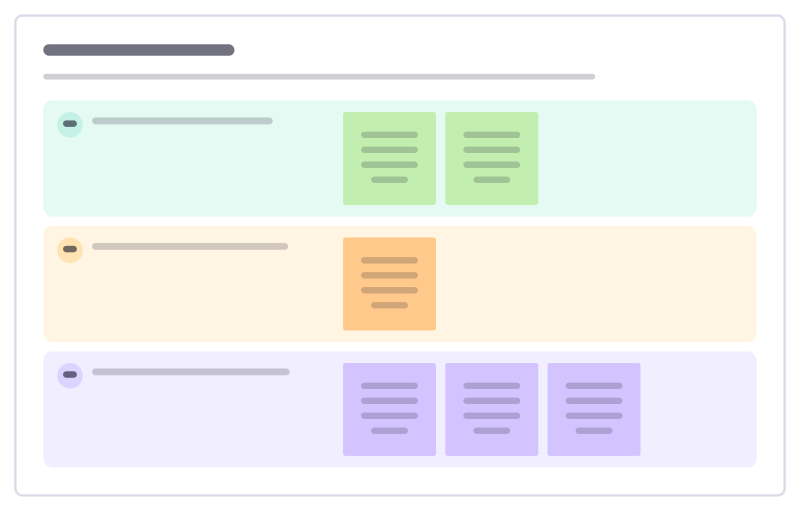
Check-out round
Close a meeting or workshop so nothing is left unsaid: one takeaway, one open question and how people are leaving.
Gratitude round
A short round where people thank someone for something specific they did, read aloud to them.

Team journey line
Walk back through a project phase by phase, marking the highs and lows people felt, to celebrate and learn before the next one.
Class agreements
The class writes its own agreements for listening, helping, disagreeing and getting unstuck, in words students choose.
All 18 team building templates · All 584 templates by category
Bring your team and your agents to one board
Free to use, open source, and yours to host. No credit card, no seat count.