HR template
Feedback conversation prep template
Prepare to give someone difficult feedback: what you saw, its effect, what you want instead and how you’ll listen.
Free · Editable · Works with Claude and ChatGPT · Also in Meetings
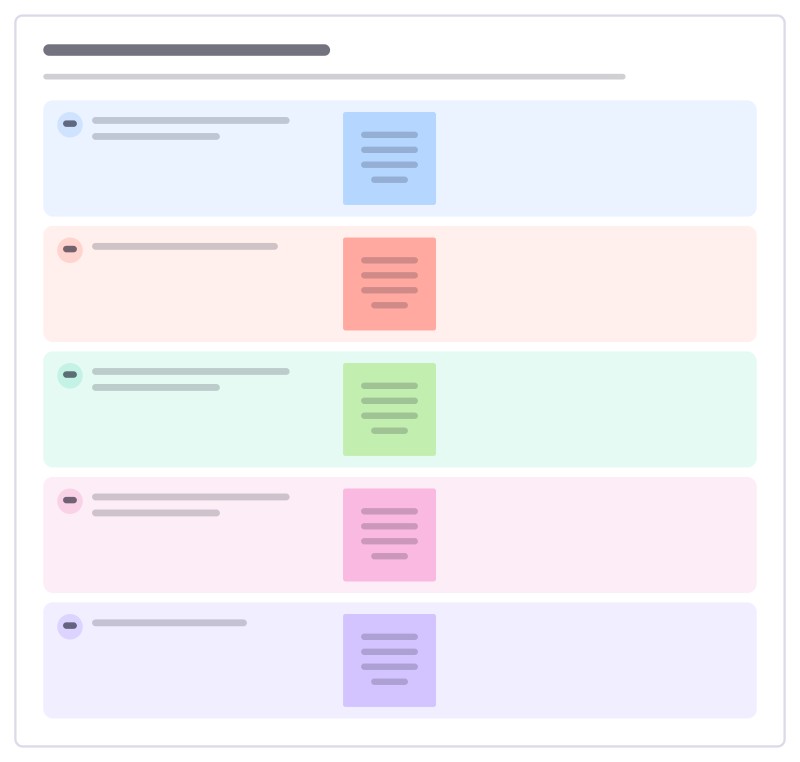
How to use the Feedback conversation prep template
Start a board from it
Use this template opens a new Freero board with the Feedback conversation prep template on it (sign up free first). On a board you already have, open Templates in the toolbar and search for “Feedback conversation prep”.
Follow the instruction on the board
“Stick to things you saw or heard yourself. Plan to ask about their view early, and be ready to learn something that changes your mind.”
Fill in each part
- What exactly did you see or hear, and when?
- What was the effect, on whom?
- What would you like to see instead?
- What will you ask to understand their side?
- How will you follow up?
Bring your team and your agents
Invite people to the board or share a link, and work on it together live. The timer is in the top bar, private mode and voting in the board menu, and Claude or ChatGPT can join through Freero’s MCP server.
Work on it with an AI agent
Connect an assistant once and it works on the board with you, with your permissions: by default it reads and proposes, and people decide.
You ask: “Fill in the Feedback conversation prep board from these notes.”
What happens It reads the board, then proposes sticky notes for it. Nothing changes until someone on the board accepts them.
You ask: “Group what we wrote into themes and list the actions.”
What happens It proposes clusters with a title each and task cards for the actions, labelled with its name and yours.
Set it up for Claude, ChatGPT or any MCP client.
Related HR templates
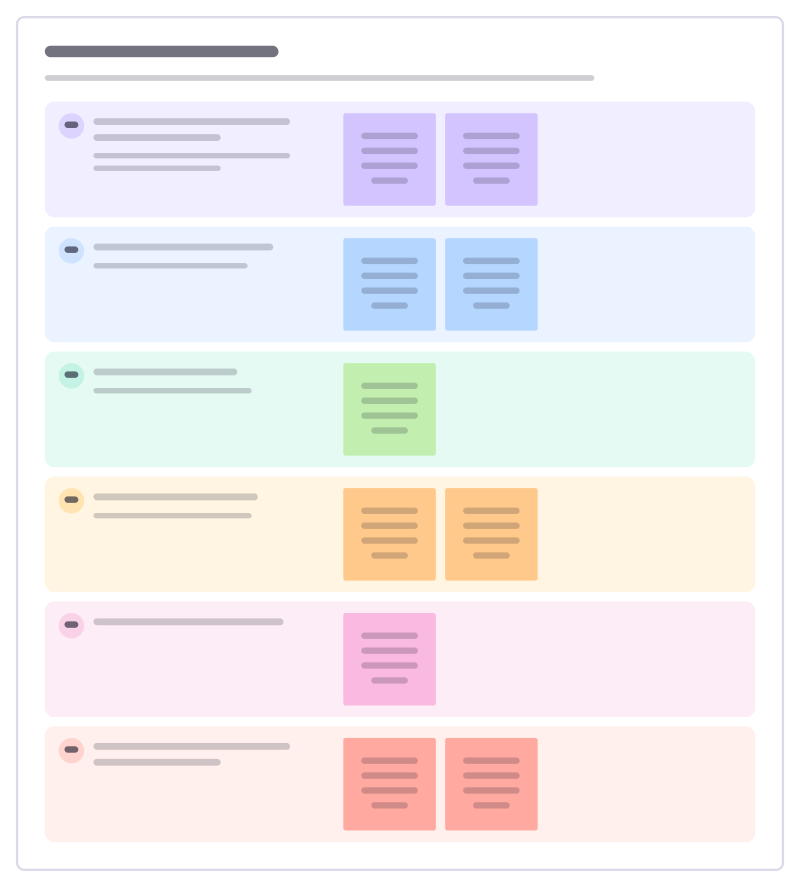
Performance check-in
A short, regular conversation about progress, obstacles and support, so the annual review holds no surprises.
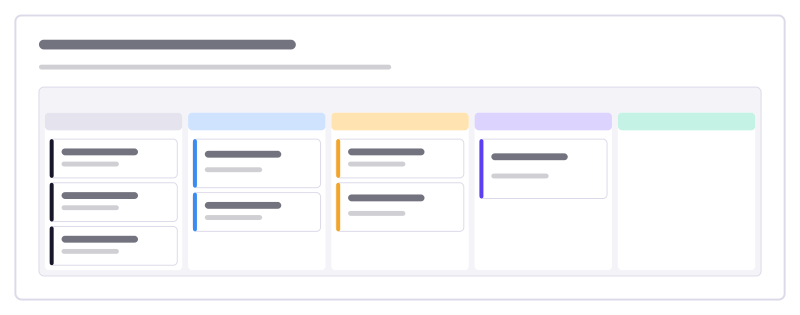
Manager onboarding checklist
Everything a manager does to onboard someone well, from before day one to the end of month three, as cards to move.
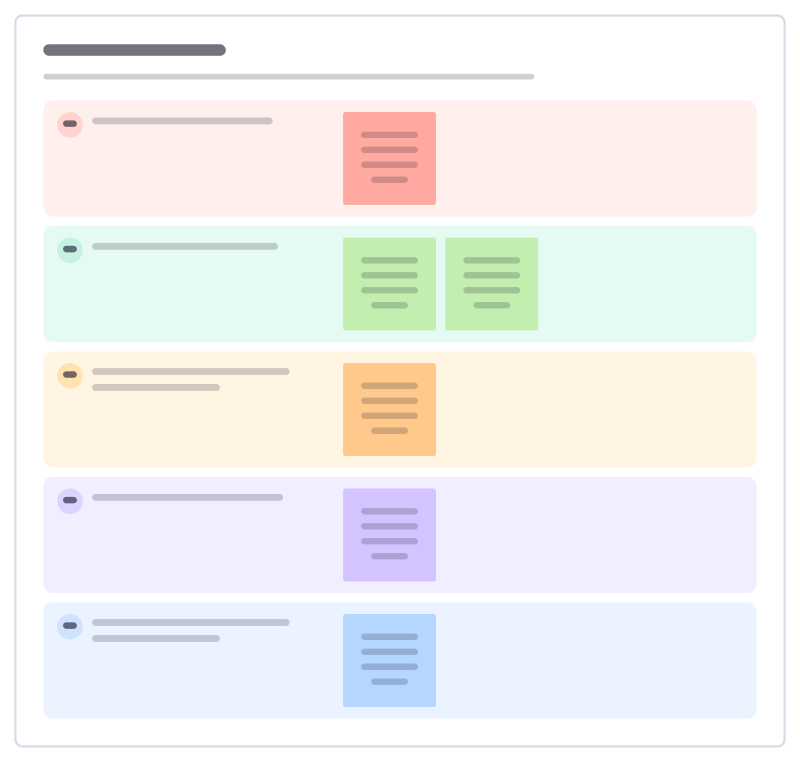
Exit interview
Learn from people who leave: why they’re going, what worked, what didn’t, and what would have made them stay.
Promotion case
Make the case for someone’s promotion with evidence: their scope, impact, examples against the next level and what others say.
Individual development plan
Agree where someone wants to grow over the next year, the skills and experiences that will get them there and the support they need.
Stay interview
Ask people why they stay and what might make them leave, while you can still do something about it.
Bring your team and your agents to one board
Free to use, open source, and yours to host. No credit card, no seat count.