Agile template
Daily standup template
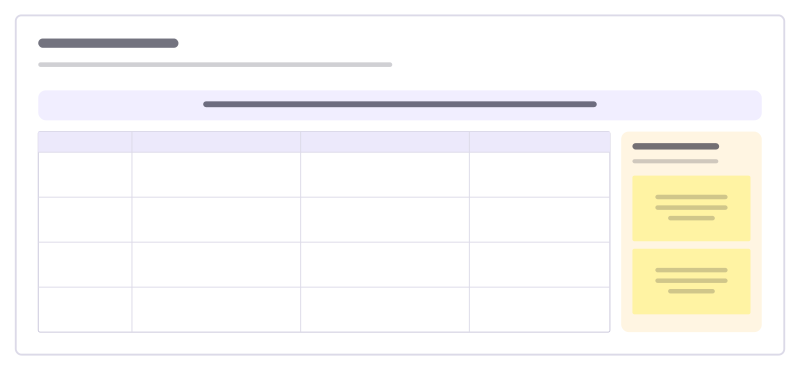
One row per teammate for what moved, what’s next and blockers, plus a parking lot.
Free · Editable · Works with Claude and ChatGPT · Also in Meetings
How to use the Daily standup template
Start a board from it
Use this template opens a new Freero board with the Daily standup template on it (sign up free first). On a board you already have, open Templates in the toolbar and search for “Daily standup”.
Follow the instruction on the board
“Two minutes each: what moved, what’s next, what’s in the way. Long discussions go to the parking lot.”
Fill in each part
- Table Columns: Teammate · Since yesterday · Today · Blockers
- Parking lot Talk about these afterwards.
Bring your team and your agents
Invite people to the board or share a link, and work on it together live. The timer is in the top bar, private mode and voting in the board menu, and Claude or ChatGPT can join through Freero’s MCP server.
Work on it with an AI agent
Connect an assistant once and it works on the board with you, with your permissions: by default it reads and proposes, and people decide.
You ask: “Fill in the Daily standup board from these notes.”
What happens It reads the board, then proposes sticky notes for it. Nothing changes until someone on the board accepts them.
You ask: “Group what we wrote into themes and list the actions.”
What happens It proposes clusters with a title each and task cards for the actions, labelled with its name and yours.
Set it up for Claude, ChatGPT or any MCP client.
Related agile templates

Retrospective
Went well, to improve and action items: a calm, classic sprint retro.
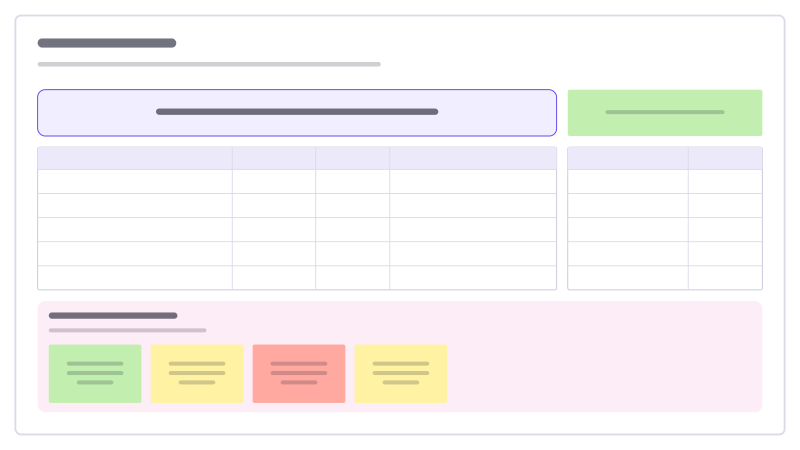
Sprint review
What the sprint delivered against its goal, the demo order, numbers and stakeholder feedback.
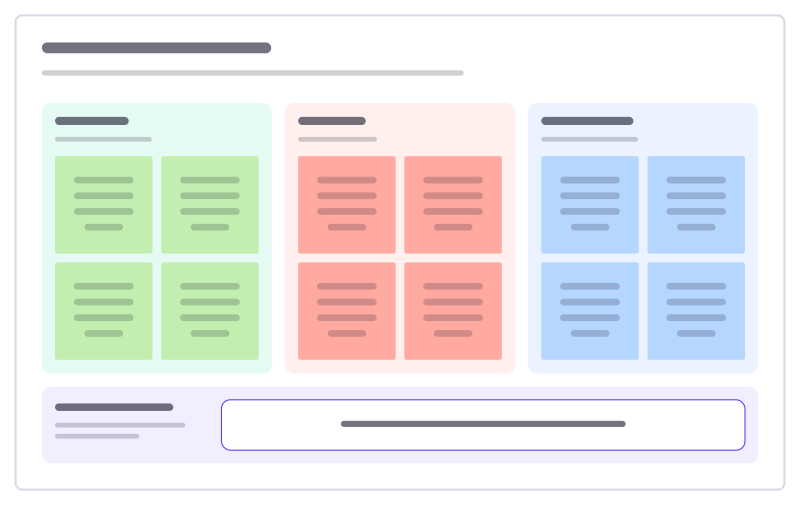
Start, stop, continue
A quick retro: what to begin, what to drop, what to keep, and one experiment.
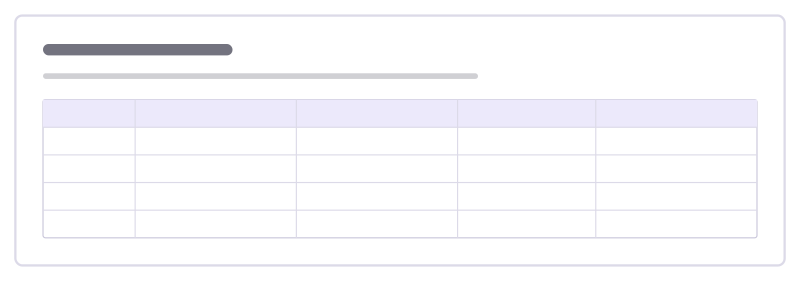
Multi-team sync
A short sync between several teams: what each finished, what’s next, what blocks them and what they need from another team.

Control and influence retro
Sort the team’s problems by what it controls, what it can influence and what it has to accept, then act where it has power.

Sprint board
The sprint goal and facts on top, a five-column task kanban with WIP limits below.
Bring your team and your agents to one board
Free to use, open source, and yours to host. No credit card, no seat count.