Sales and marketing template
Sales pipeline review template
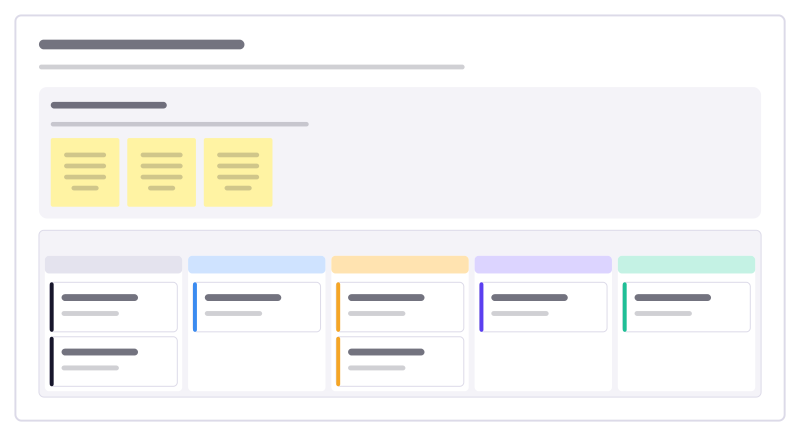
Deals by stage with the next step on each, plus the questions a weekly pipeline review should ask.
Free · Editable · Works with Claude and ChatGPT · Also in Meetings
How to use the Sales pipeline review template
Start a board from it
Use this template opens a new Freero board with the Sales pipeline review template on it (sign up free first). On a board you already have, open Templates in the toolbar and search for “Sales pipeline review”.
Follow the instruction on the board
“Every card needs a next step with a date. A deal with no next step is not in the pipeline, it is in the hope column.”
Fill in each part
- Review questions Ask these for every deal that moved, stalled or is due to close this month.
- Open deals this week Columns: Qualified · Discovery · Proposal · Negotiation · Won
Bring your team and your agents
Invite people to the board or share a link, and work on it together live. The timer is in the top bar, private mode and voting in the board menu, and Claude or ChatGPT can join through Freero’s MCP server.
Work on it with an AI agent
Connect an assistant once and it works on the board with you, with your permissions: by default it reads and proposes, and people decide.
You ask: “Fill in the Sales pipeline review board from these notes.”
What happens It reads the board, then proposes sticky notes for it. Nothing changes until someone on the board accepts them.
You ask: “Group what we wrote into themes and list the actions.”
What happens It proposes clusters with a title each and task cards for the actions, labelled with its name and yours.
Set it up for Claude, ChatGPT or any MCP client.
Related sales and marketing templates
Deal review
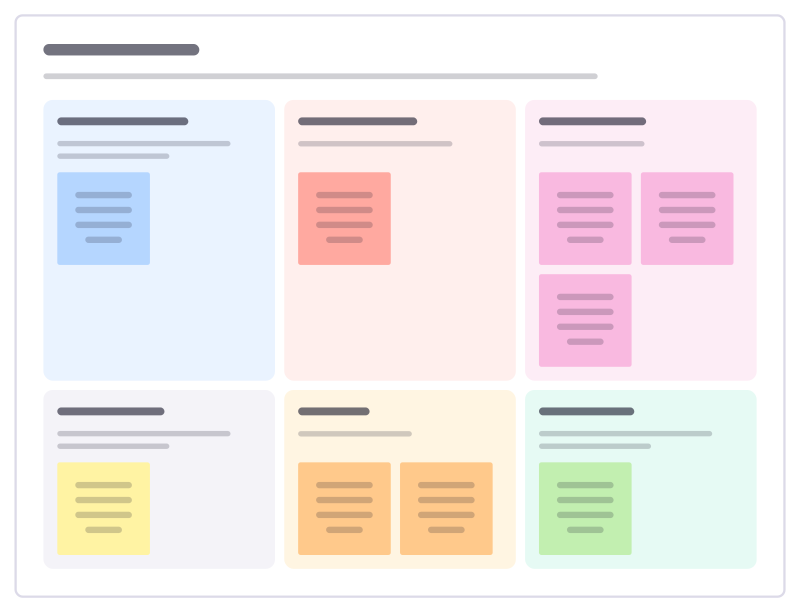
Review one important deal with the team: where it really stands, who decides, the risks and the next step that moves it.
Win/loss review
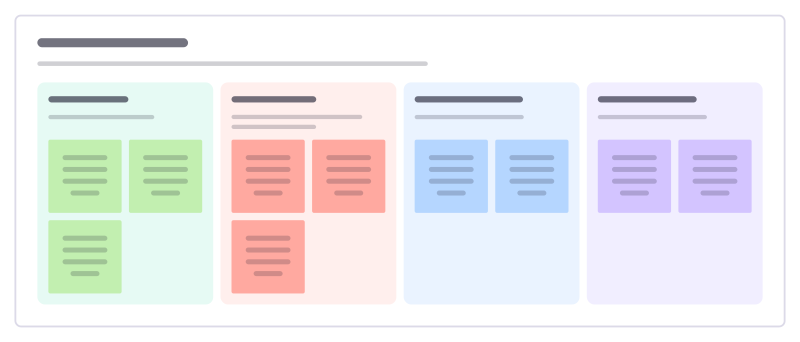
Look back at recent deals, won and lost, and turn the patterns into changes to the product, pitch and process.
Customer advisory board
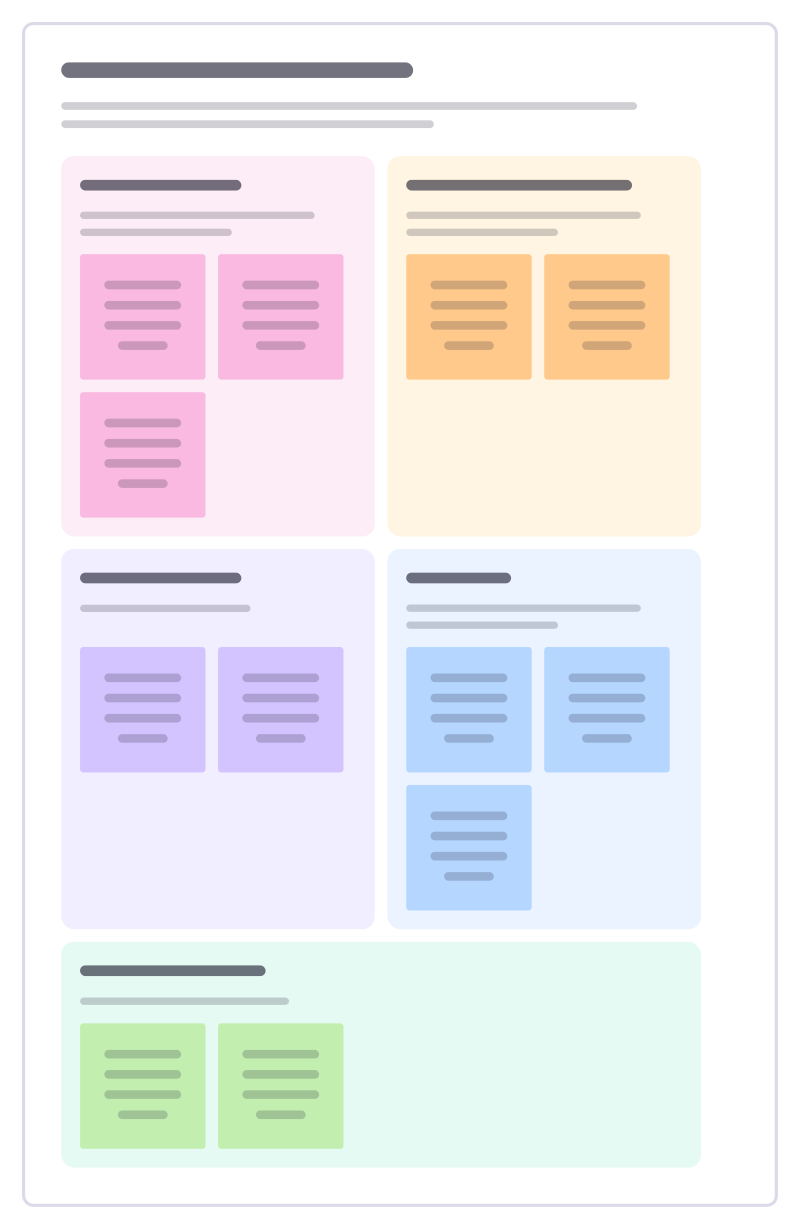
Plan a session with a small group of key customers: who to invite, what to ask them, what to share and how you will follow up.
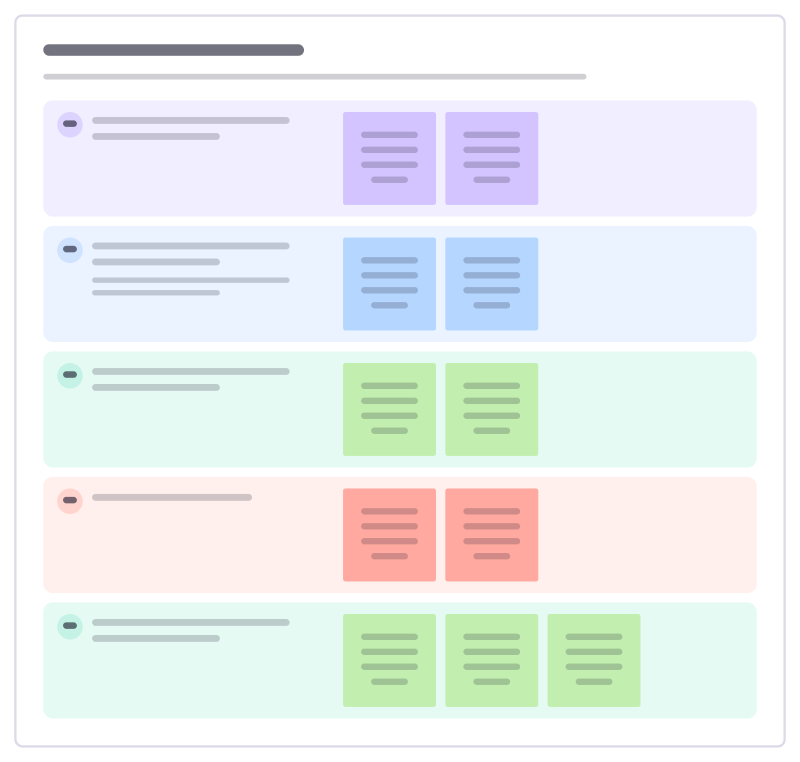
Onboarding kickoff call
Run the first call with a new customer: confirm why they bought, who is involved, what launch looks like and the next two weeks.
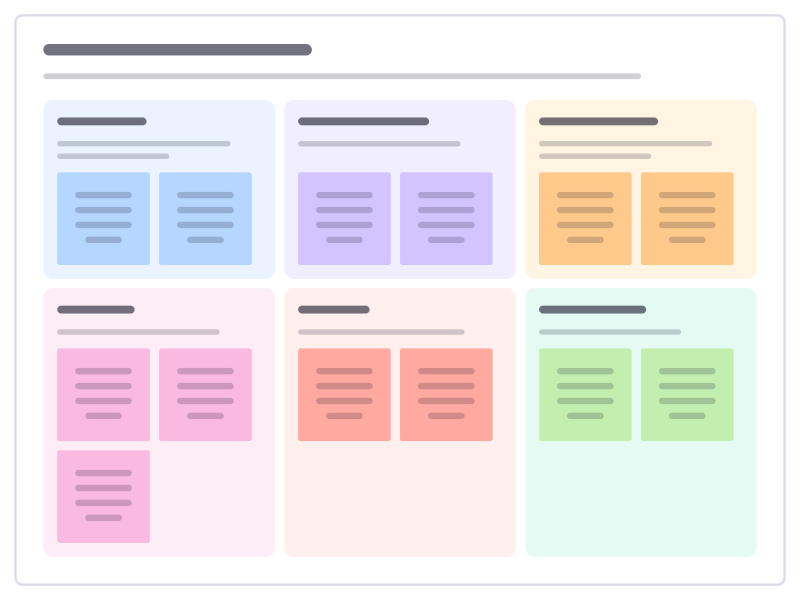
Sales to success handoff
Pass a newly signed customer from sales to the success team with everything promised, every contact and every known risk.
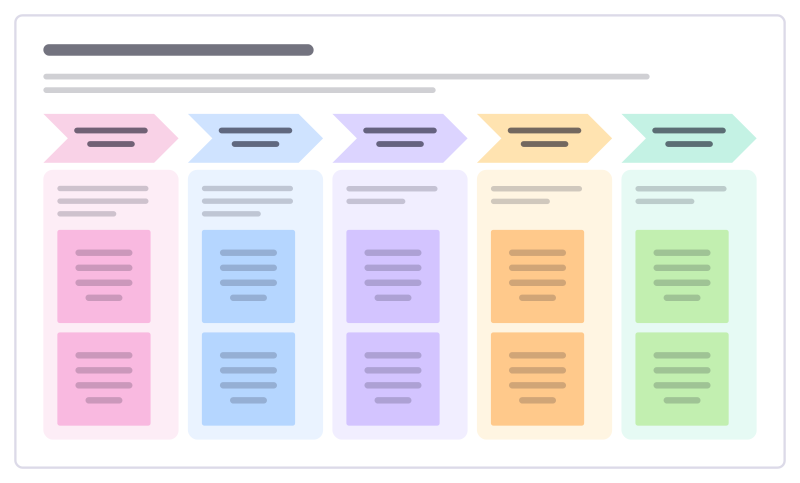
At-risk account recovery
Run a recovery when an important customer is upset: what went wrong, how you will put it right and how you will rebuild trust.
All 84 sales and marketing templates · All 584 templates by category
Bring your team and your agents to one board
Free to use, open source, and yours to host. No credit card, no seat count.